See the remodel before you start it.
Photograph the room you are remodelling, choose a direction, and see it finished. 40 tools, 40 styles, 34 projects.
4 free credits on signup — one full render, no card.
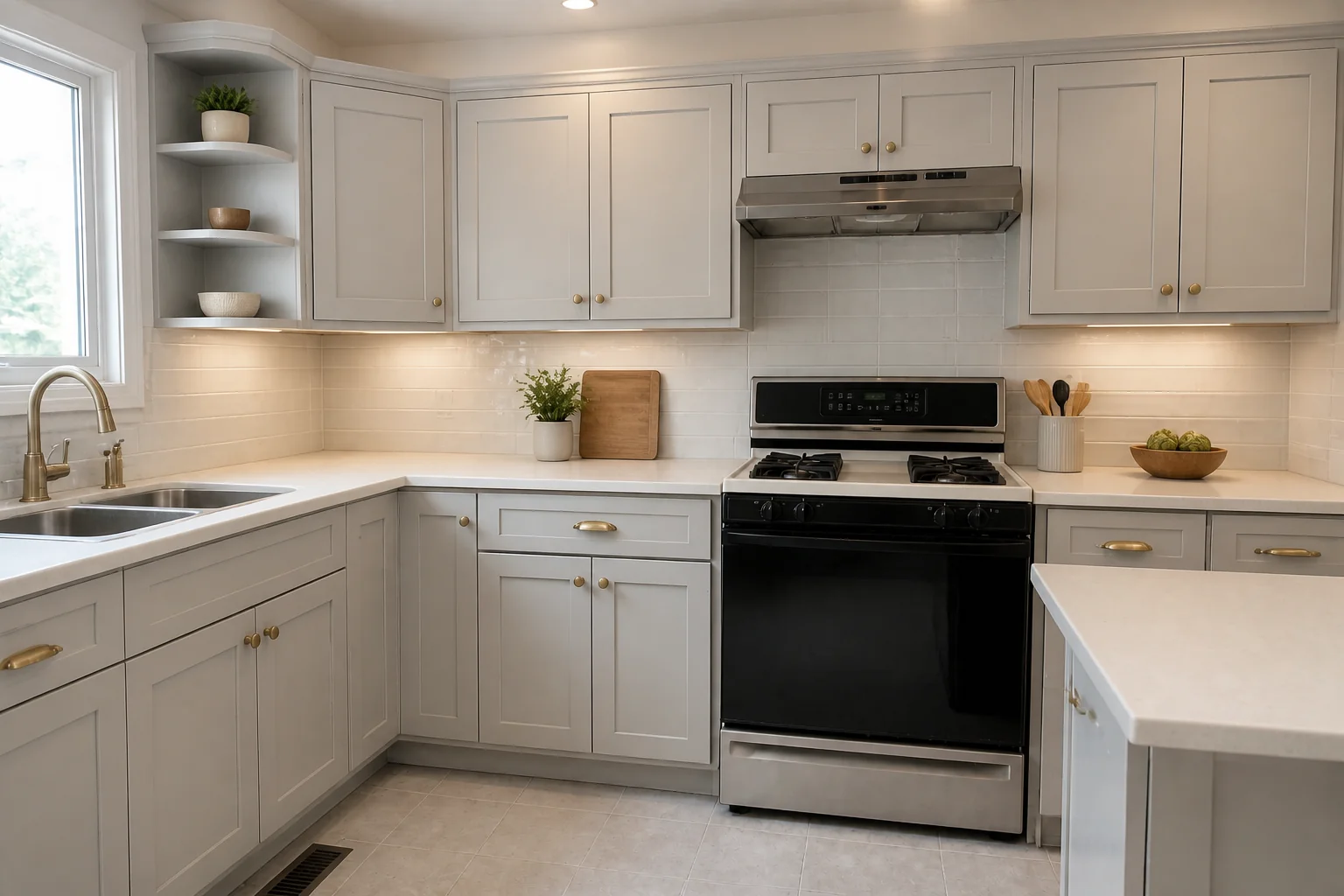 BeforeAfter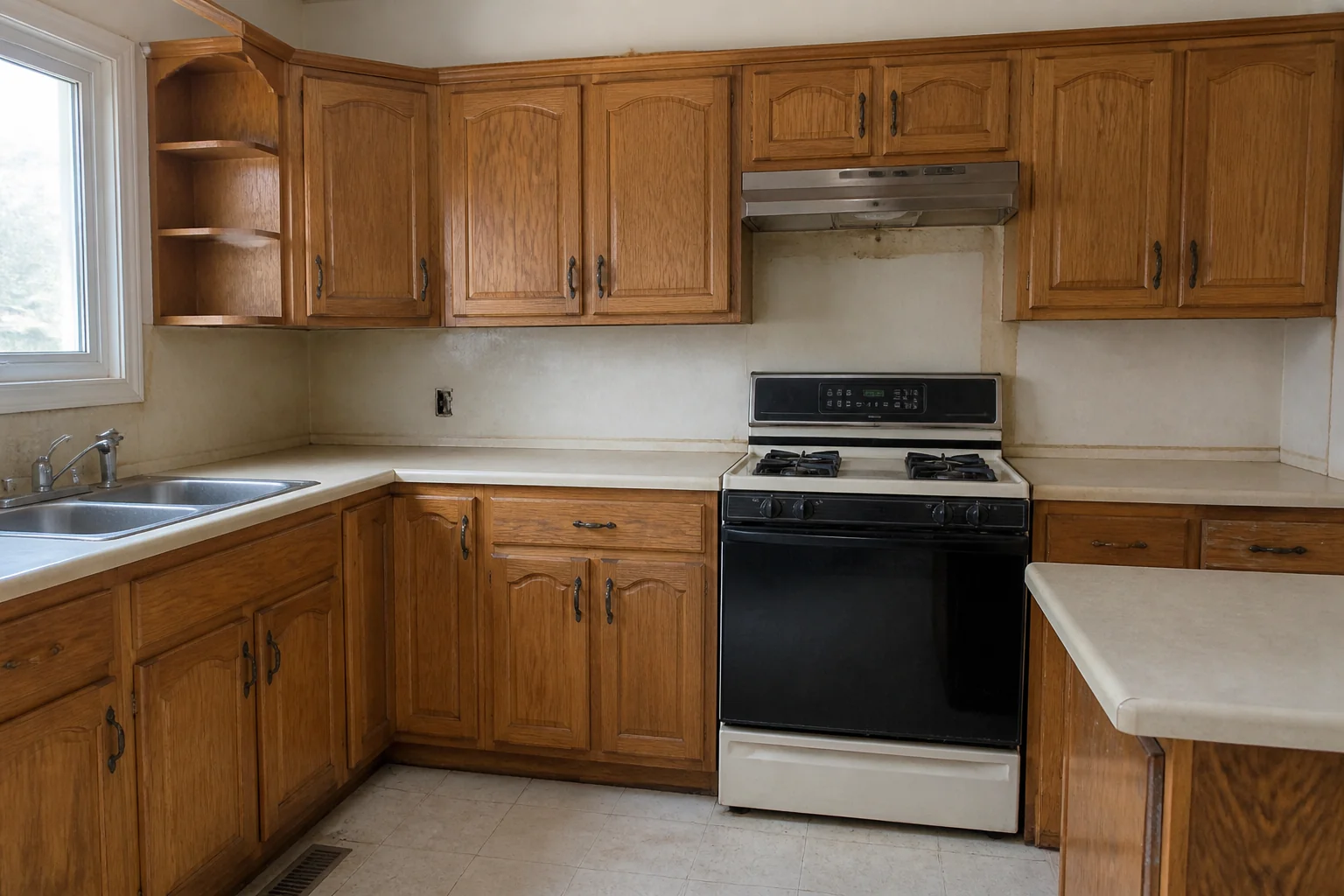
Watch the room become its redesign
A before and after side by side asks people to do the work. A time-lapse does it for them — old furnishings clear away, finishes change, furniture settles in, all from one fixed camera position so the room stays obviously the same room.
Drag to see what changes
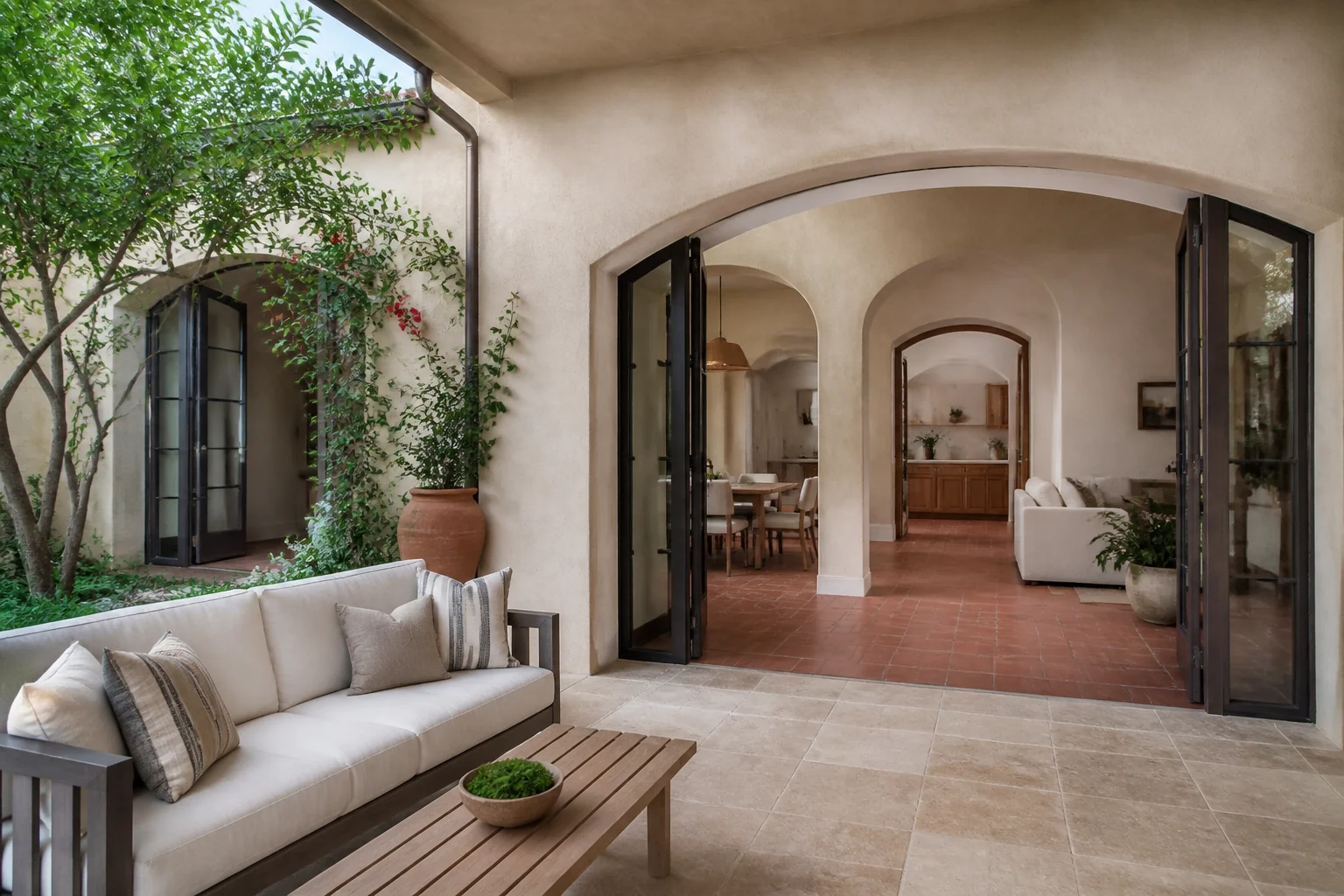
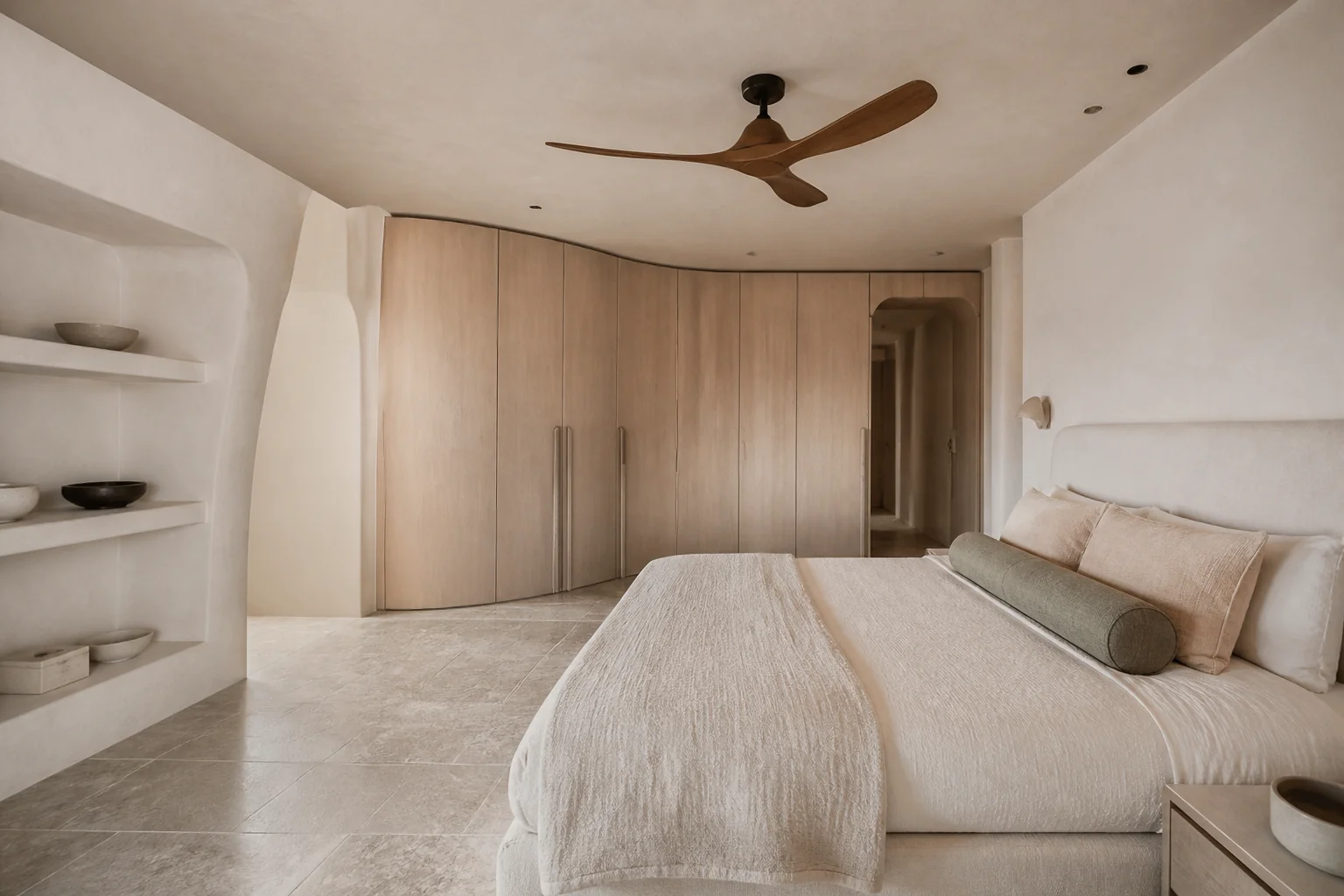
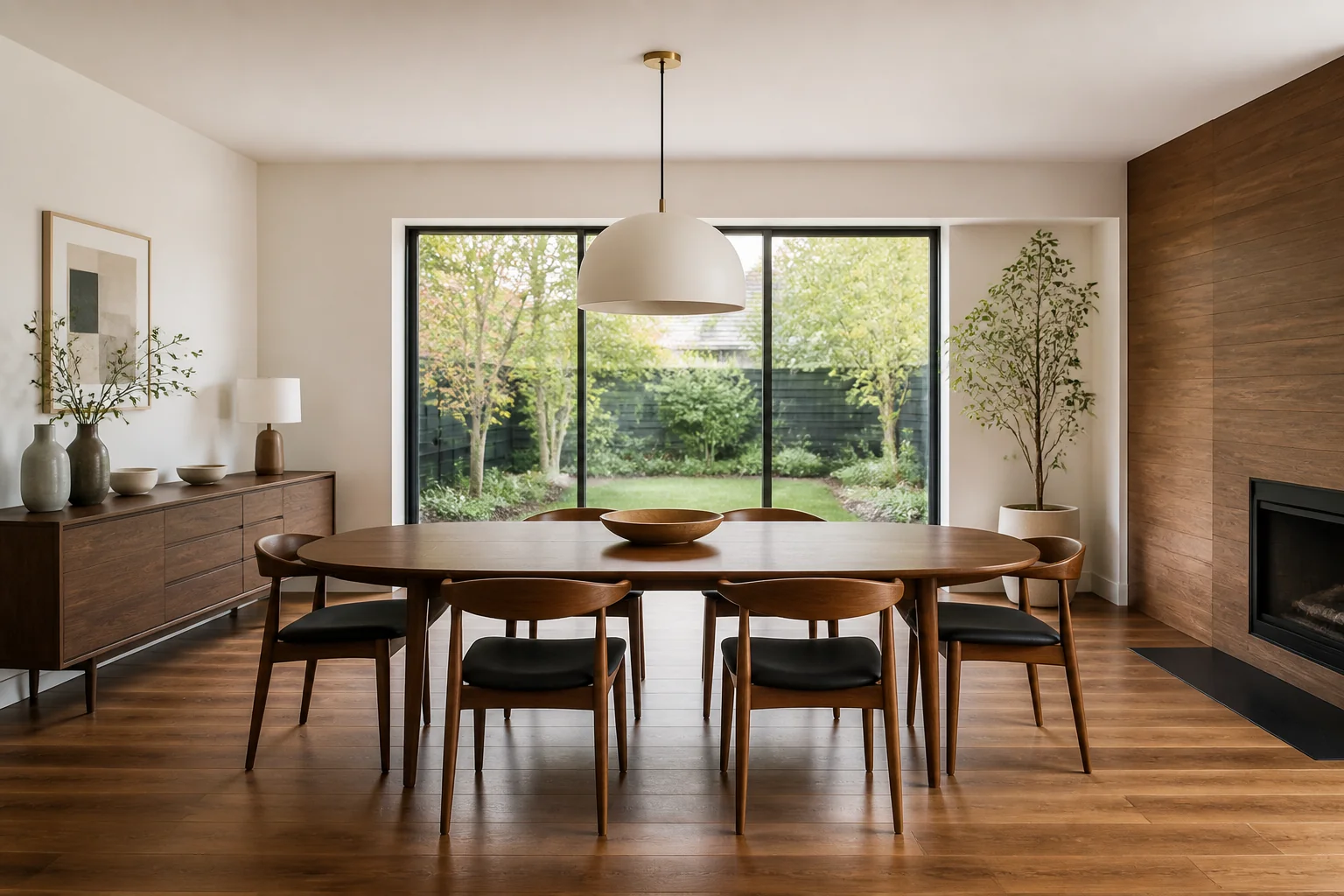
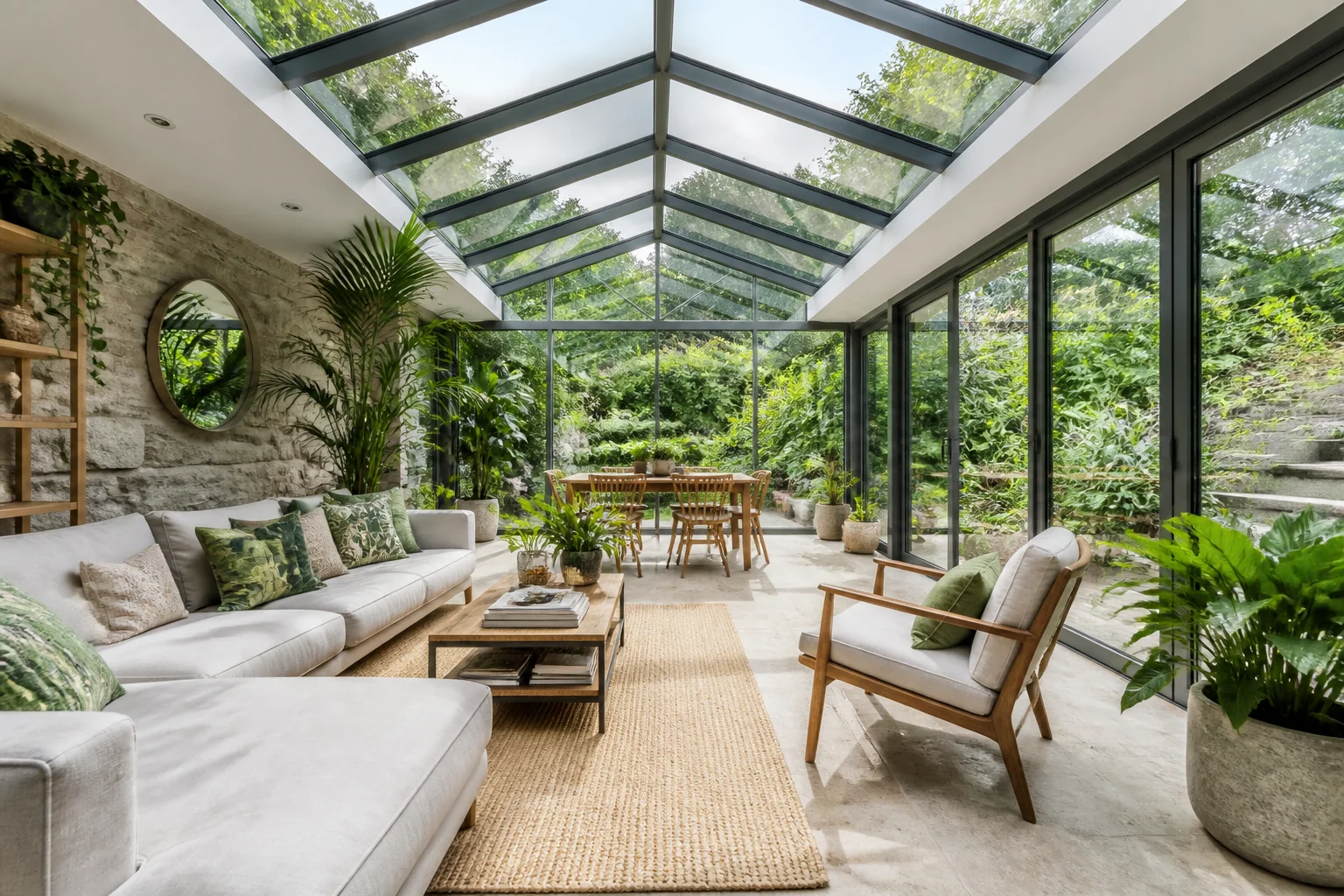
All 40 tools →Every pair below is real output: the “before” room was generated, then run through the tool named on it. The two frames line up because the after is derived from the before, not prompted separately.
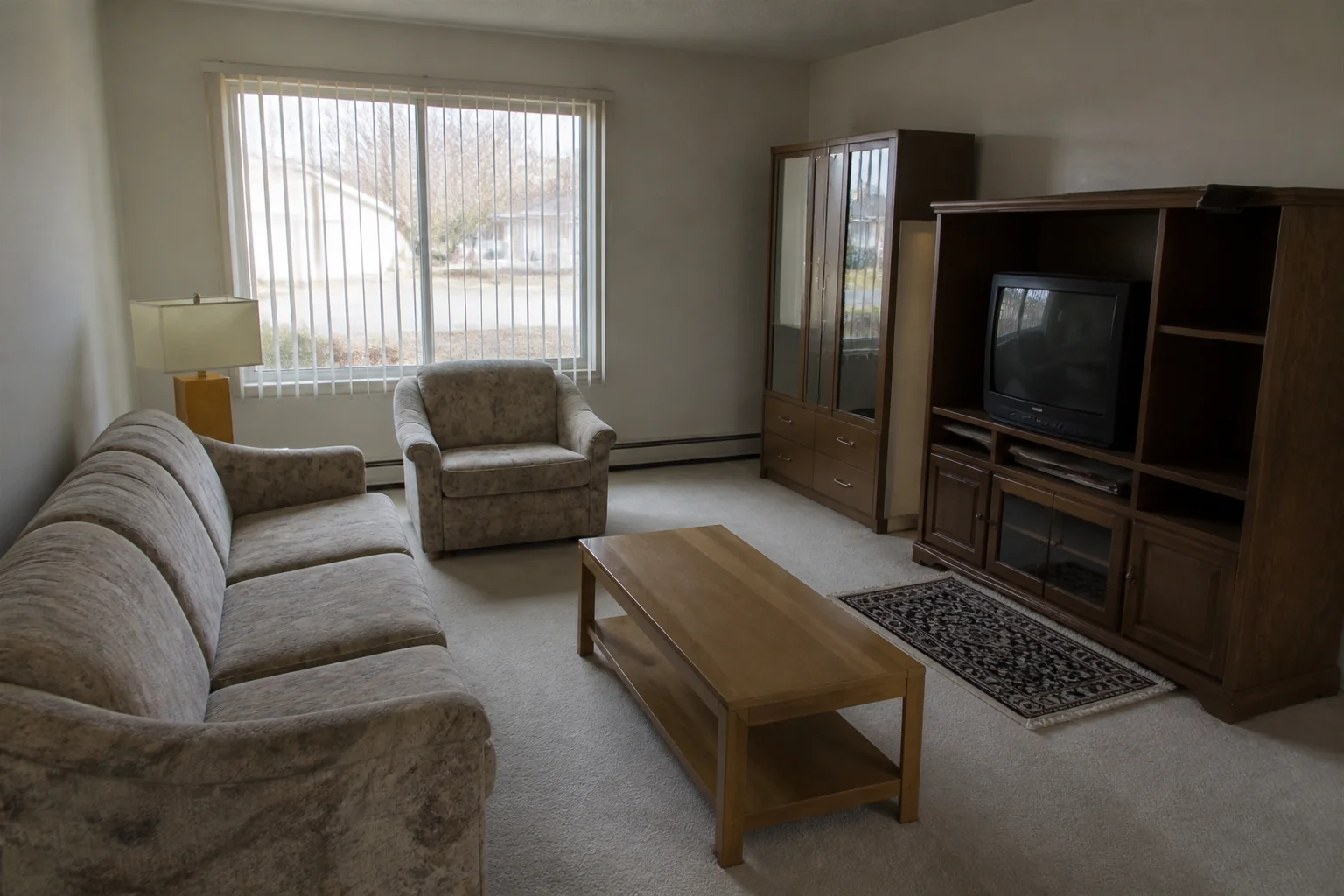
- Remodel a Room
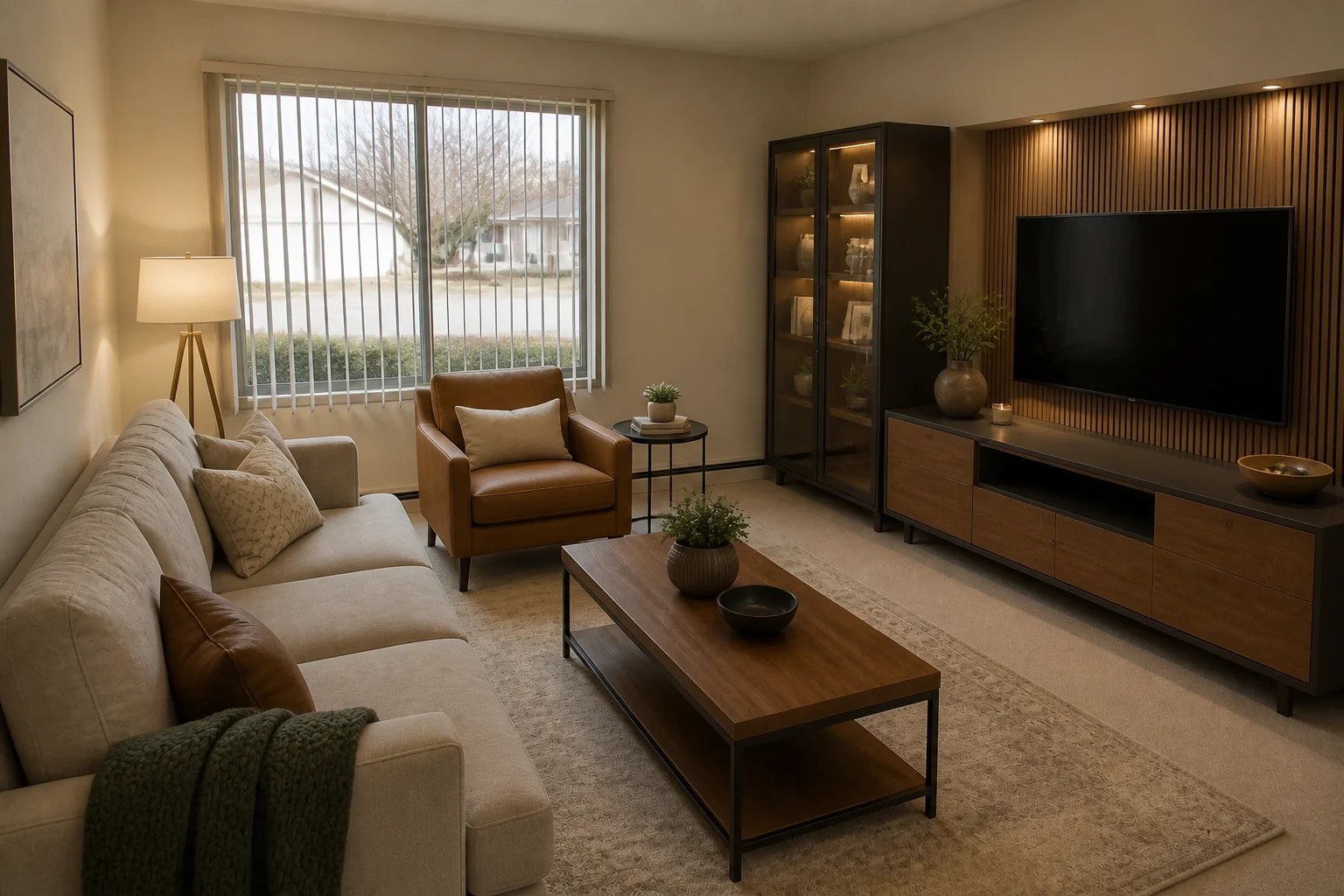 BeforeAfter
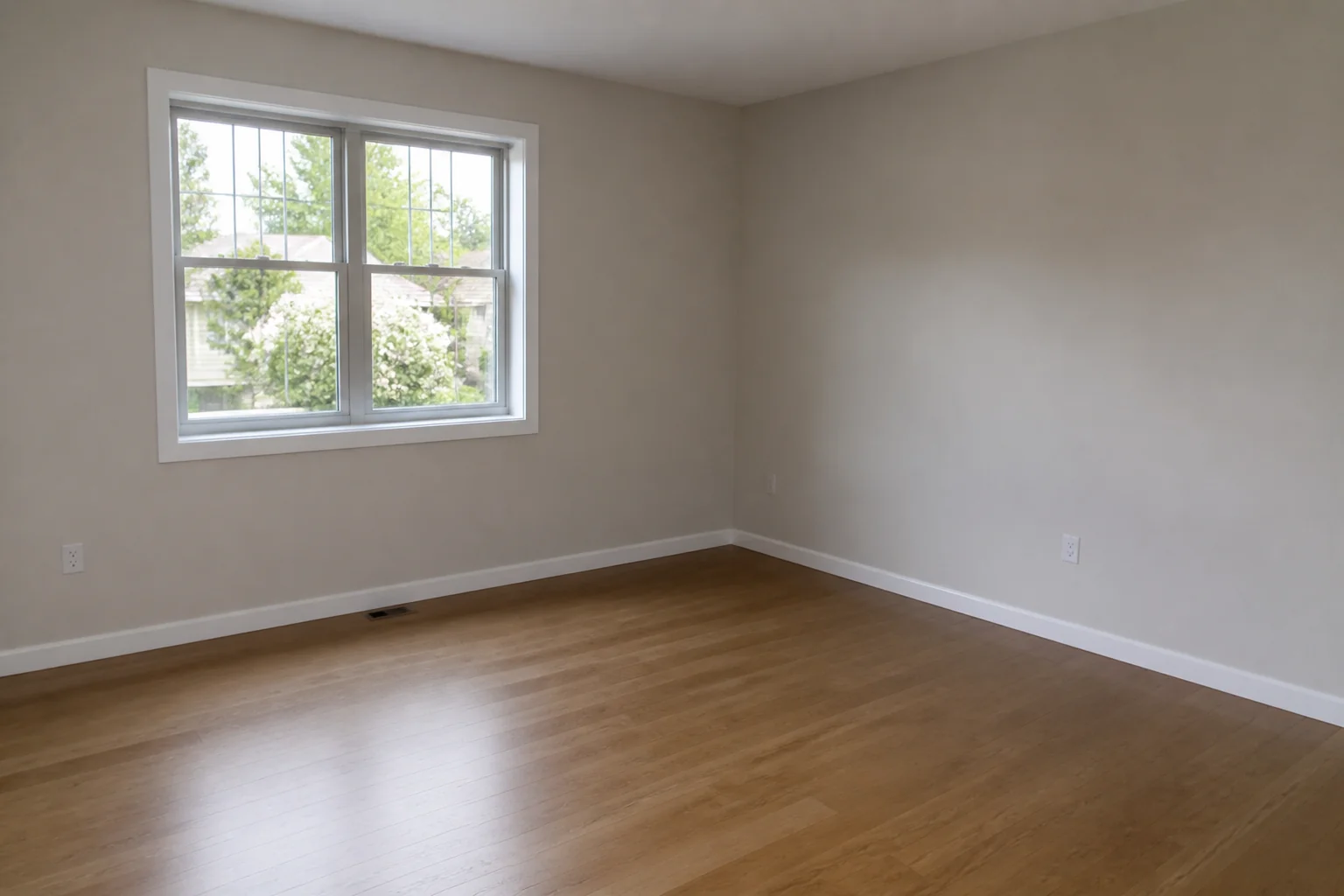
Photograph the room, choose a direction, see it remodelled.
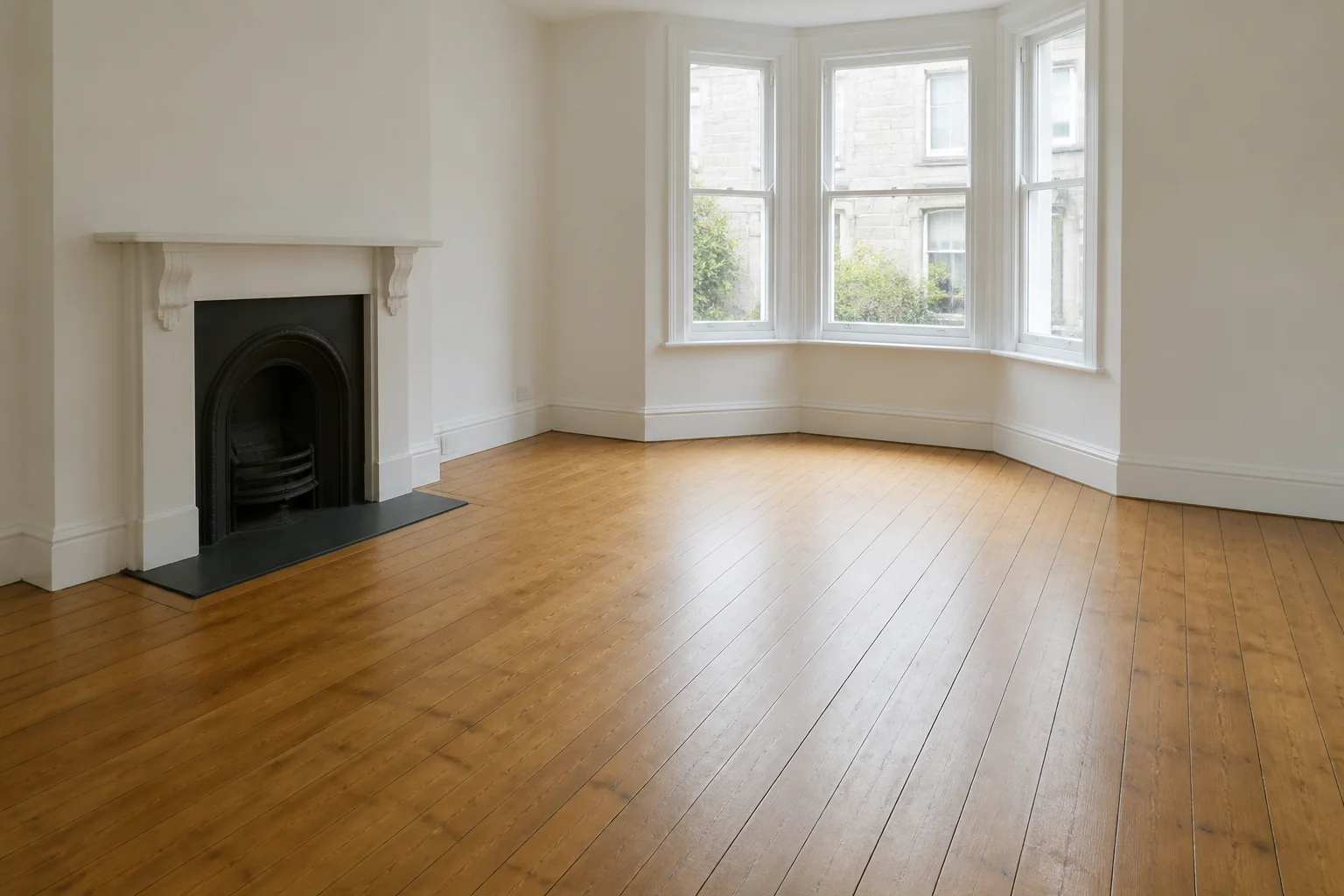
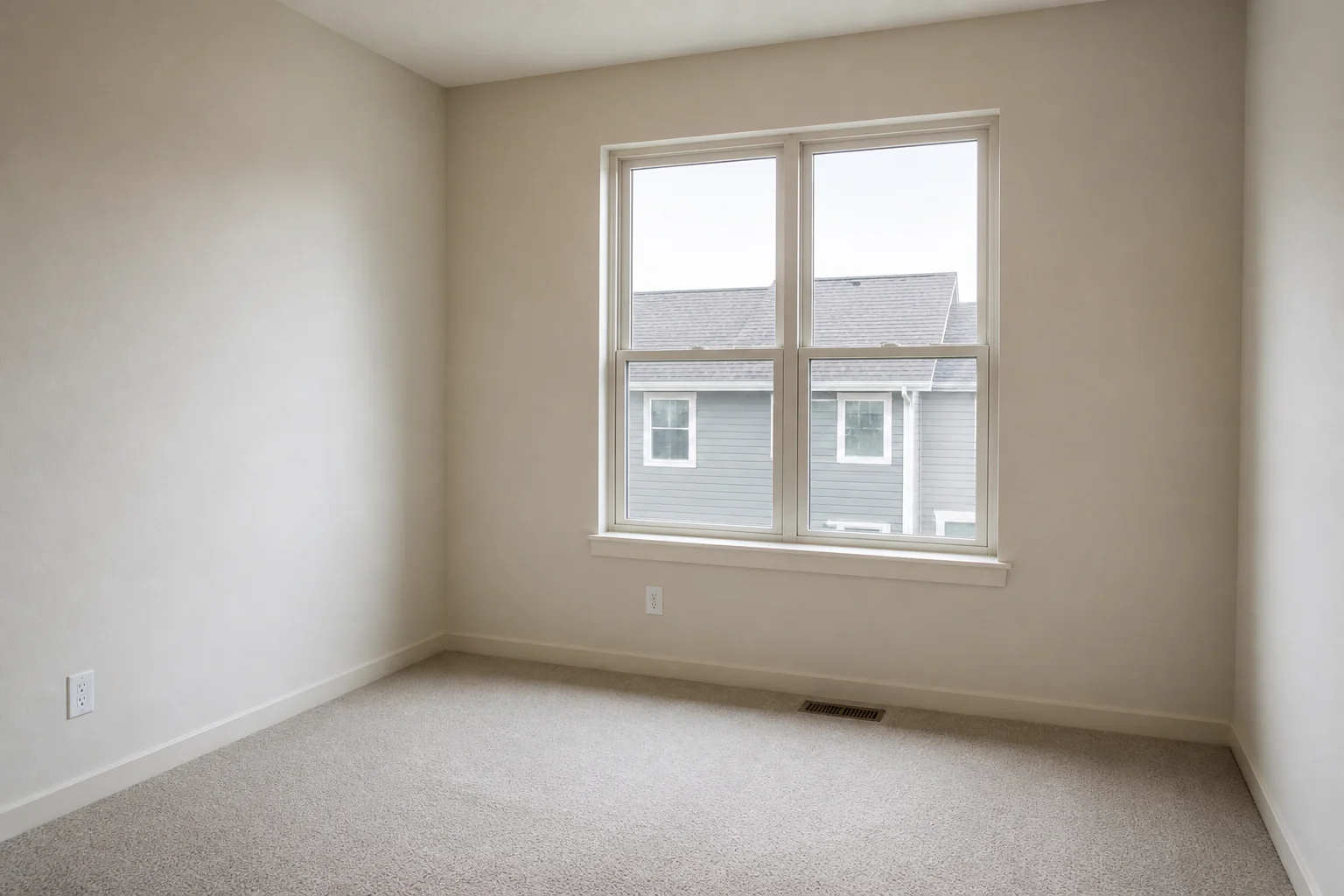
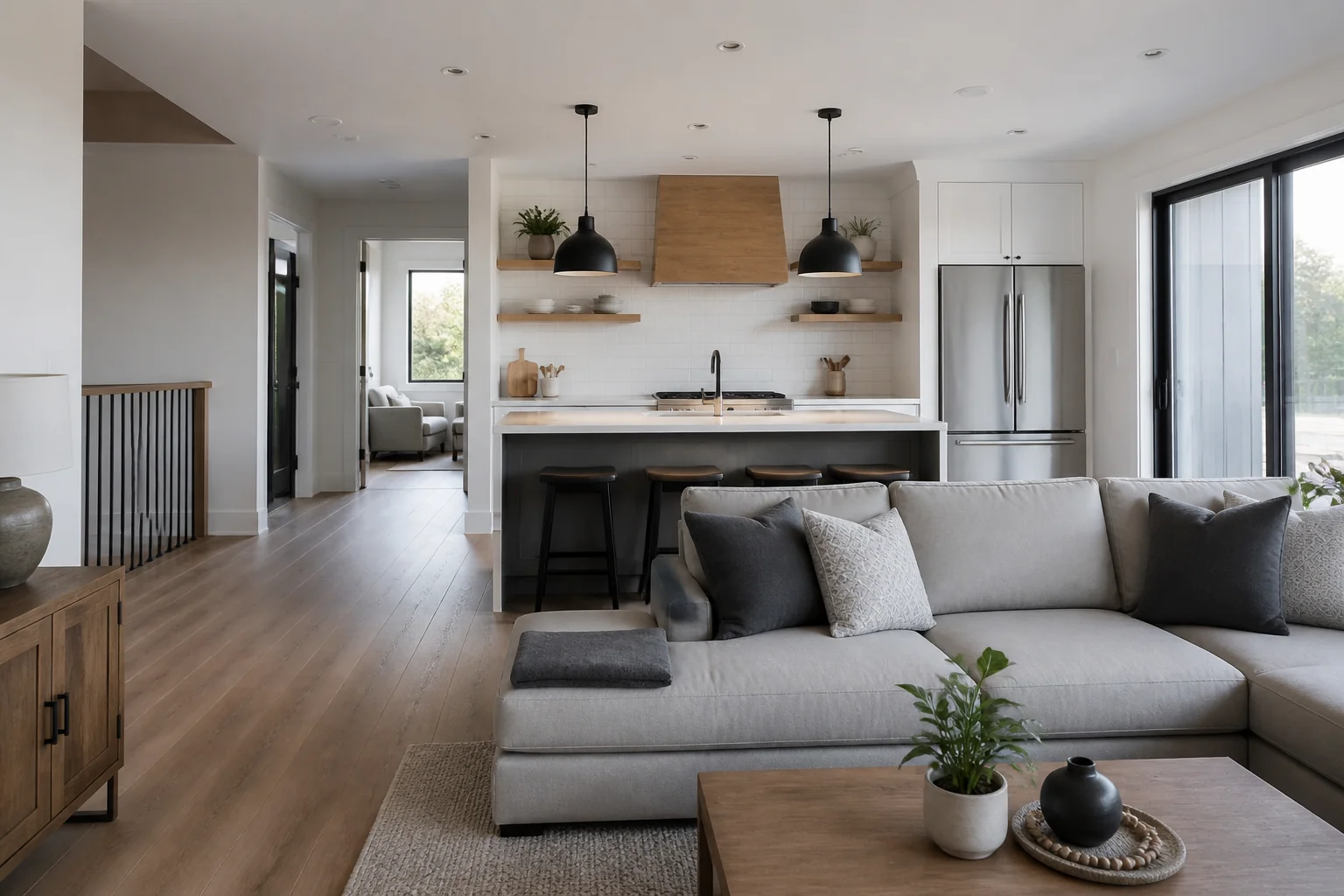
- Furnish an Empty Room
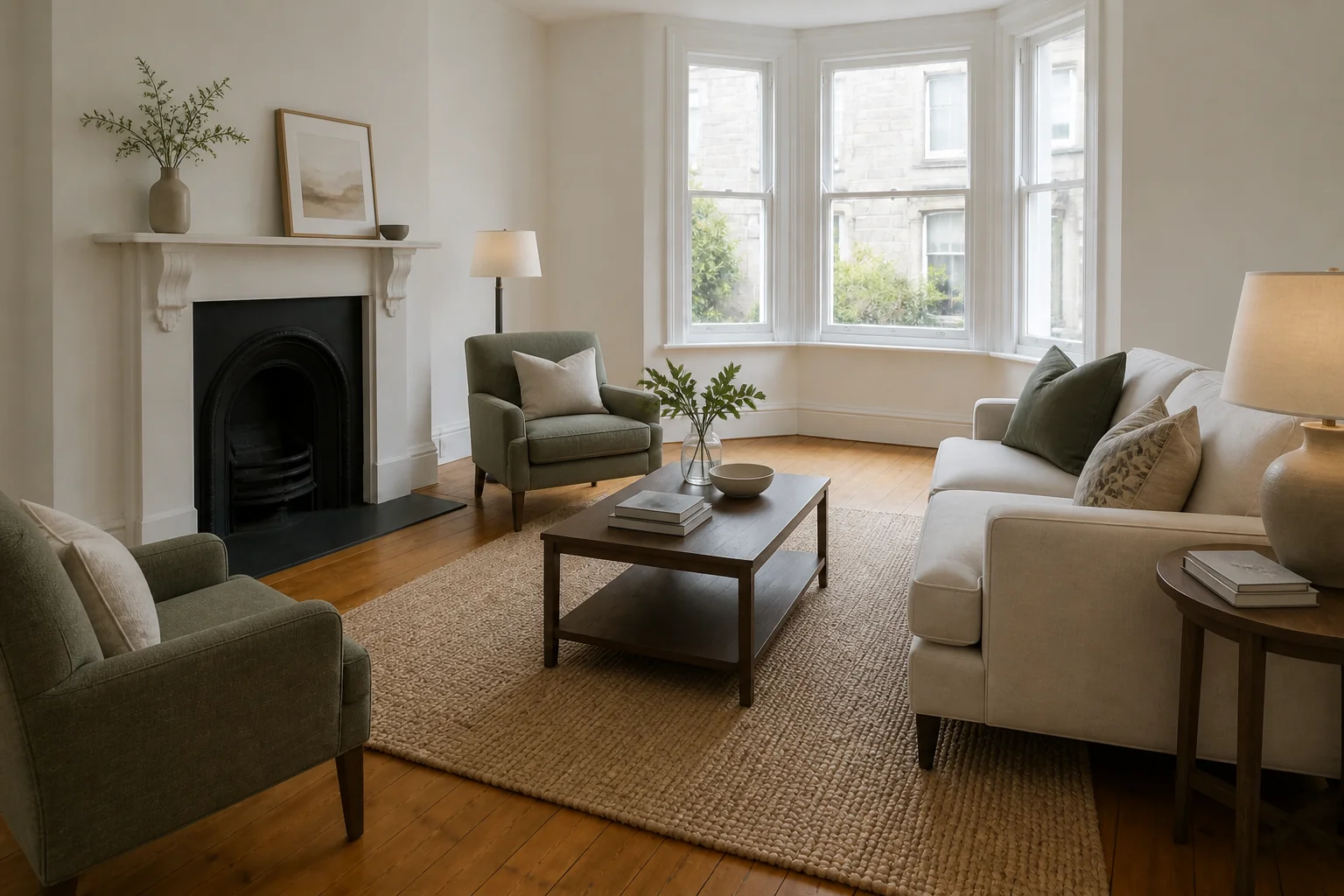 BeforeAfter
An empty room, furnished — for a listing or to check what fits.
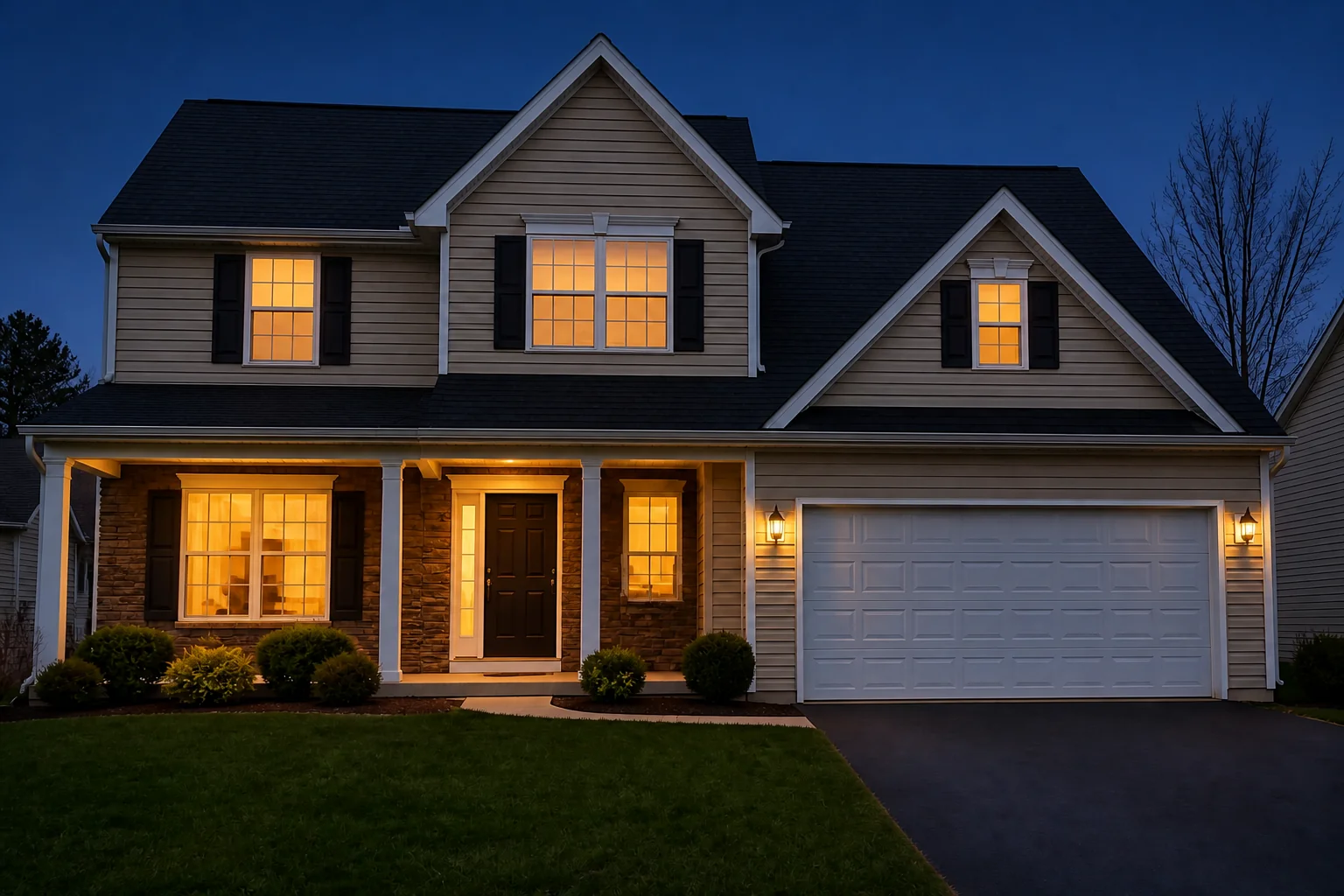
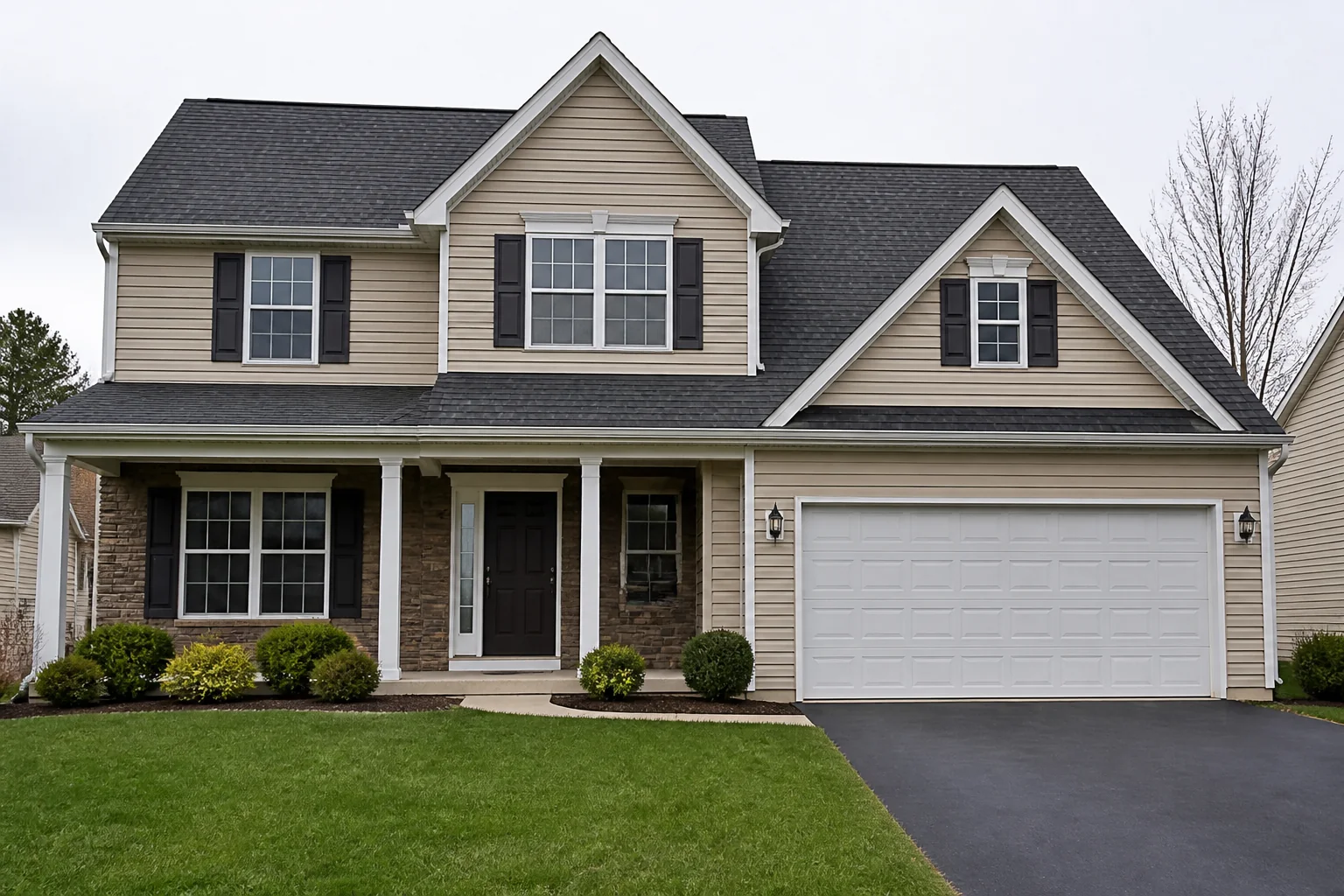
- Dusk Shot of the Exterior
 BeforeAfter
A daytime photo of the house, at the hour it looks best.
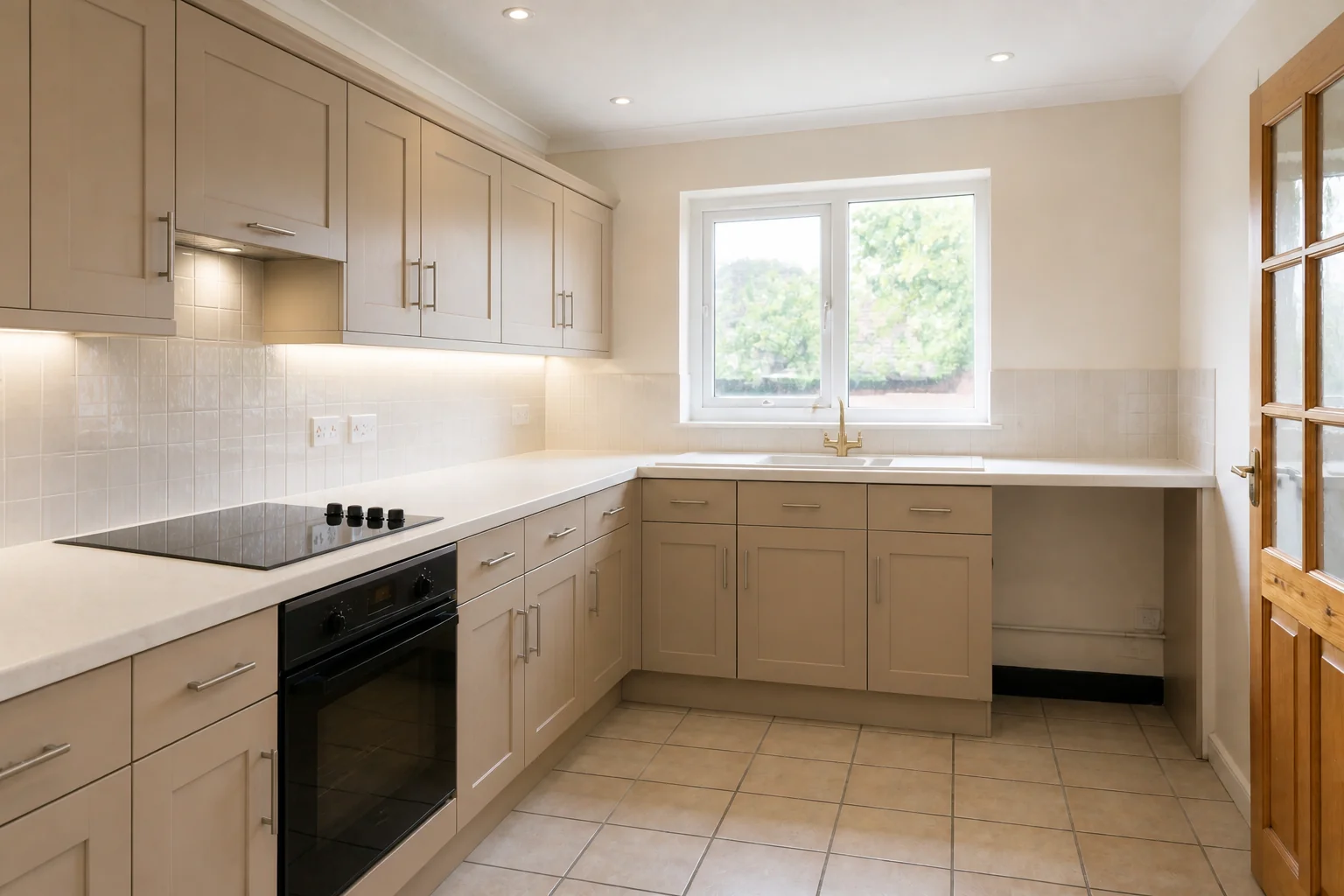
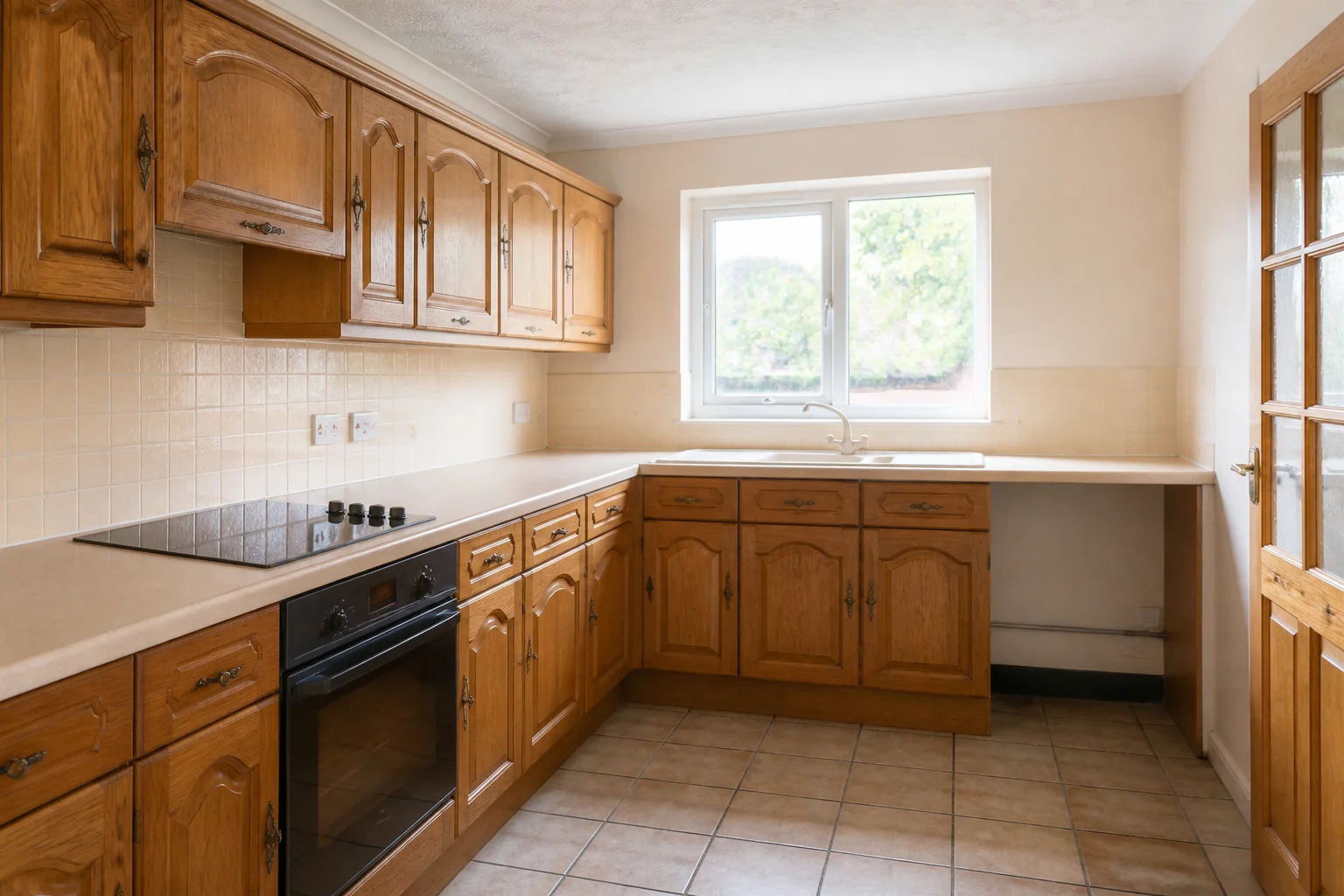
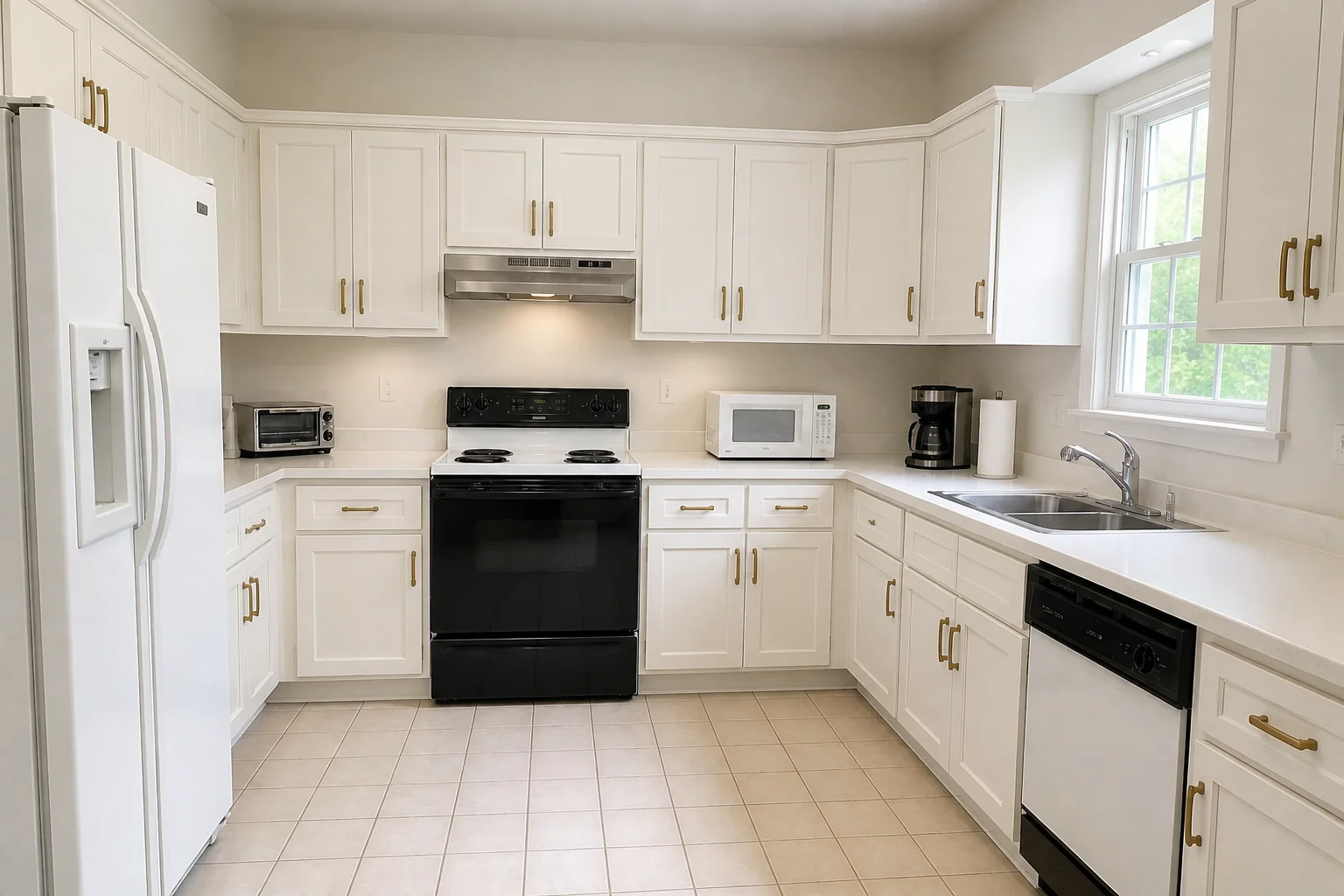
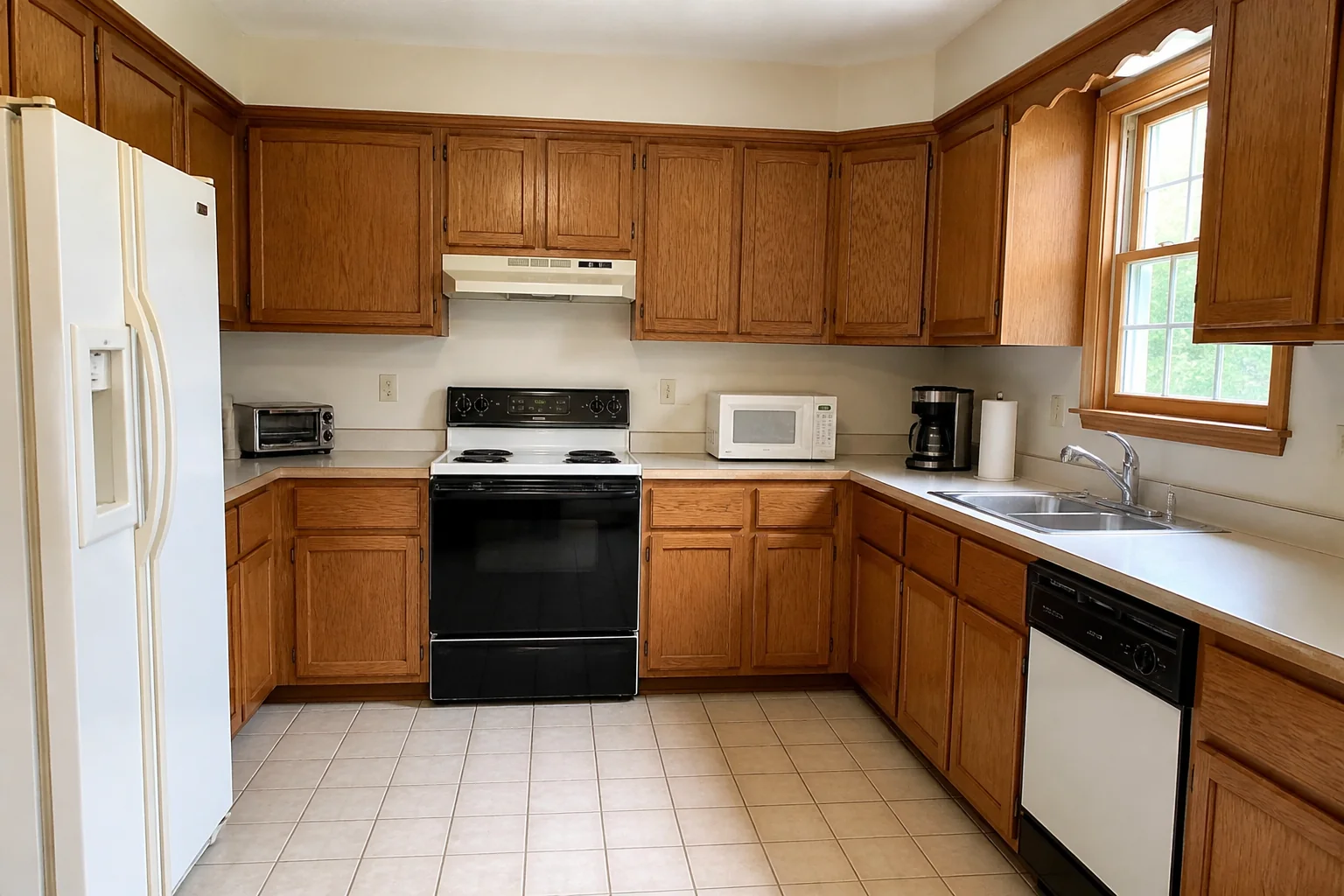
- Whole Kitchen Remodel
 BeforeAfter
Cabinets, worktop, splashback, floor and lighting in one pass.
Made with the studio
1328 style and room combinations →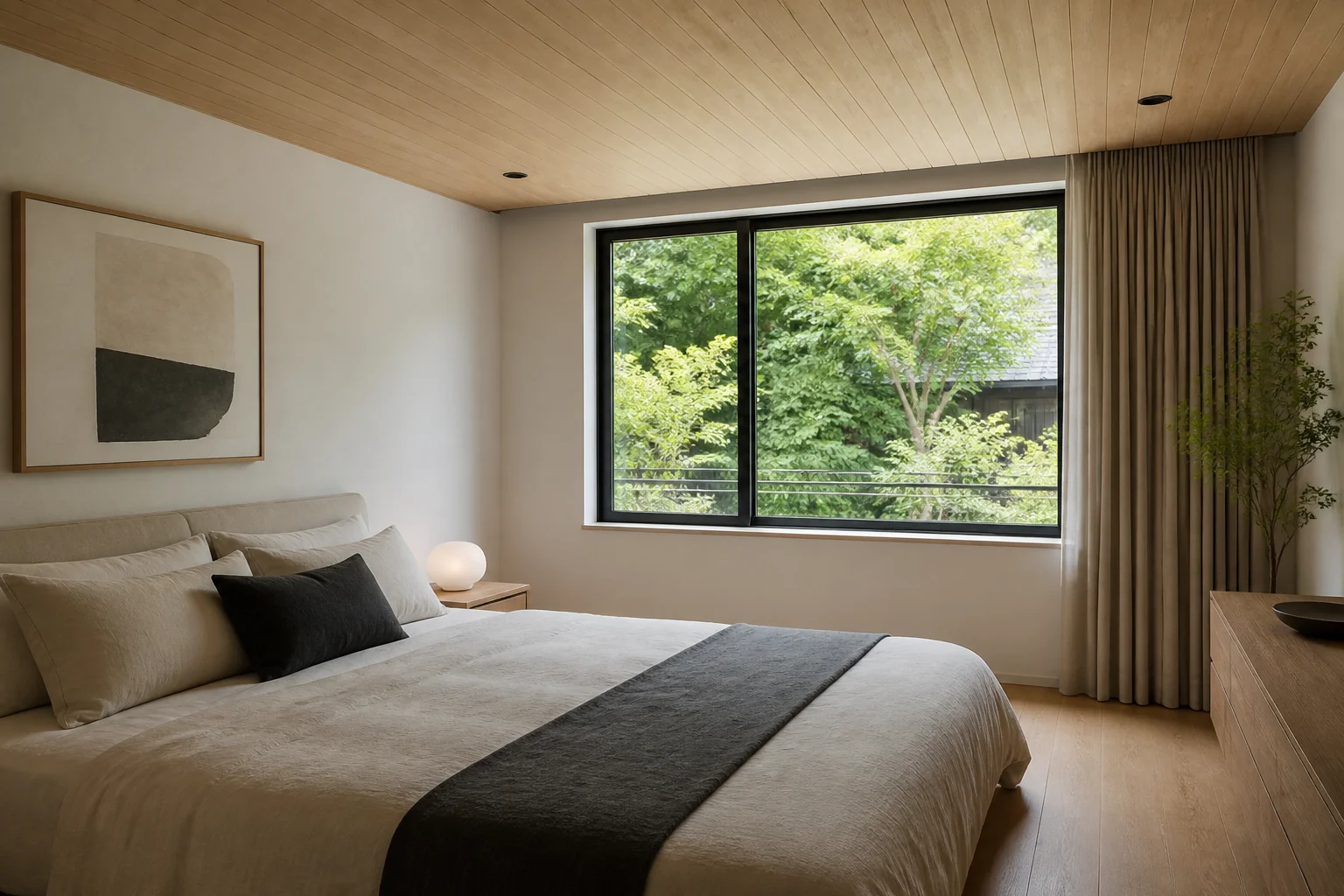
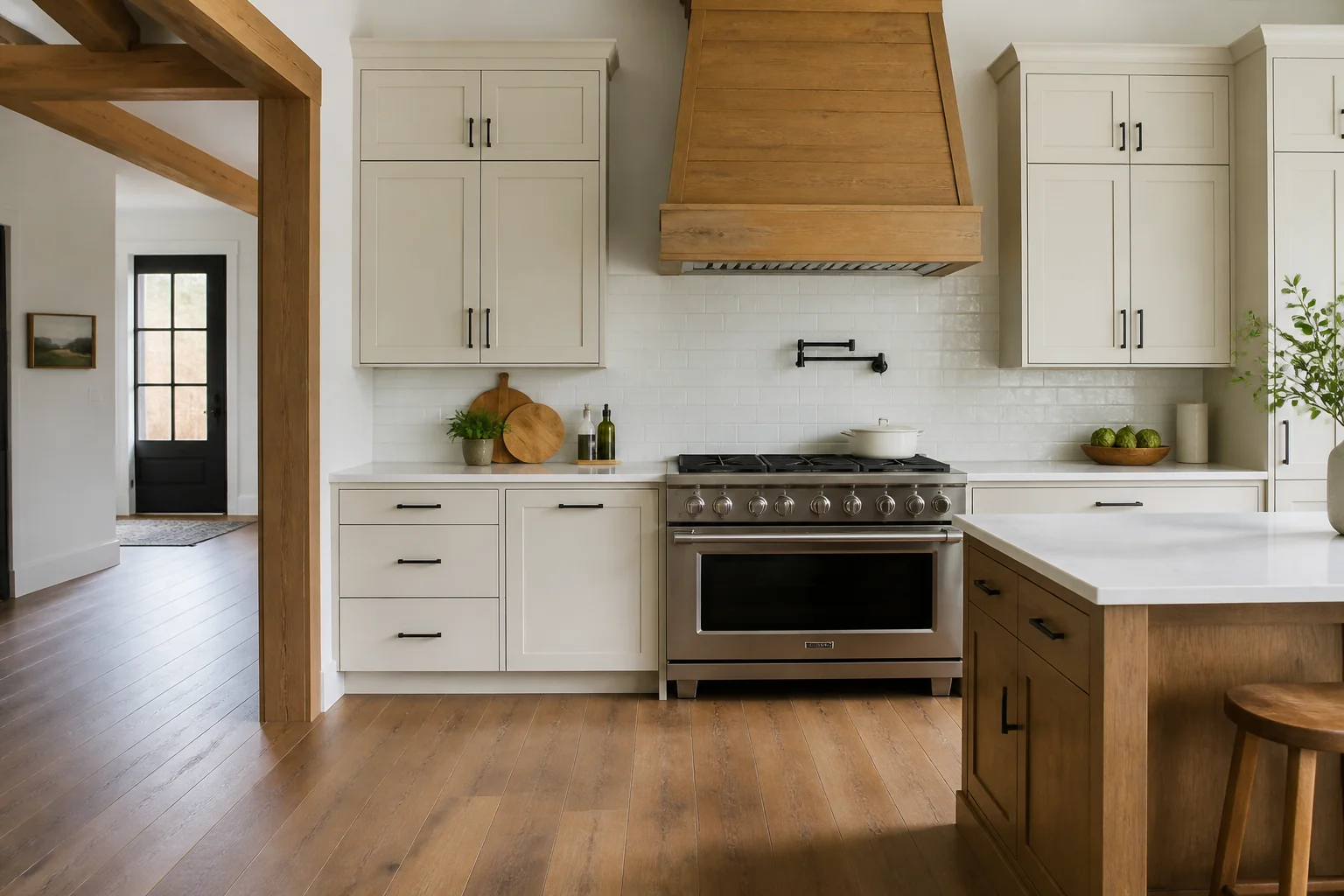
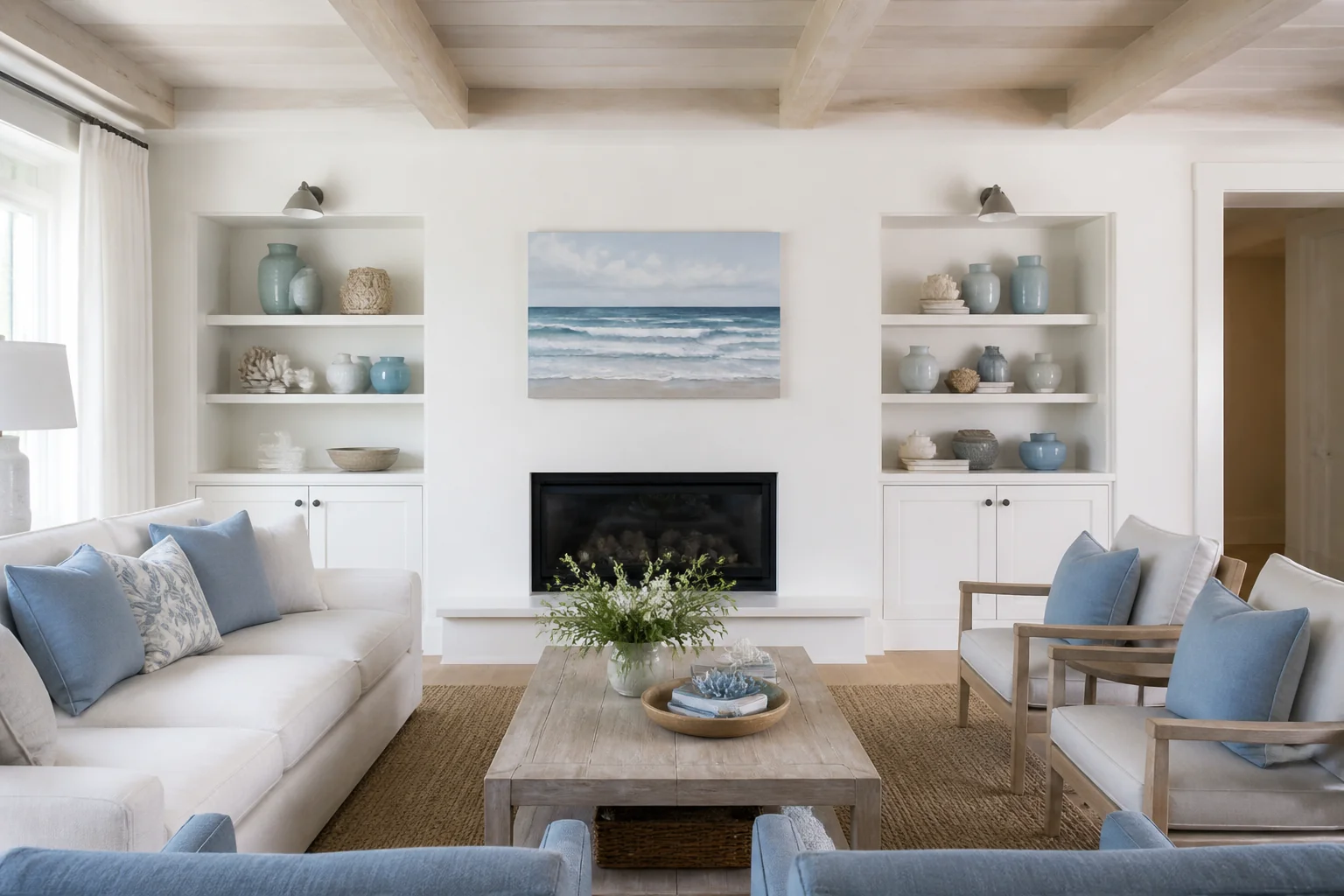
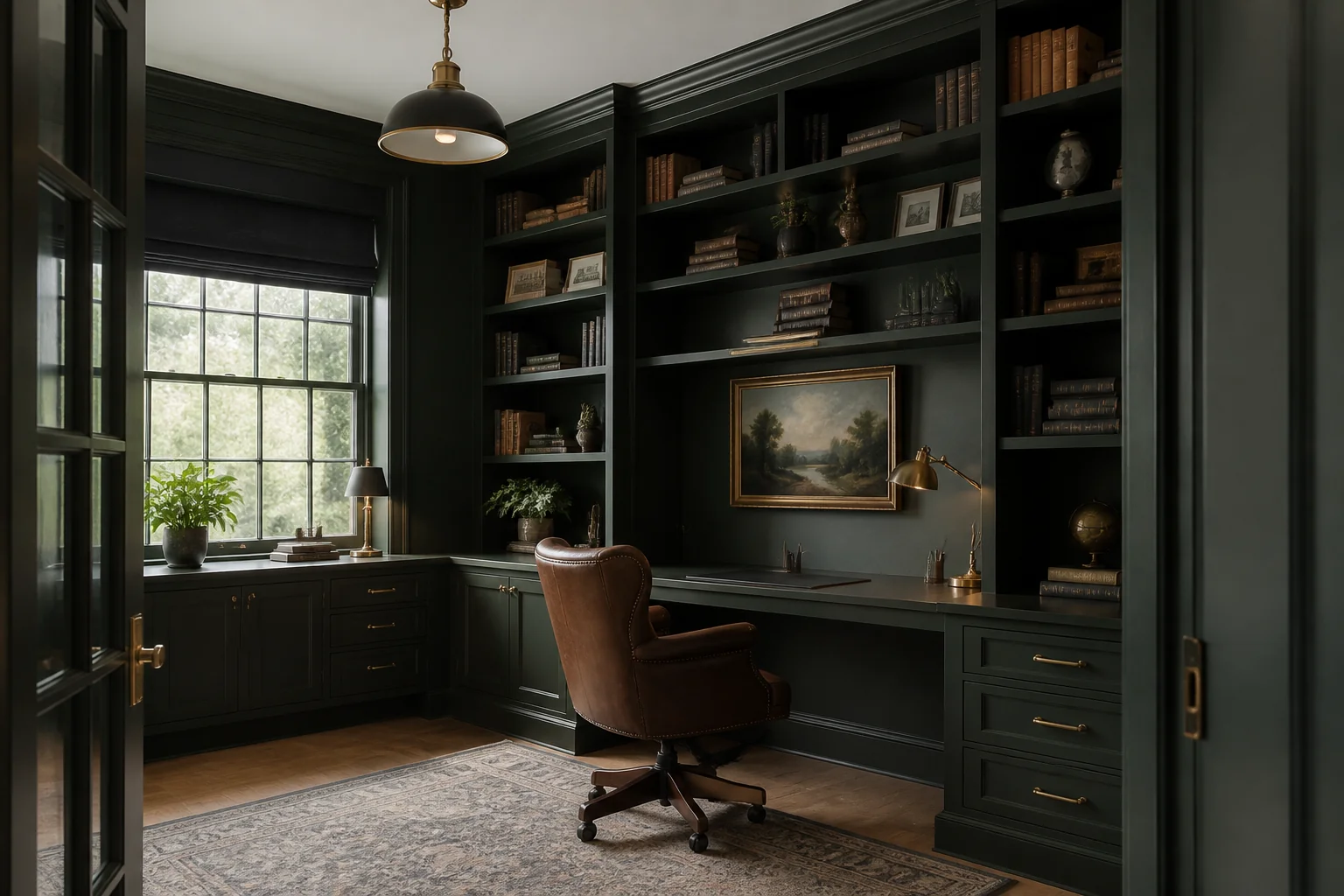
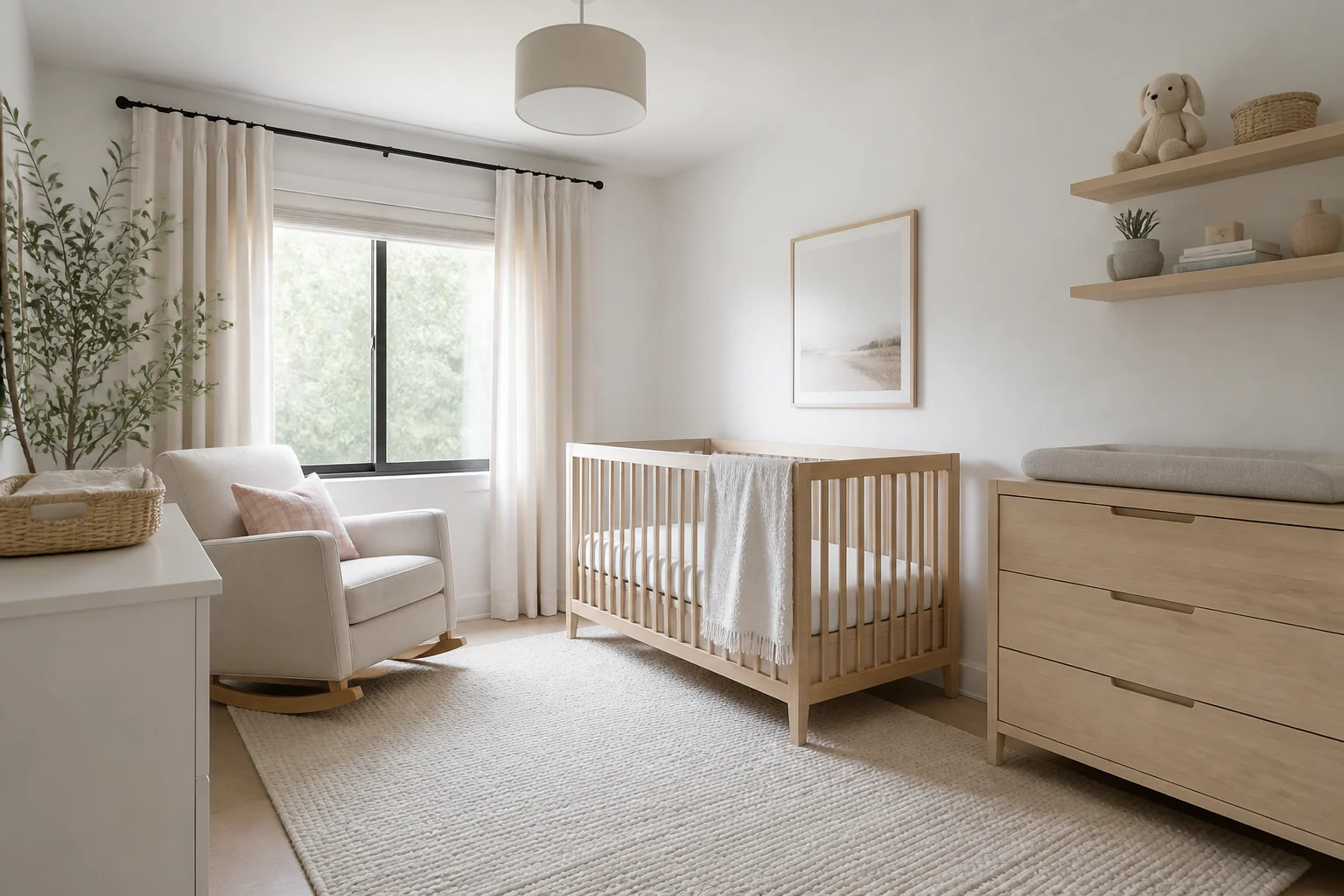
How it works
- 1
Photograph the room
From a corner, in daylight, with the whole room in frame. Two visible walls give the model the geometry it needs to hold on to.
- 2
Choose what to change
A whole style, or one thing — the wall colour, the flooring, the cabinets. 37 tools, all working on the same photo.
- 3
Keep going from the result
Any design chains into any other tool. Redesign it, repaint that, then turn it into a walkthrough.
Start from a style
All 40 →All 40 tools
Full descriptions →- Remodel a RoomBeforeAfter
- Change It In Words
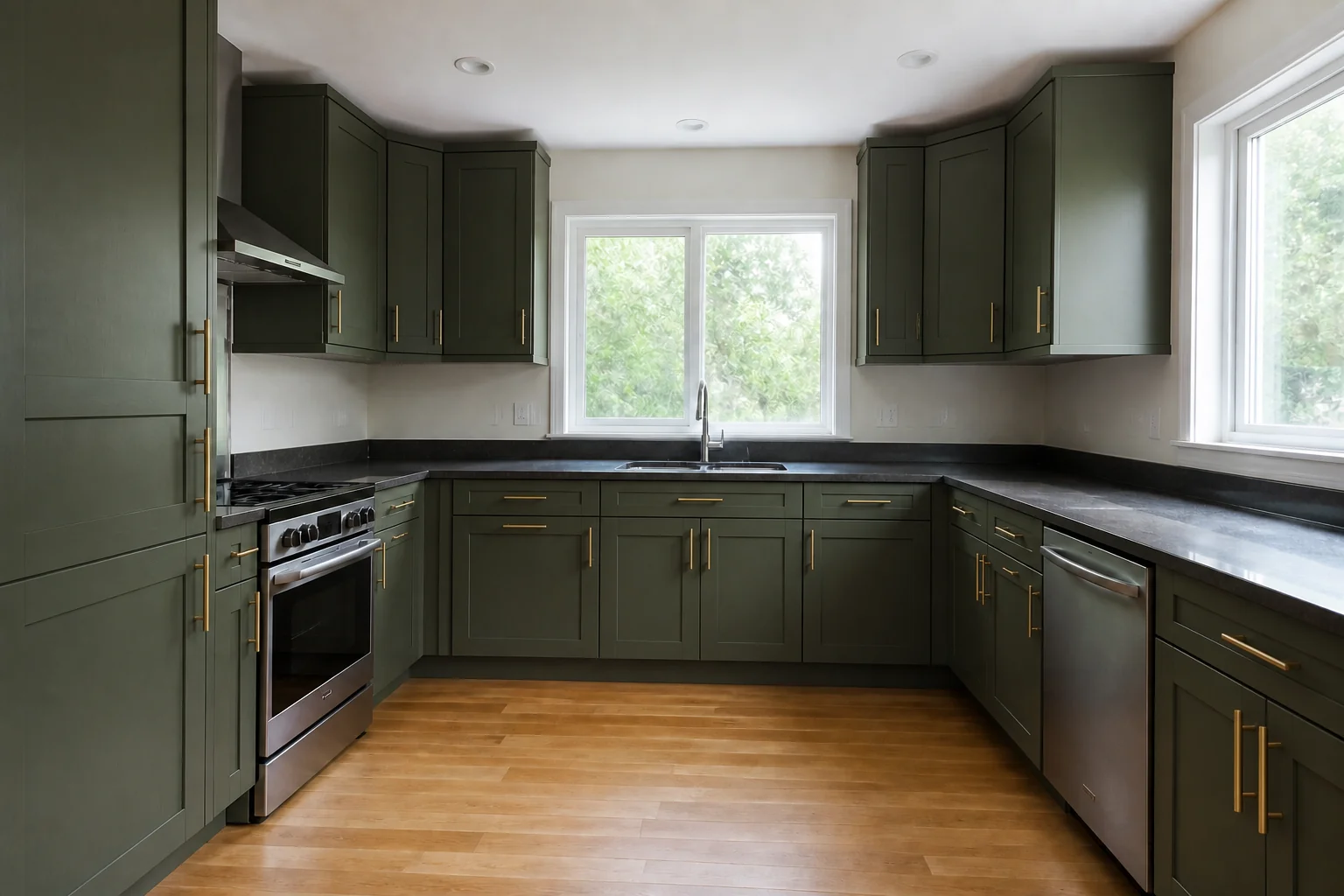 BeforeAfter
 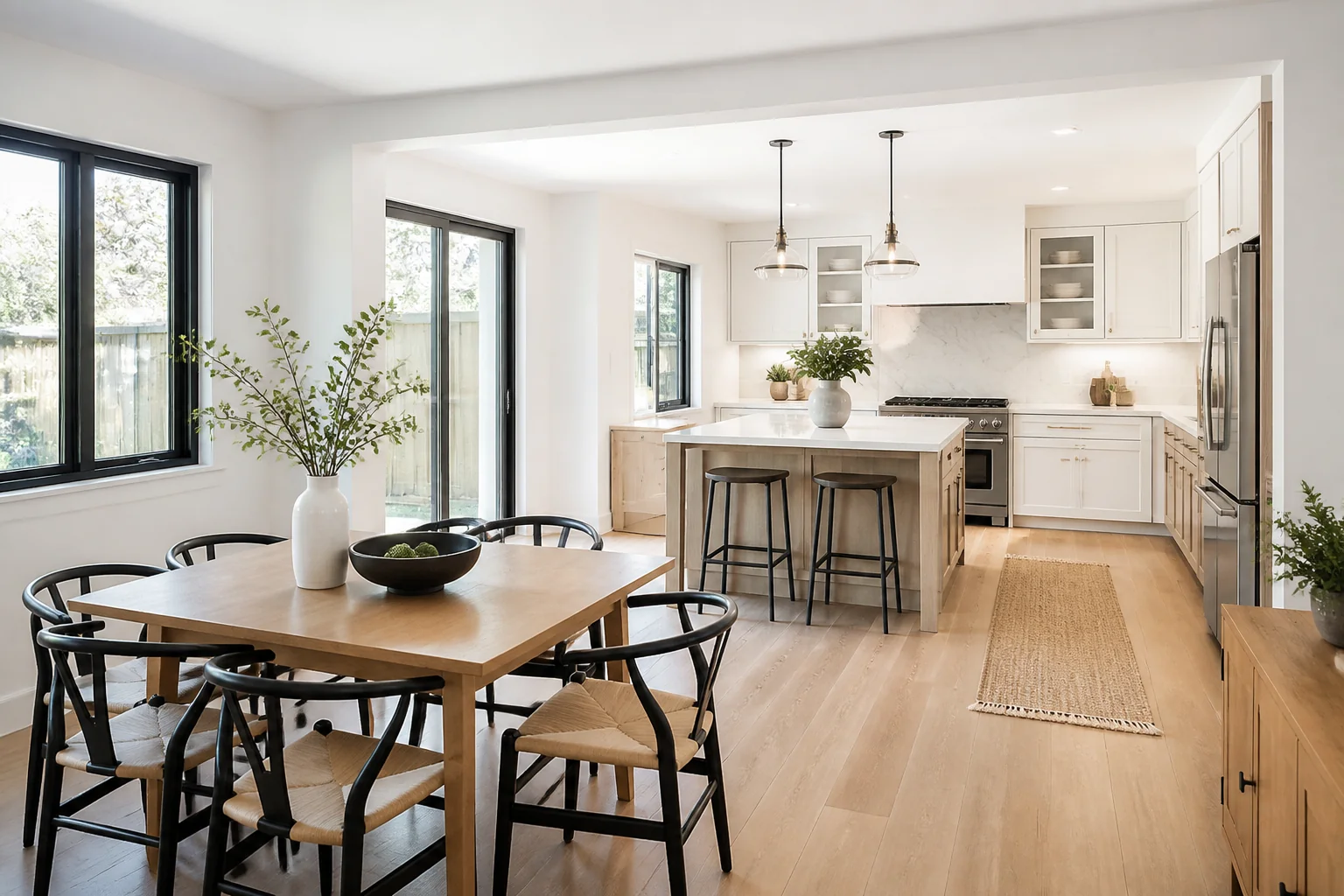 Build a Room From Text
- Sketch to Photograph
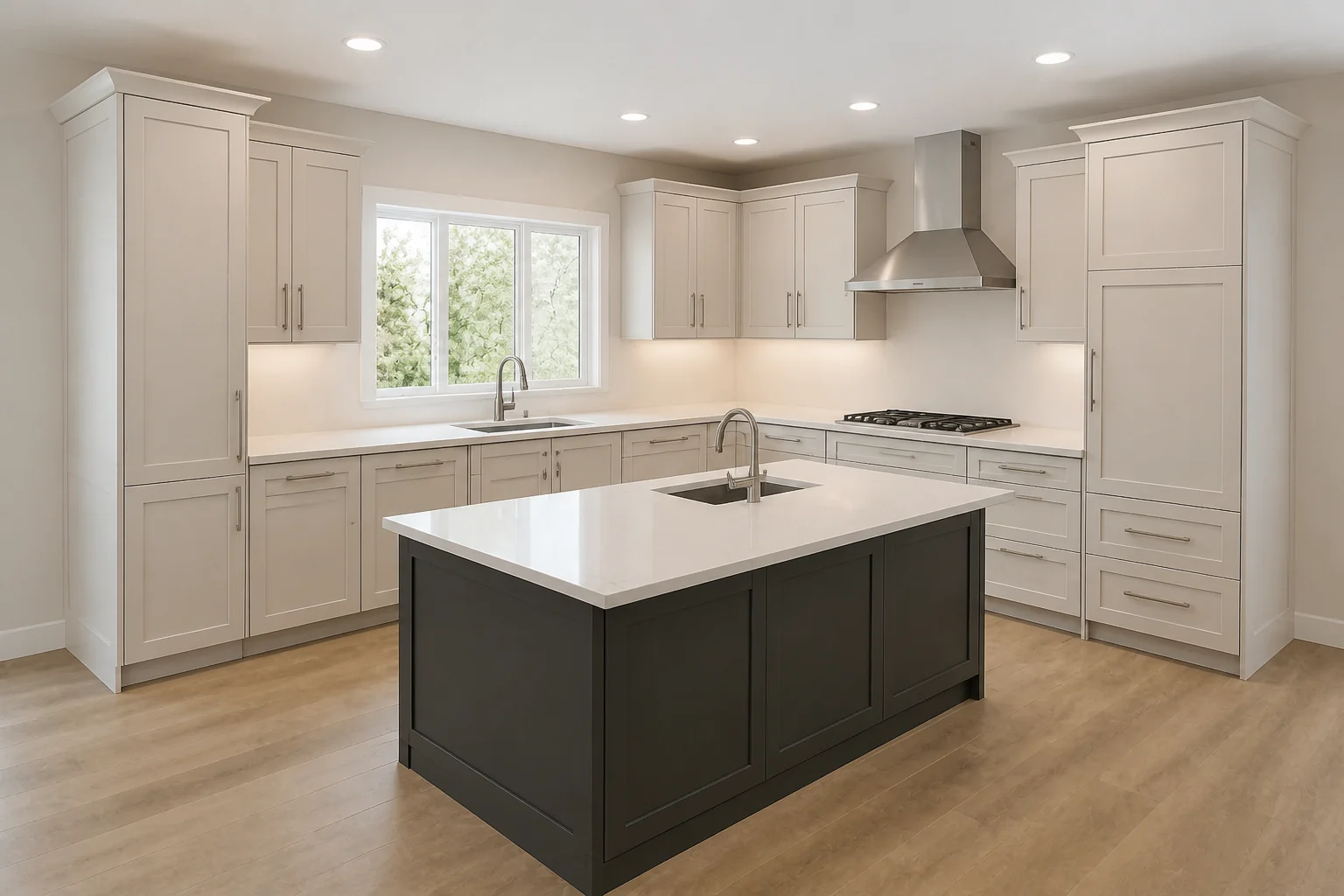 BeforeAfter
 - Floor Plan to 3D
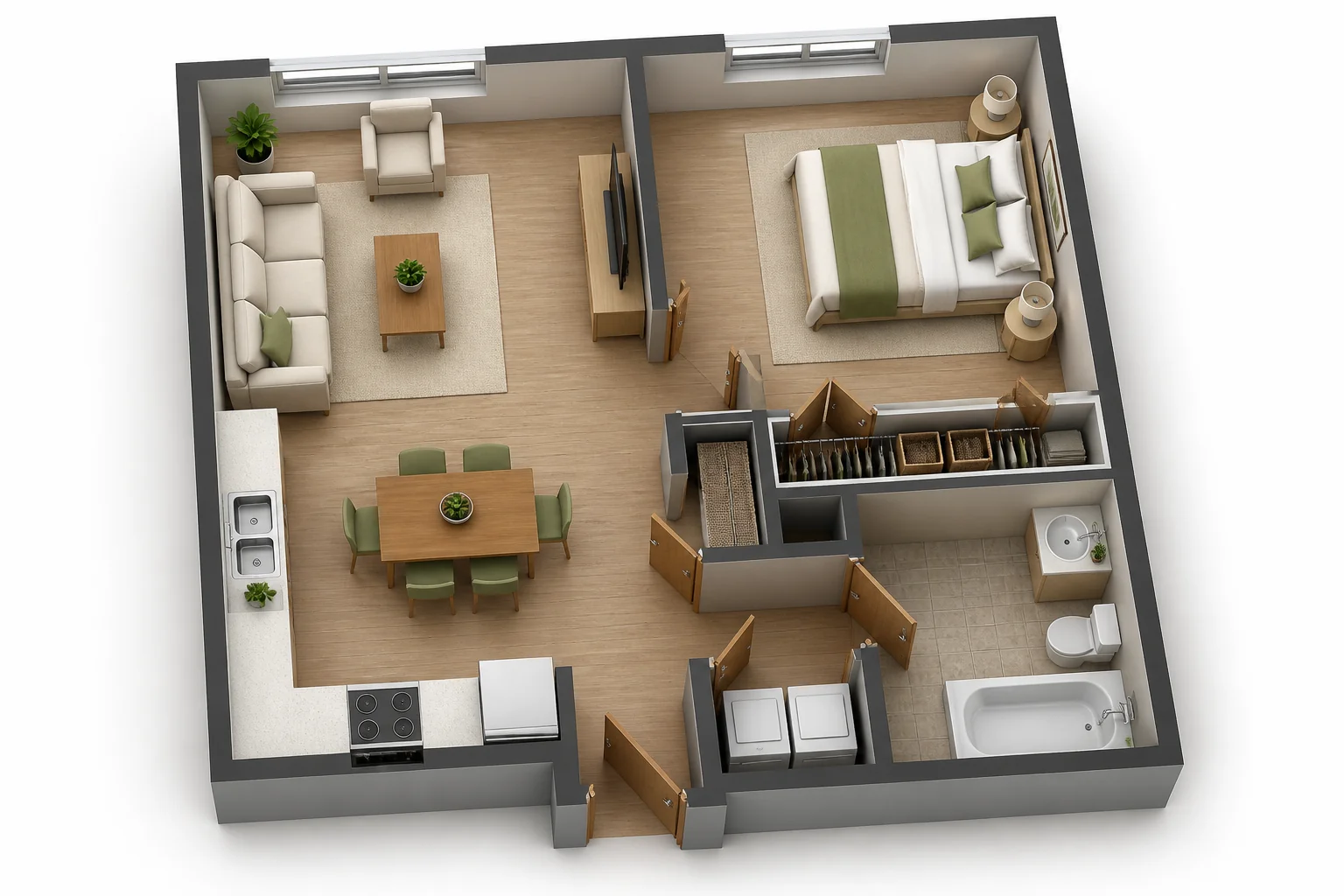 BeforeAfter
 - Match a Reference Room
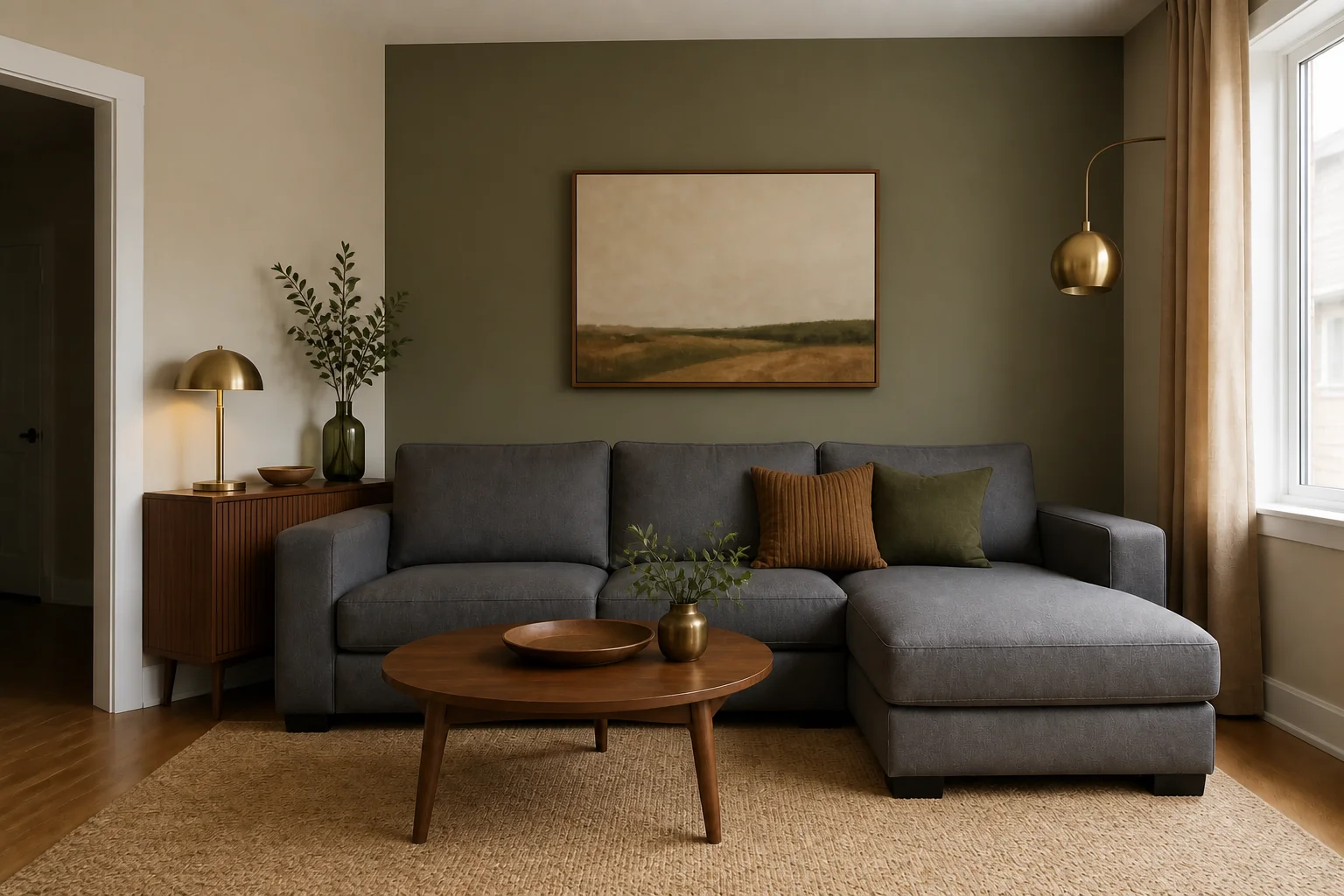 BeforeAfter
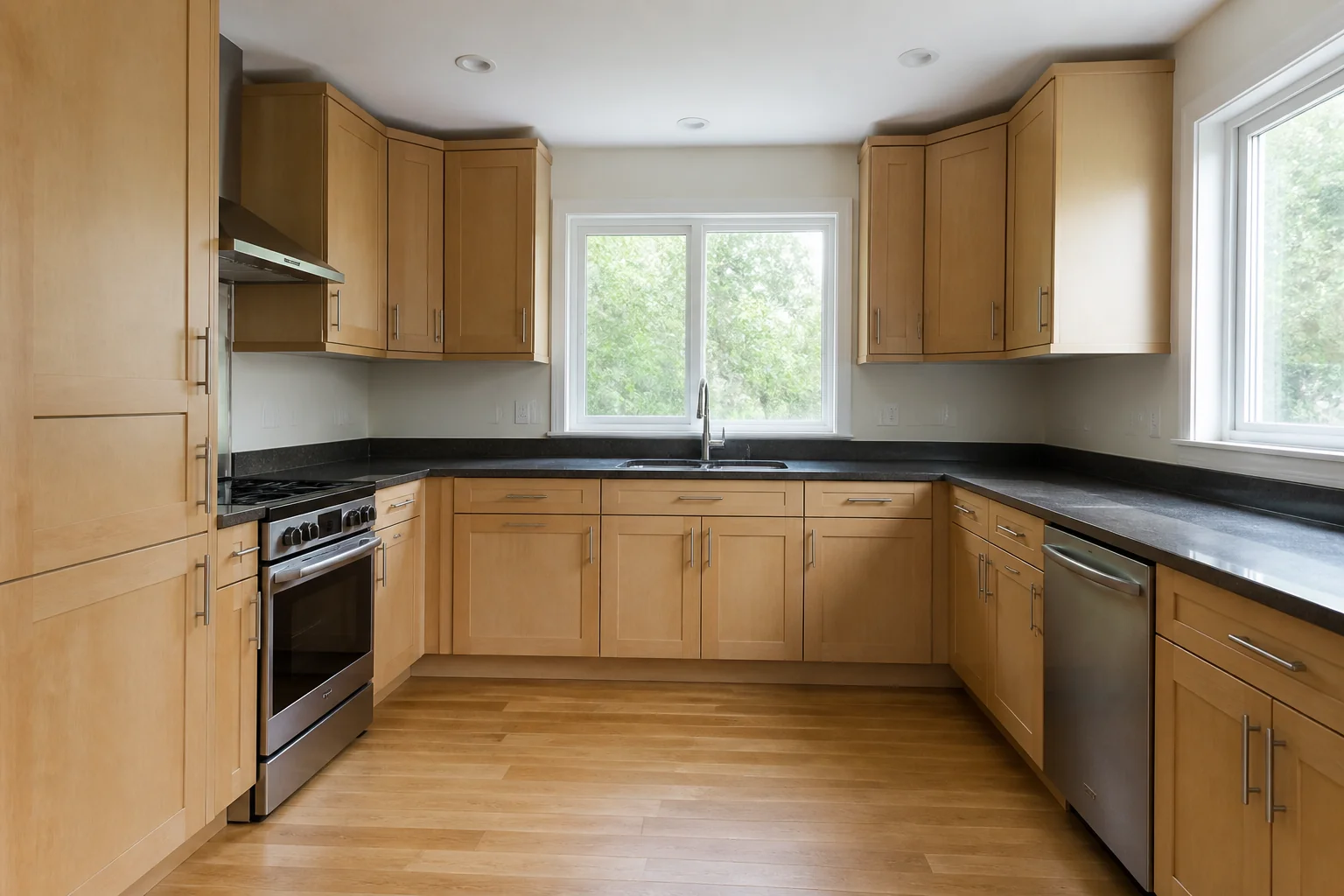
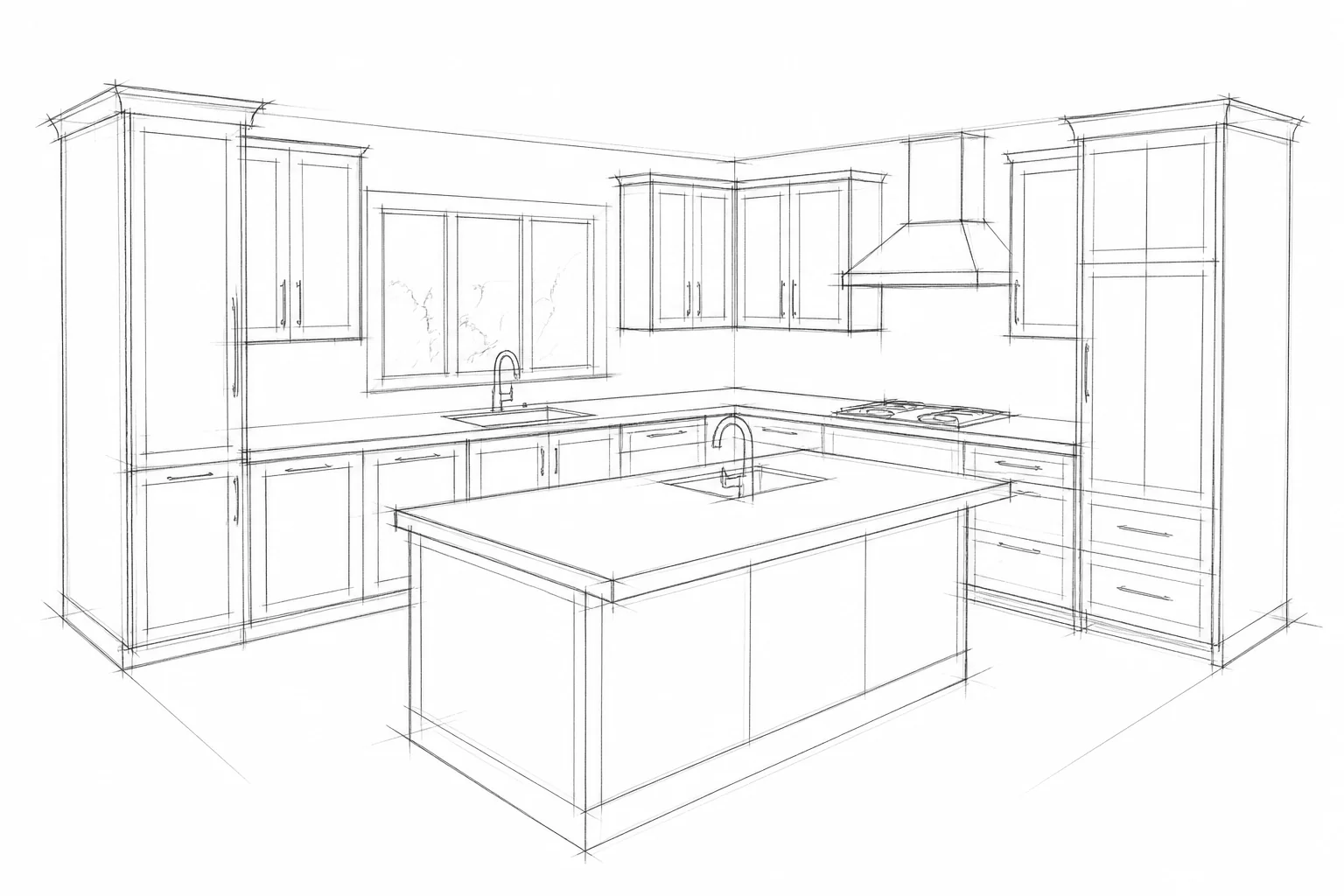
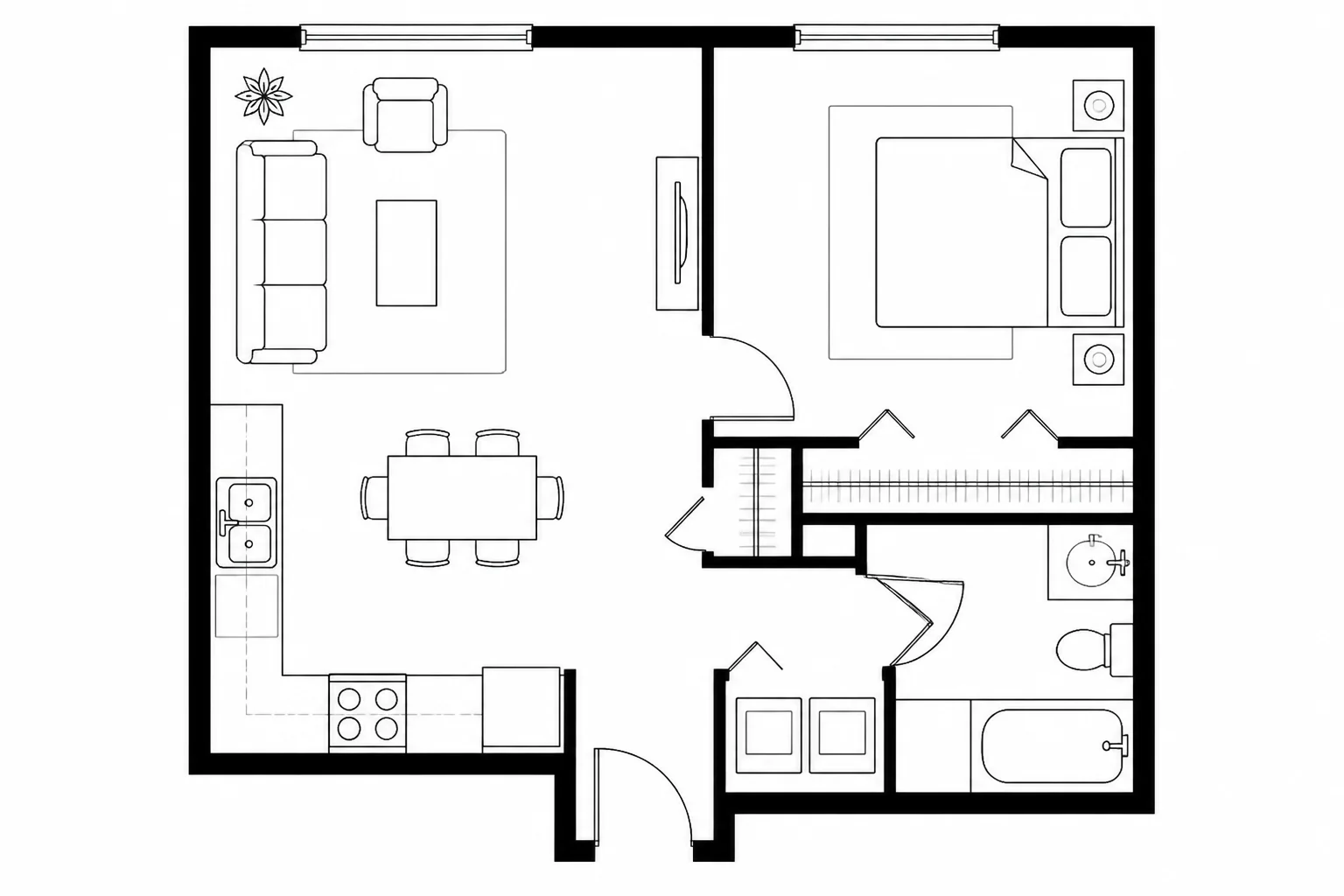
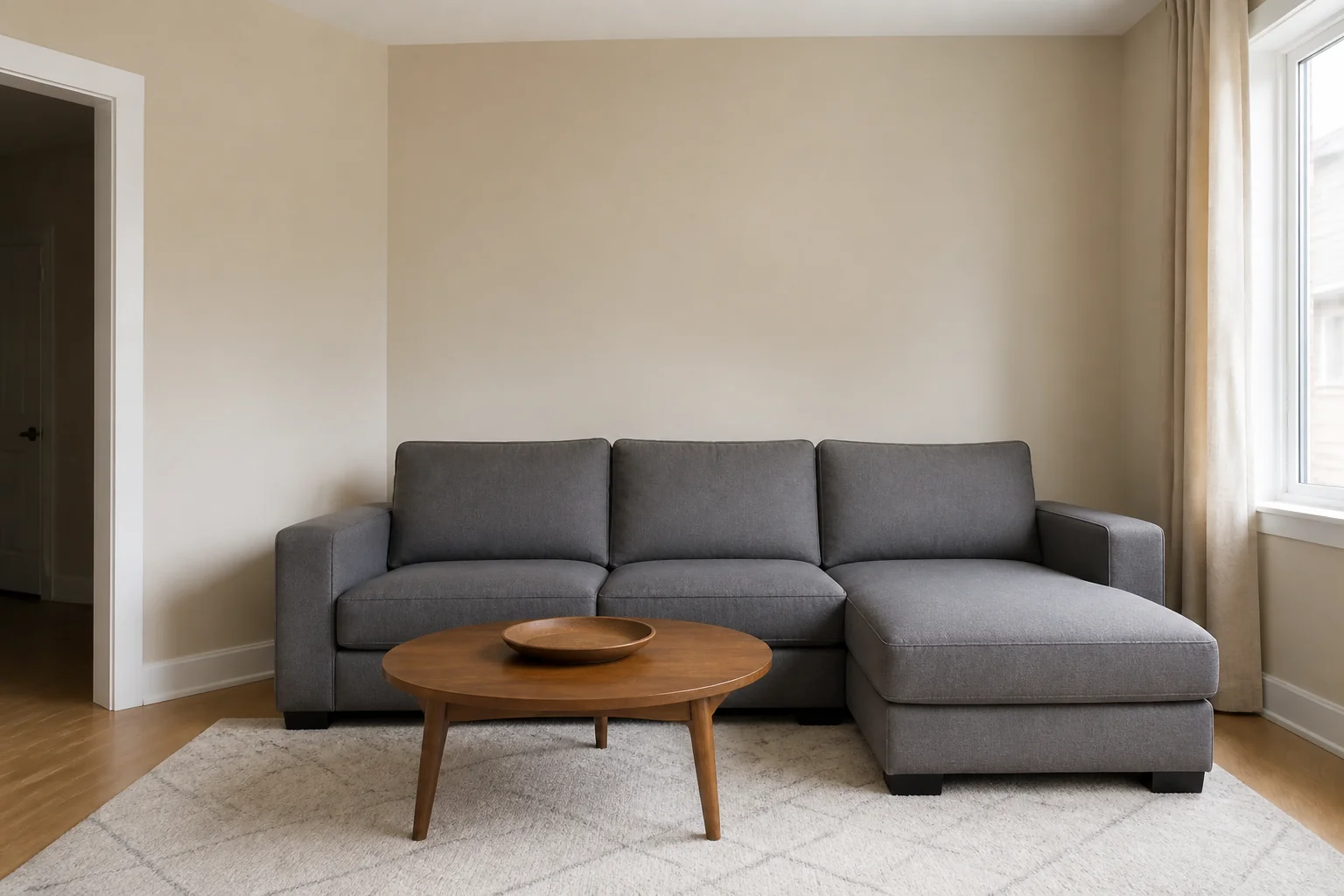
- Furnish an Empty RoomBeforeAfter
- Empty a Furnished Room
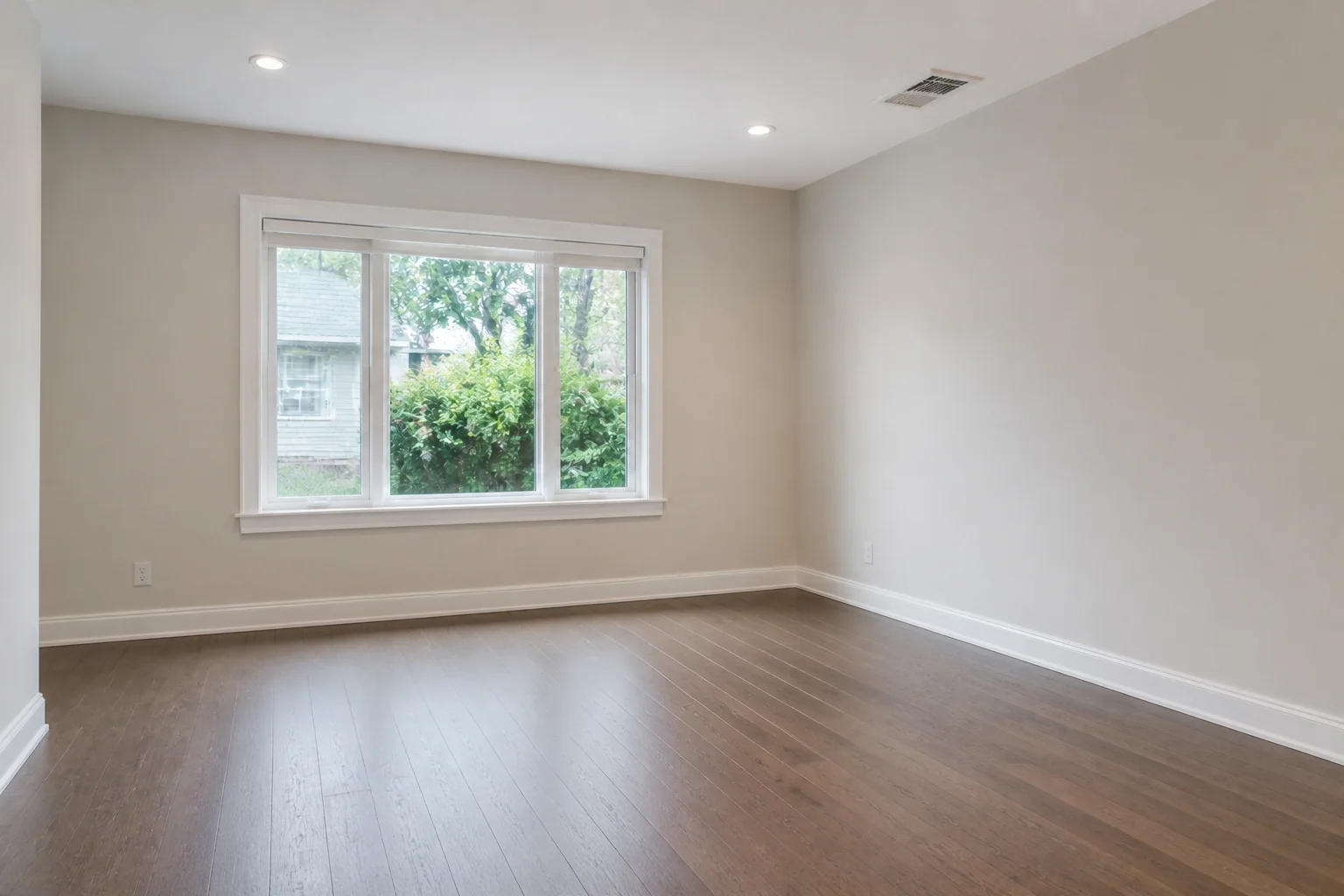 BeforeAfter
 - Clear the Clutter
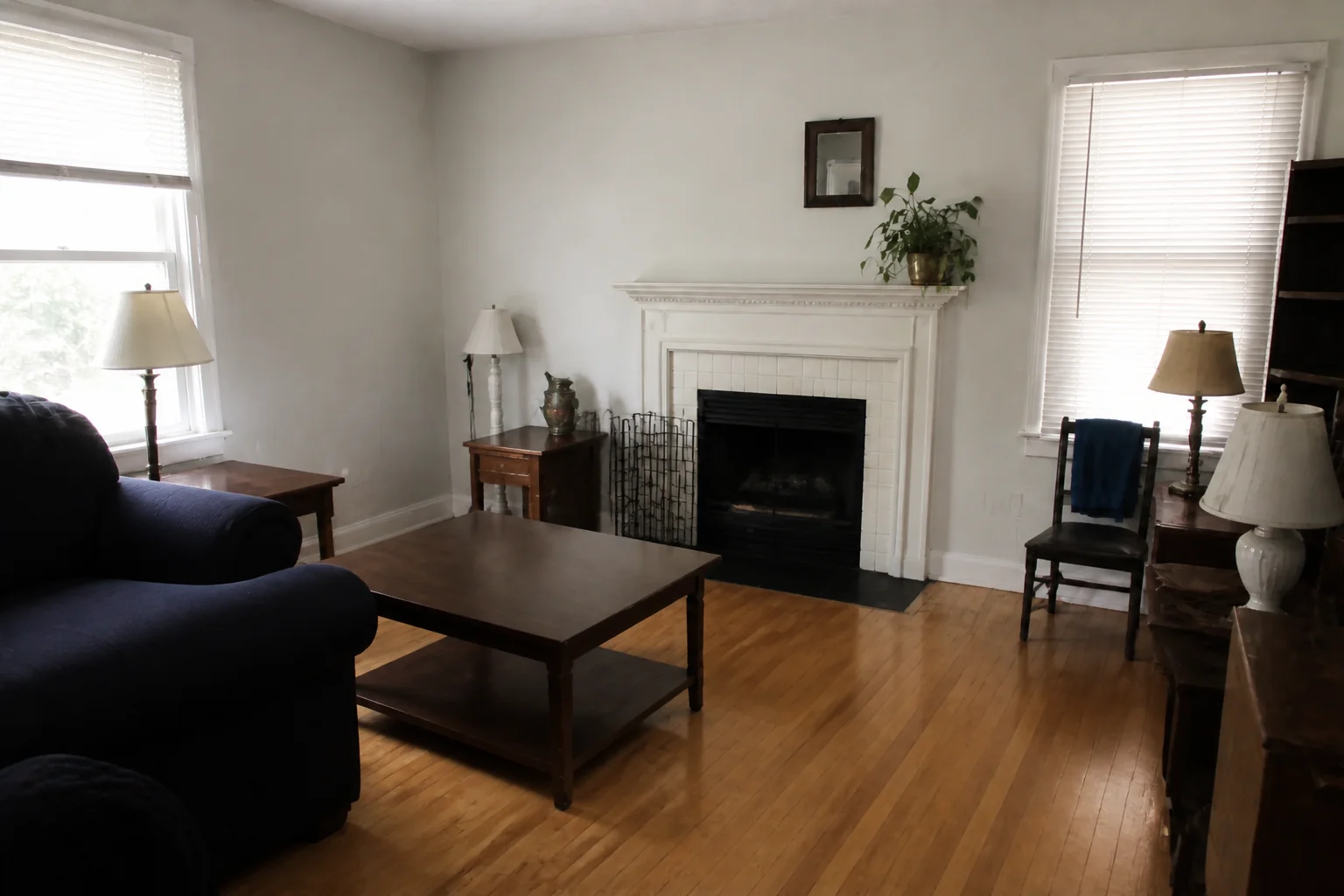 BeforeAfter
 - Make It Neutral
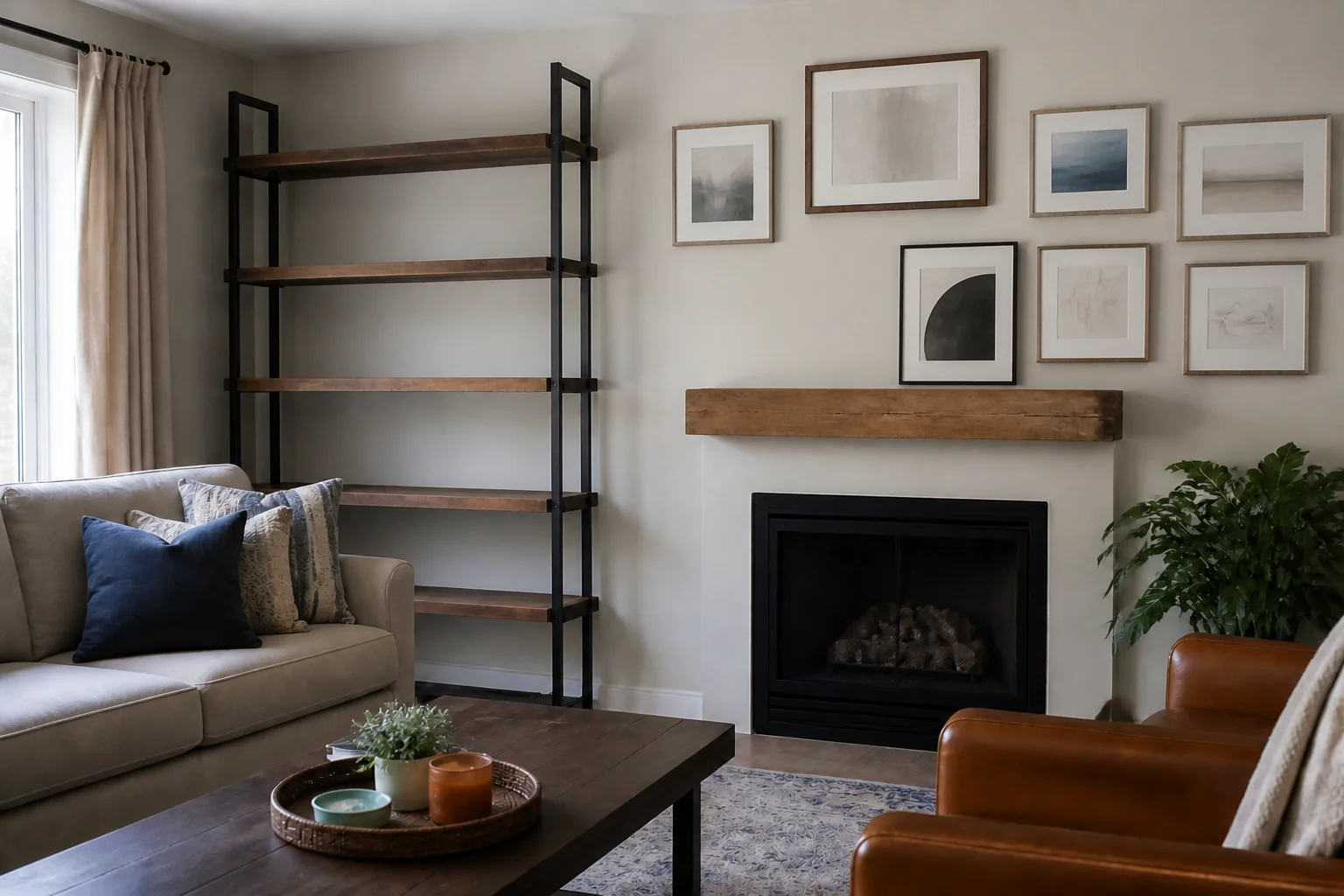 BeforeAfter
 - Dusk Shot of the ExteriorBeforeAfter
- Fix a Dark Photo
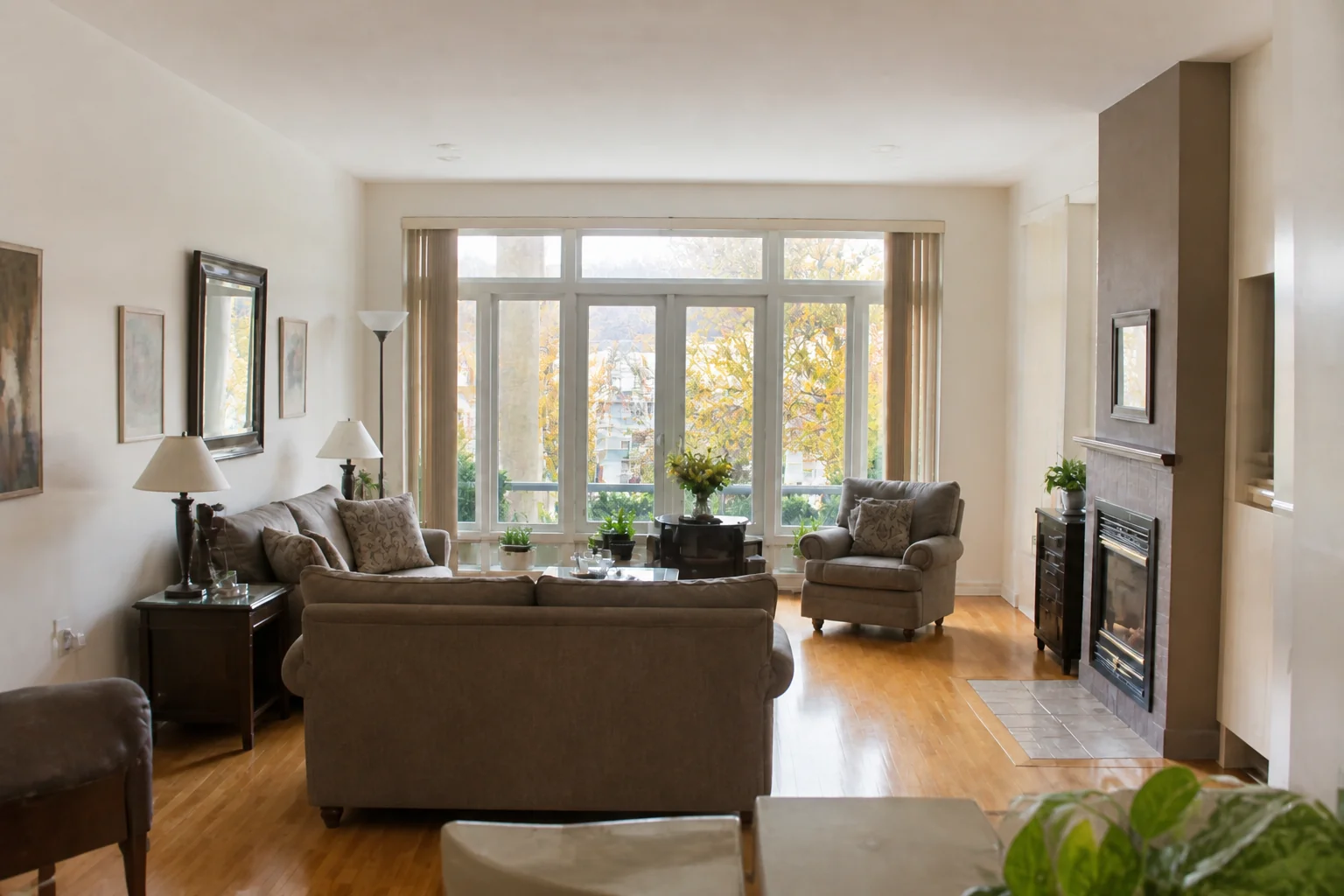 BeforeAfter
 - Clean Up the Photo
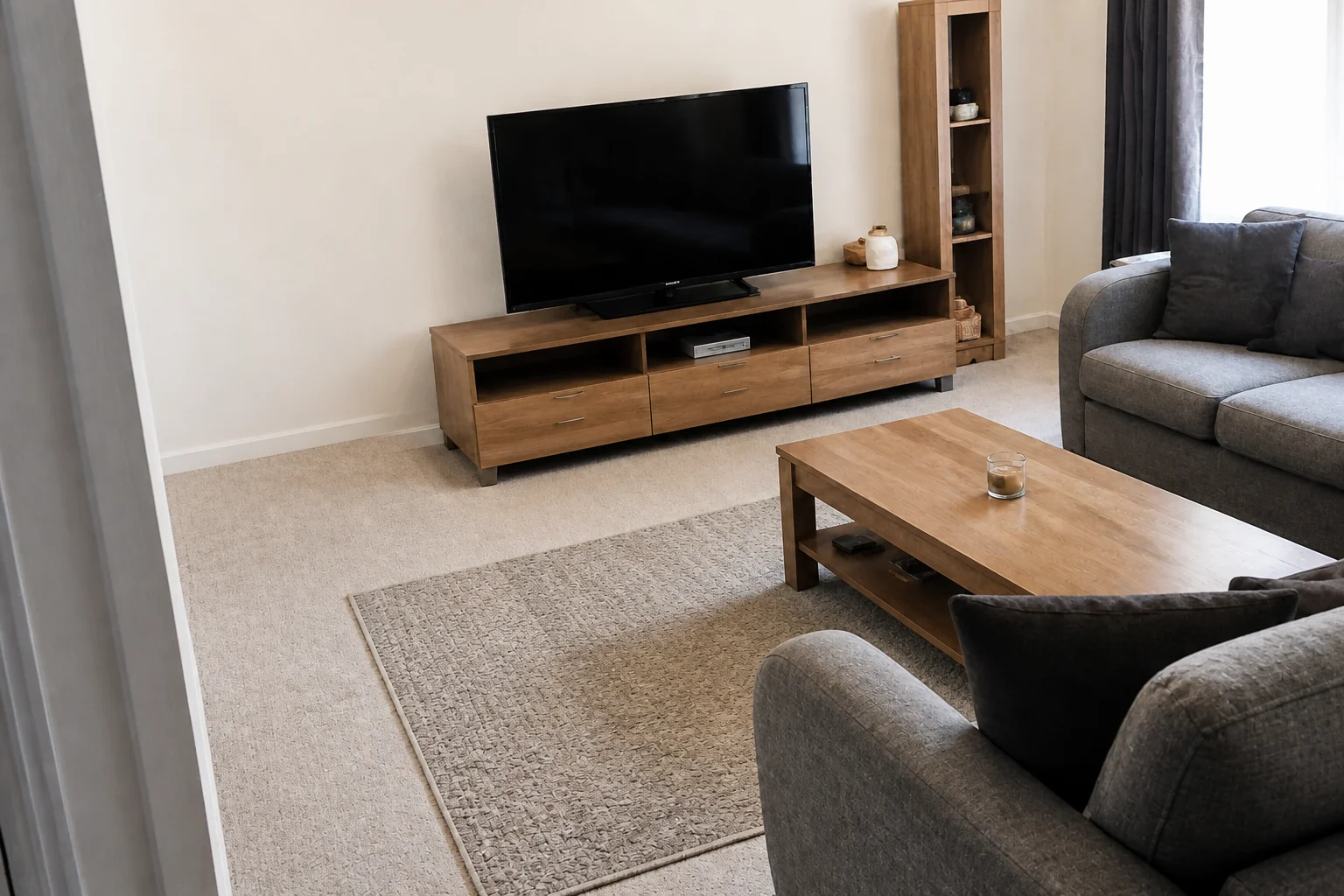 BeforeAfter
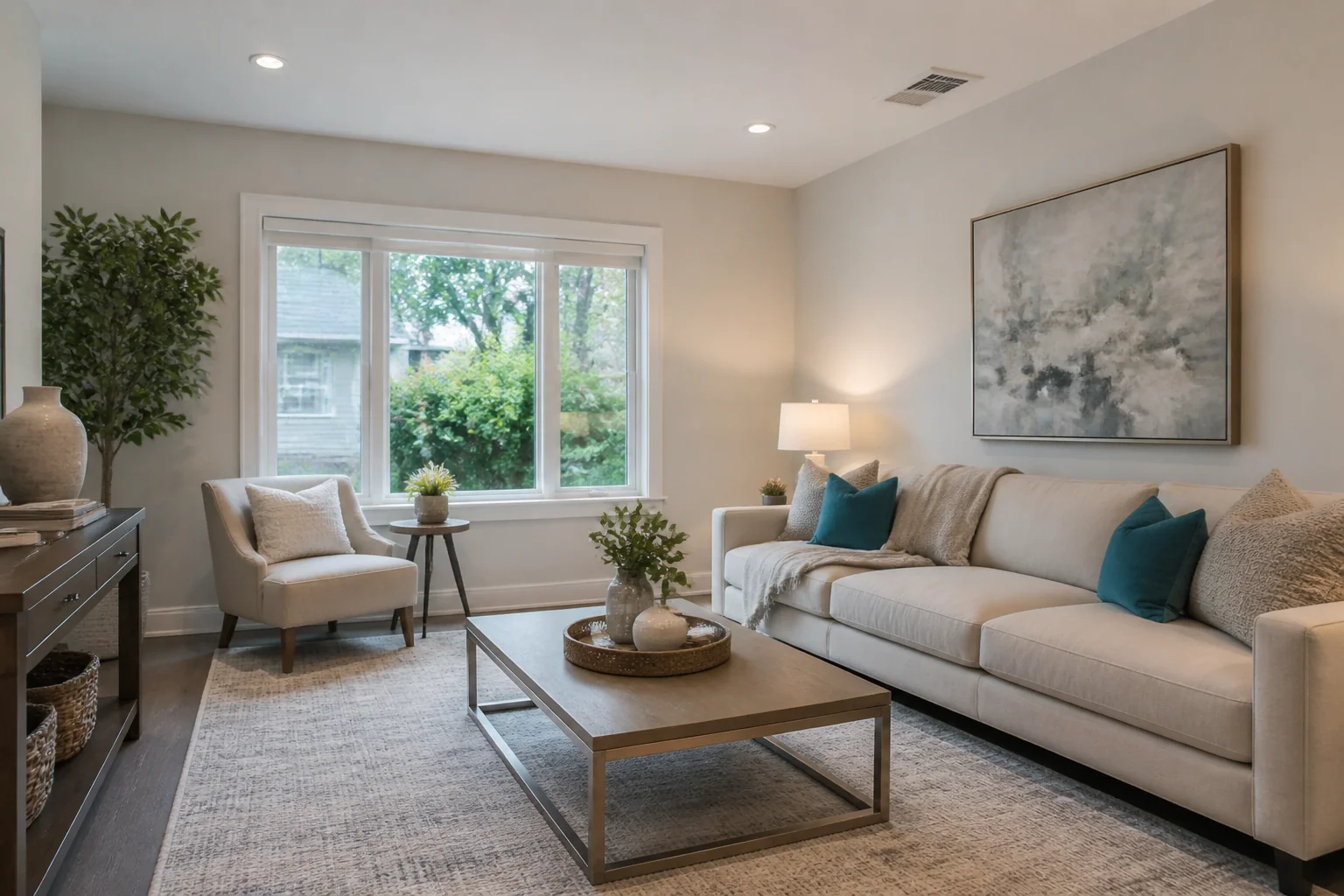
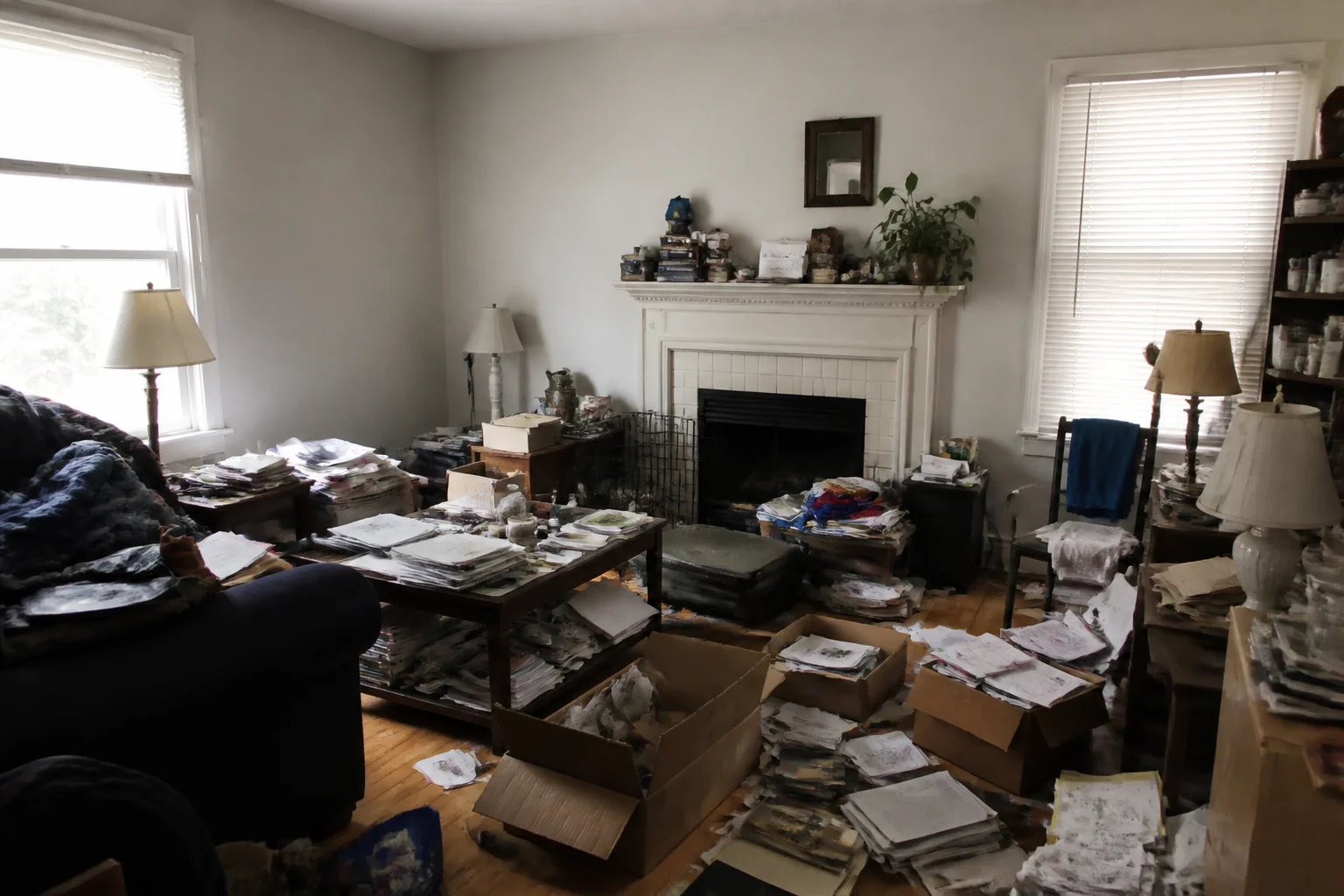
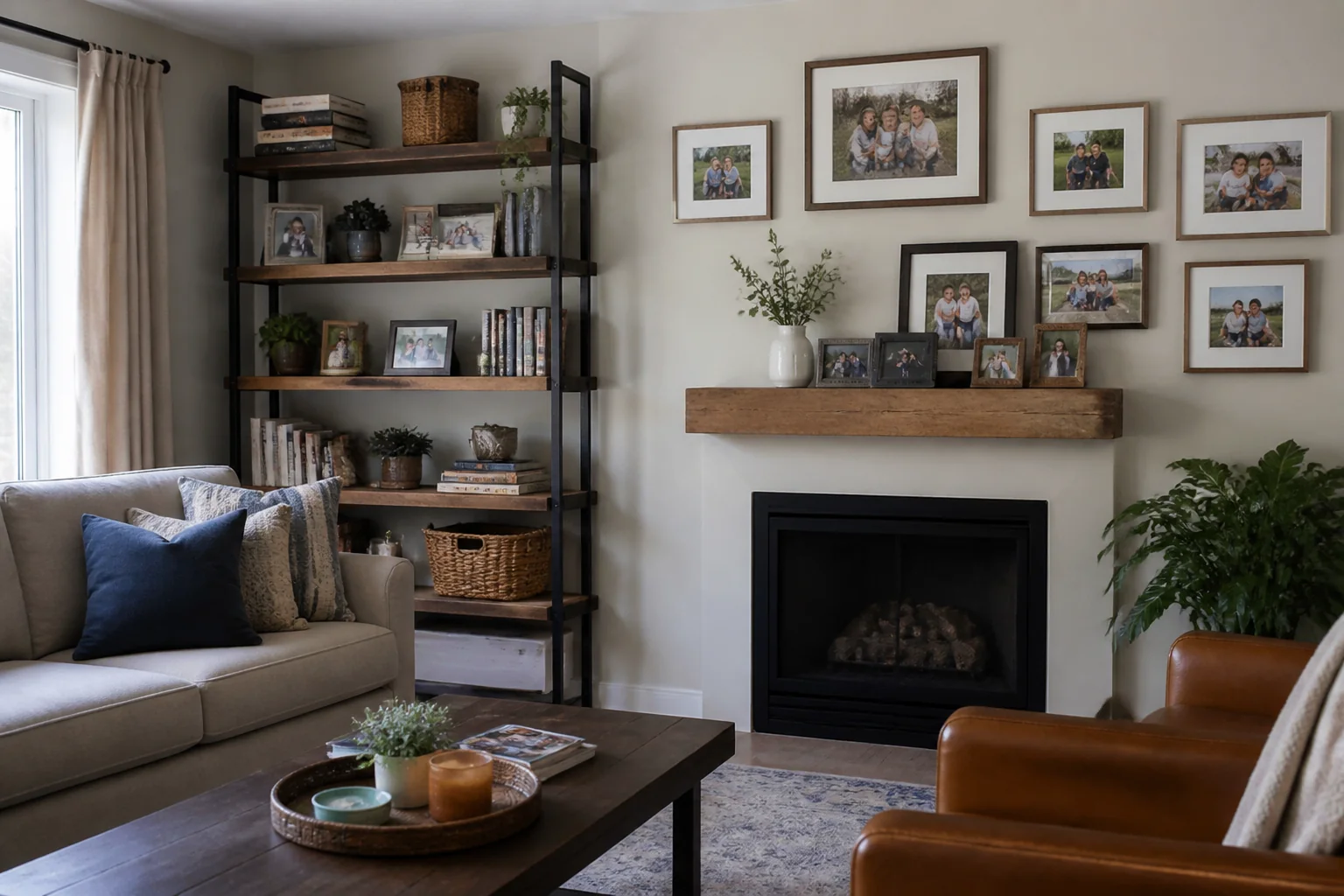
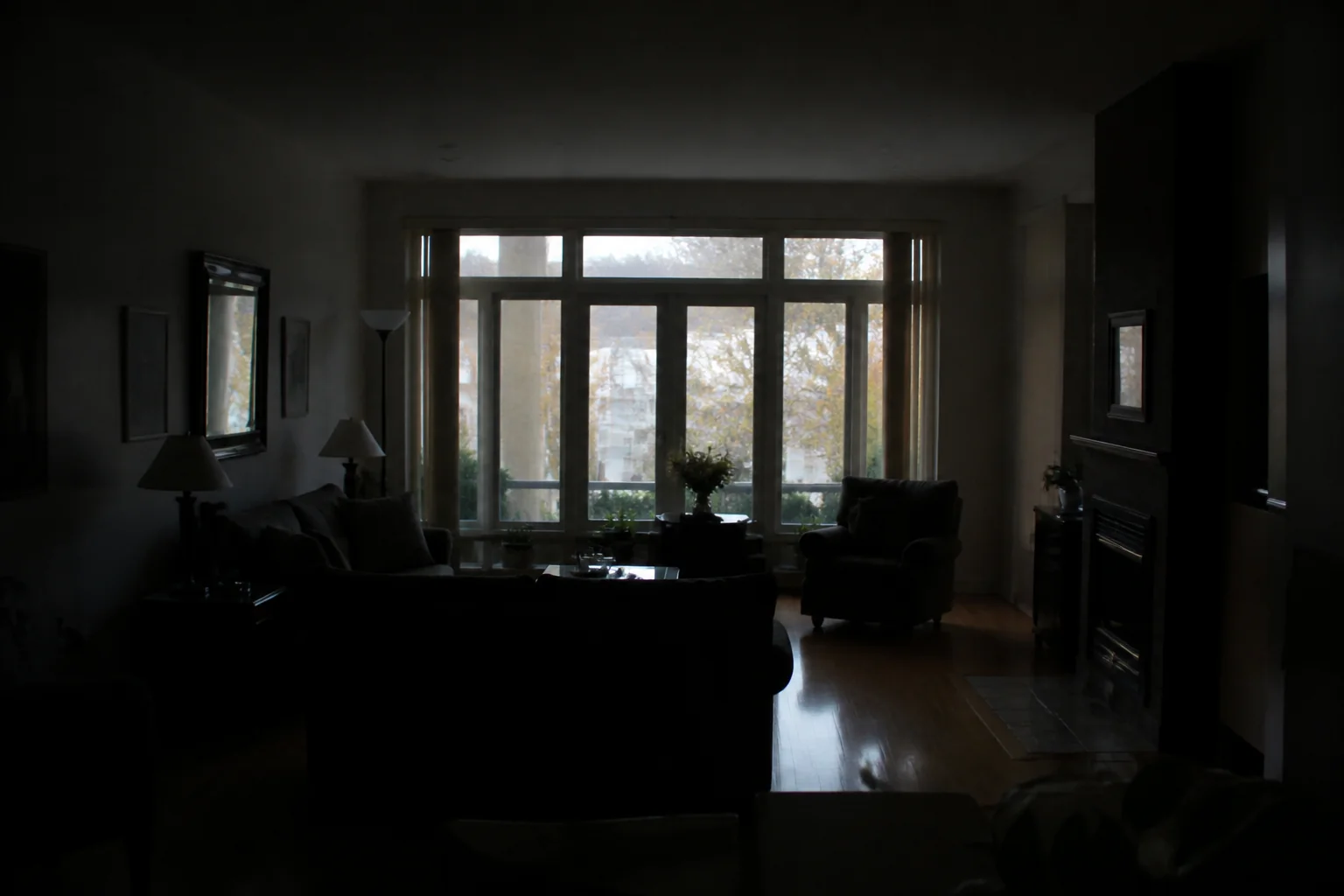
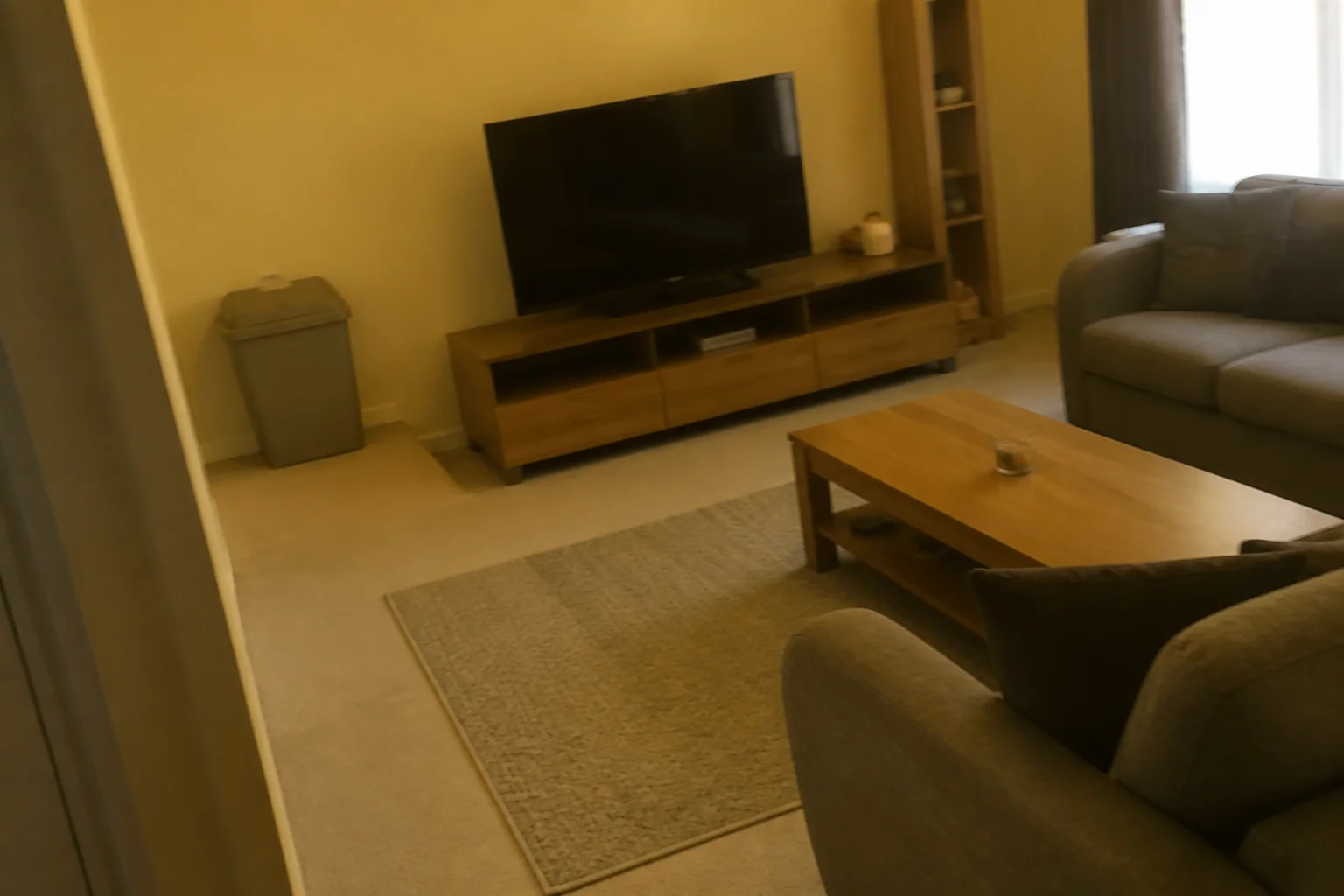
- Try a Paint Colour
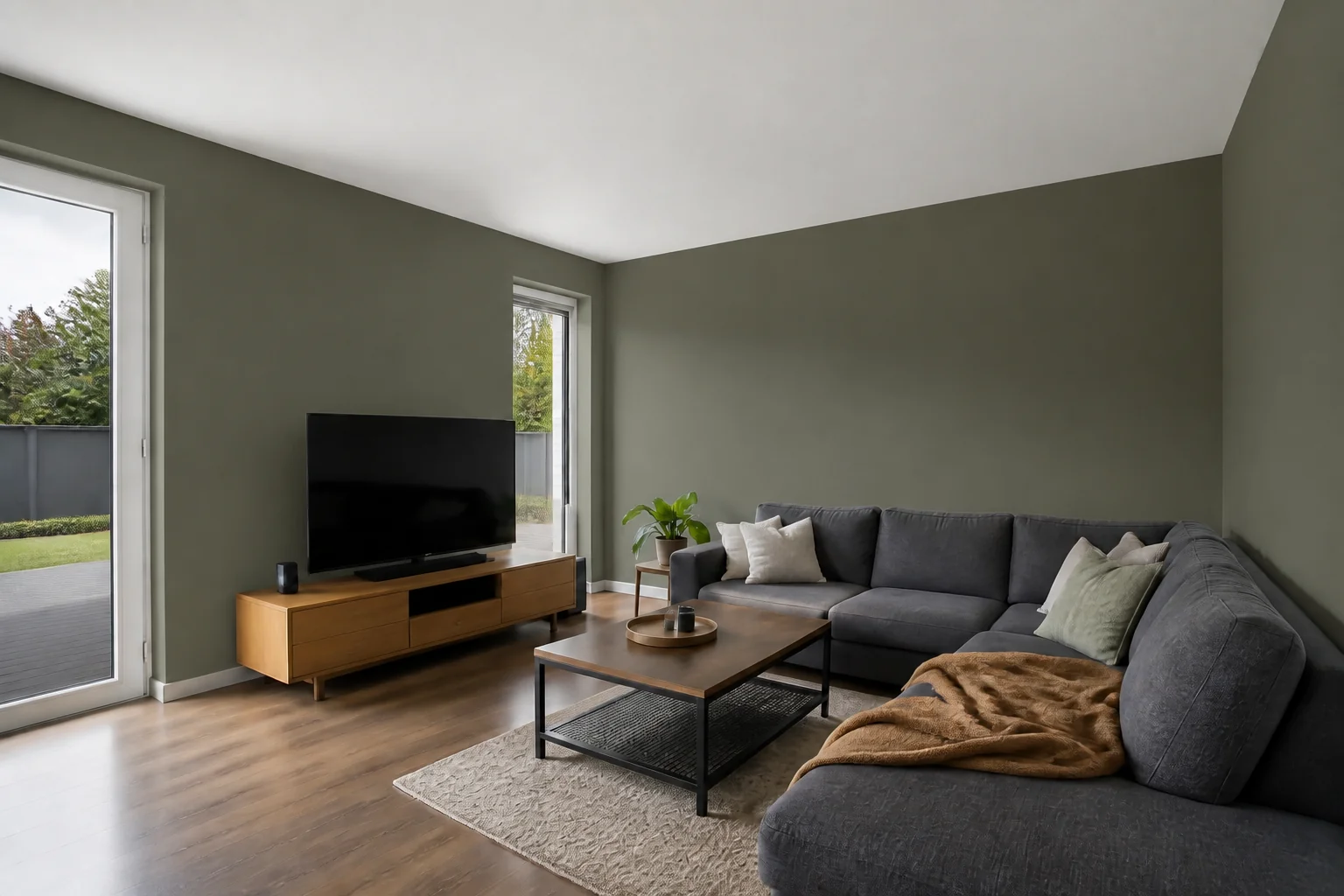 BeforeAfter
 - Try Wallpaper
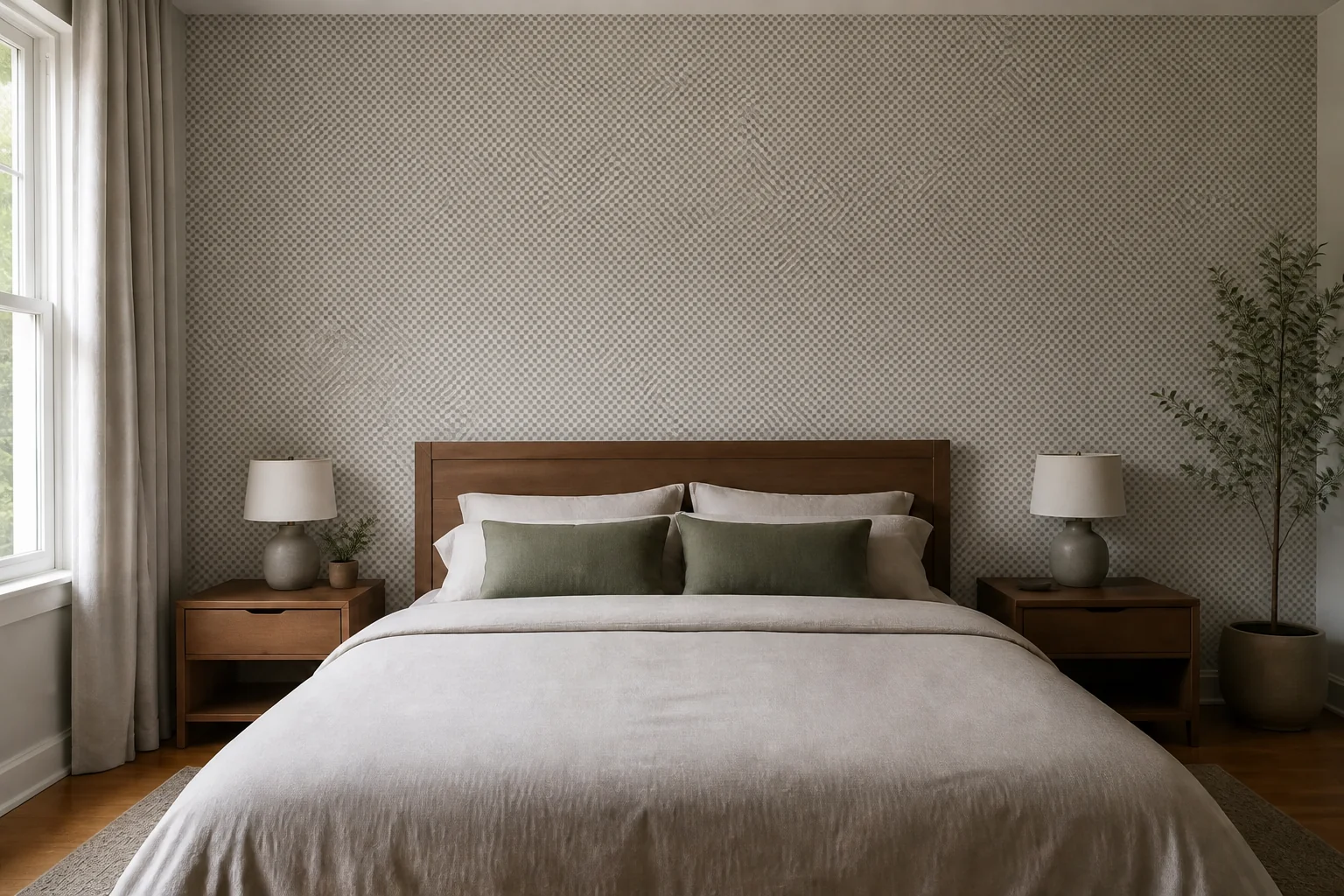 BeforeAfter
 - Change the Floor
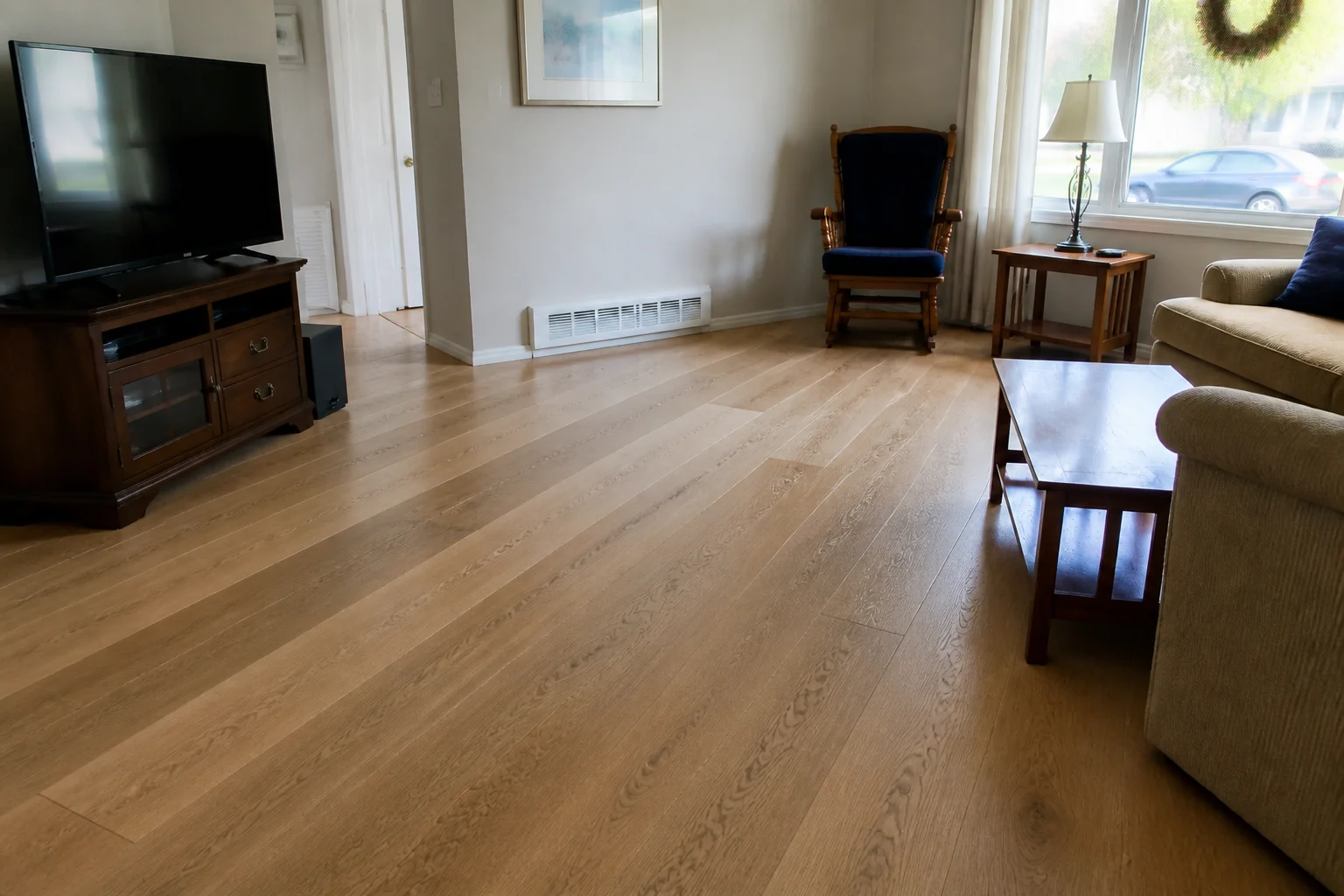 BeforeAfter
 - Change the Countertops
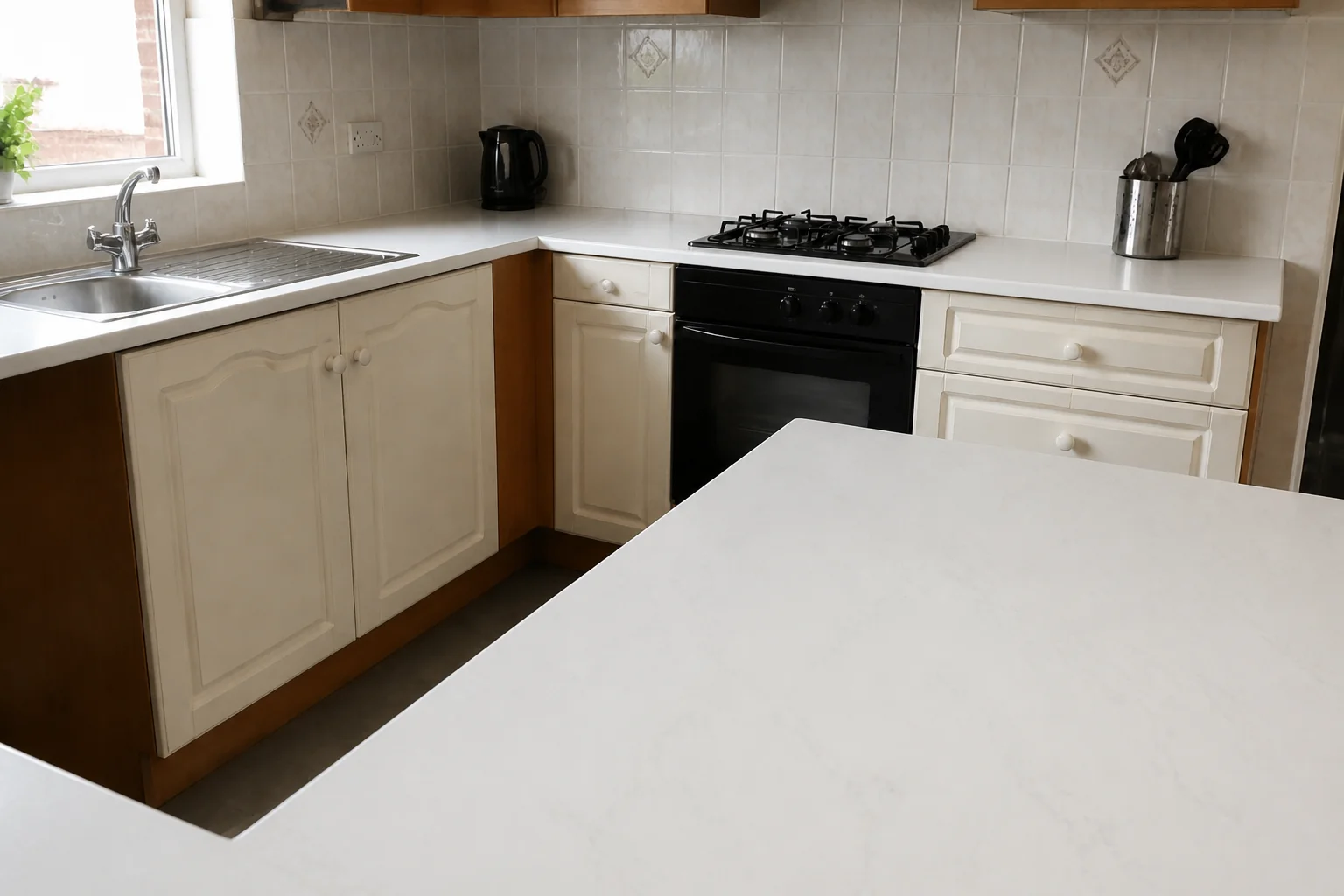 BeforeAfter
 - Change the Backsplash
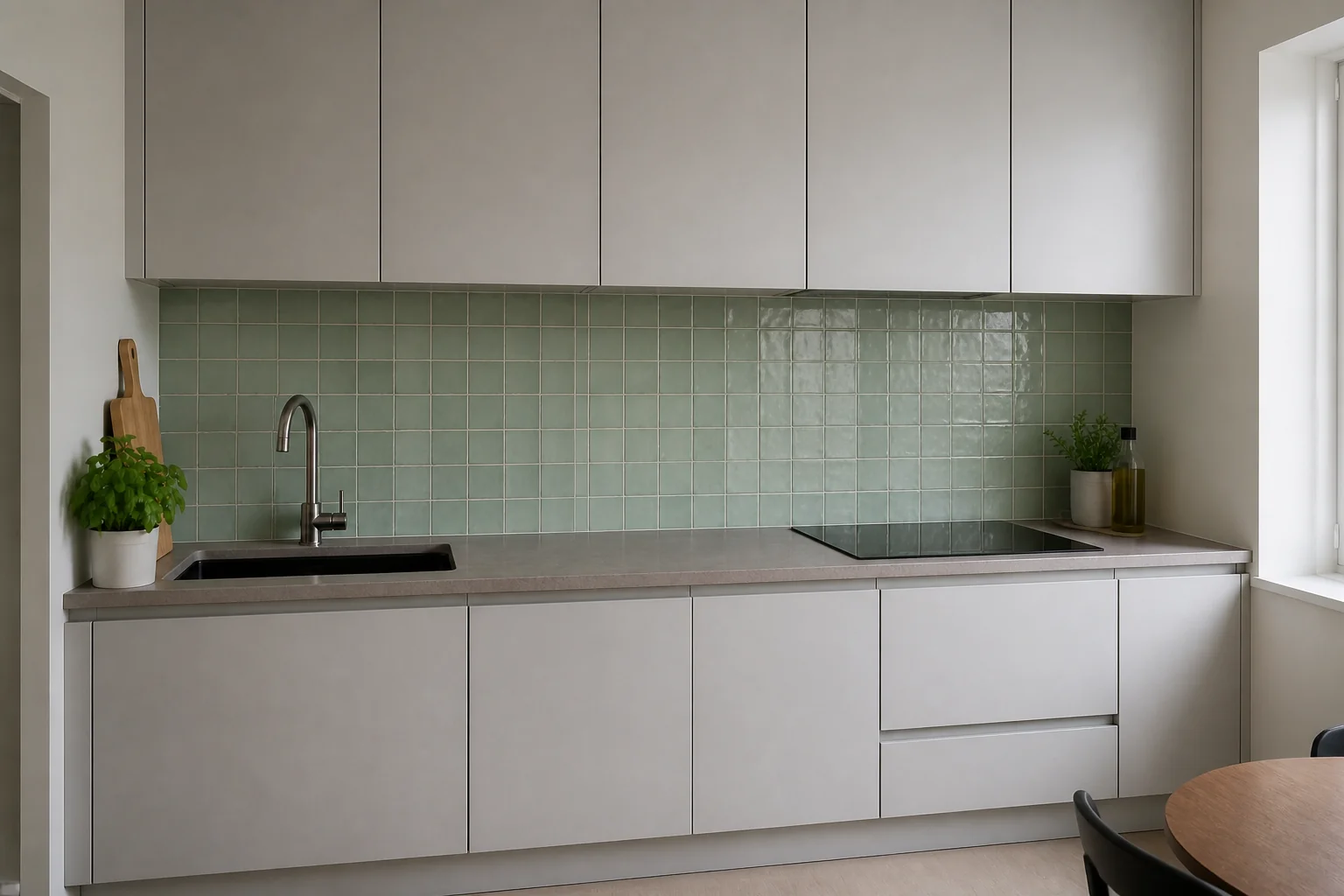 BeforeAfter
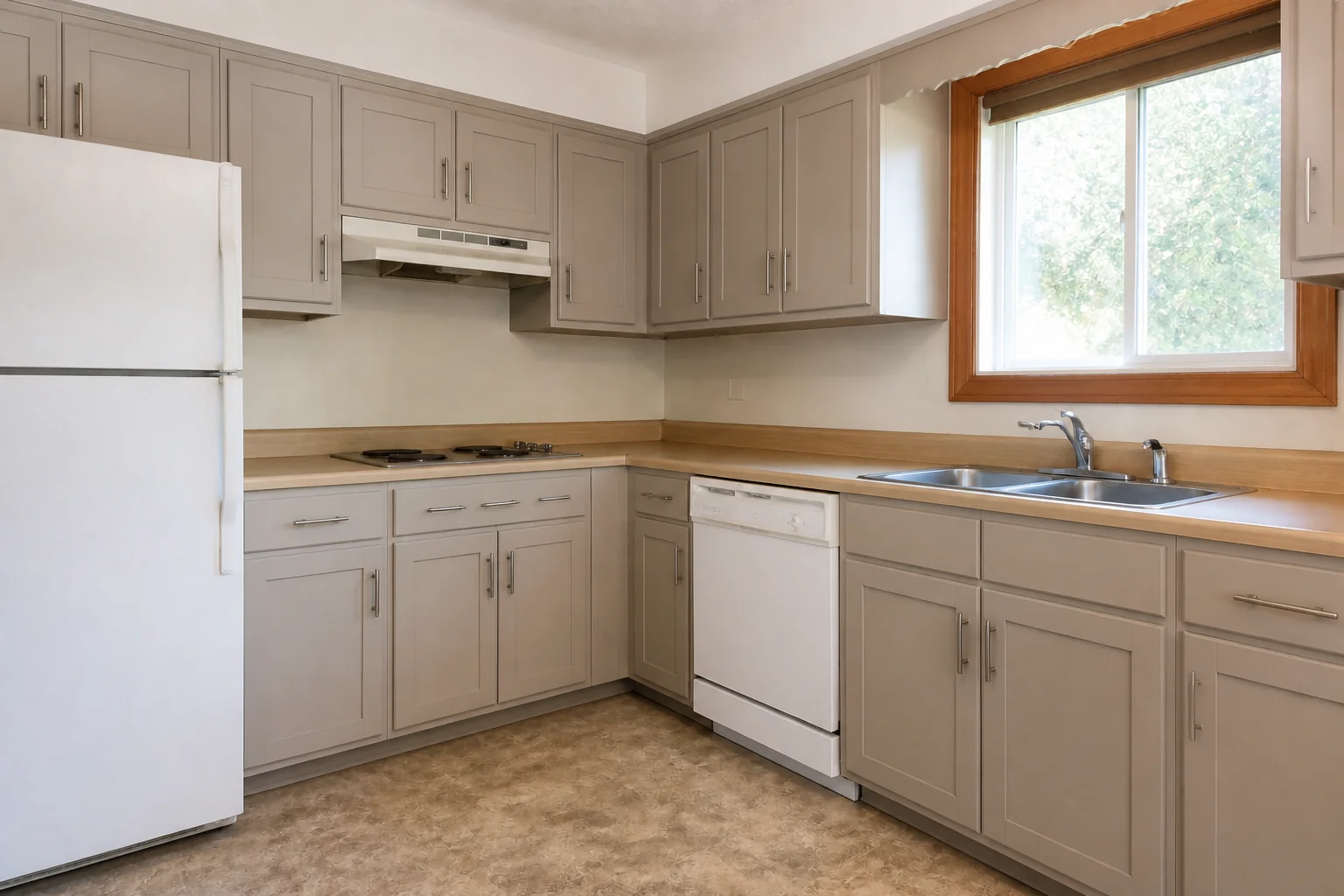
 - Refinish the Cabinets
 BeforeAfter
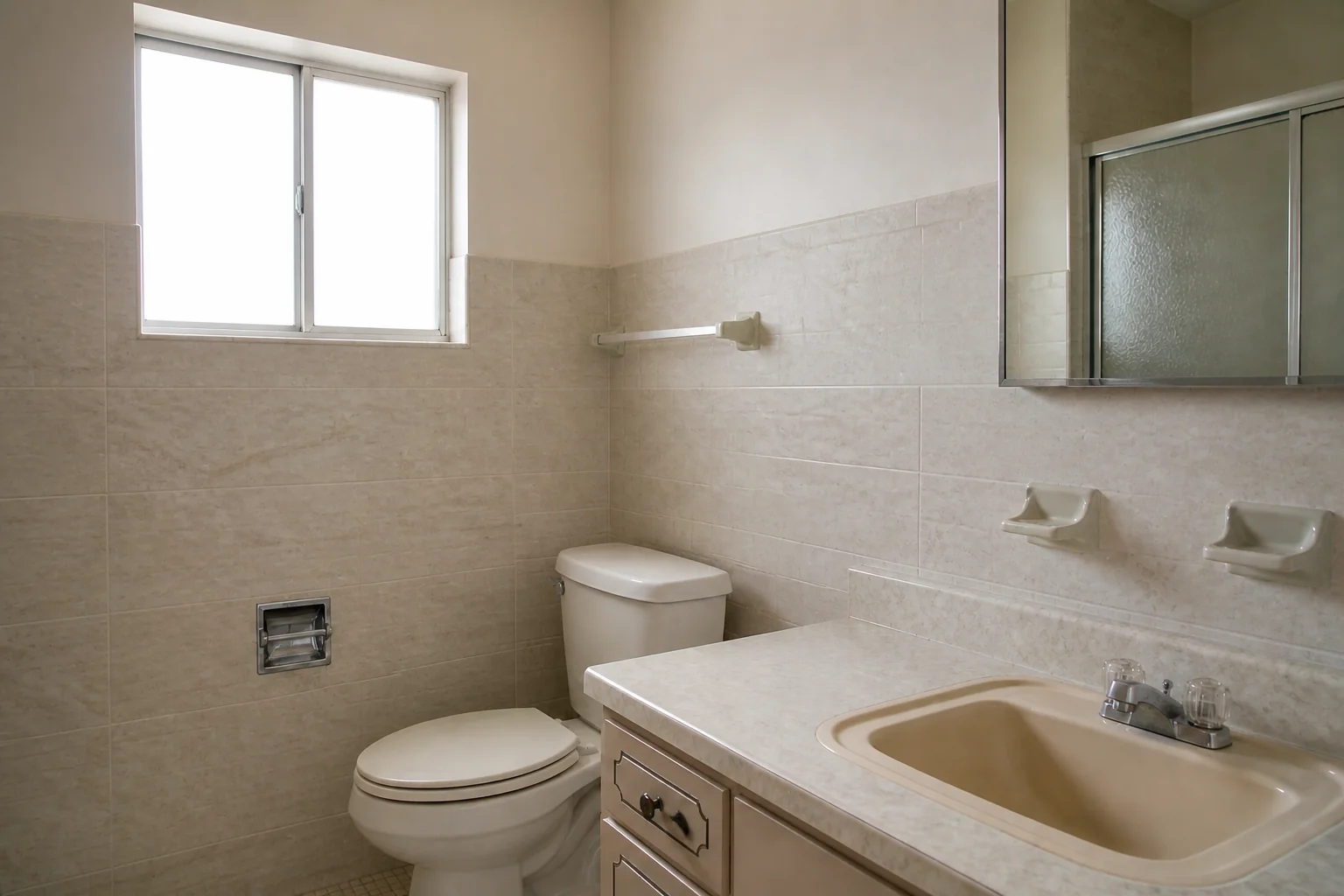
 - Retile
 BeforeAfter
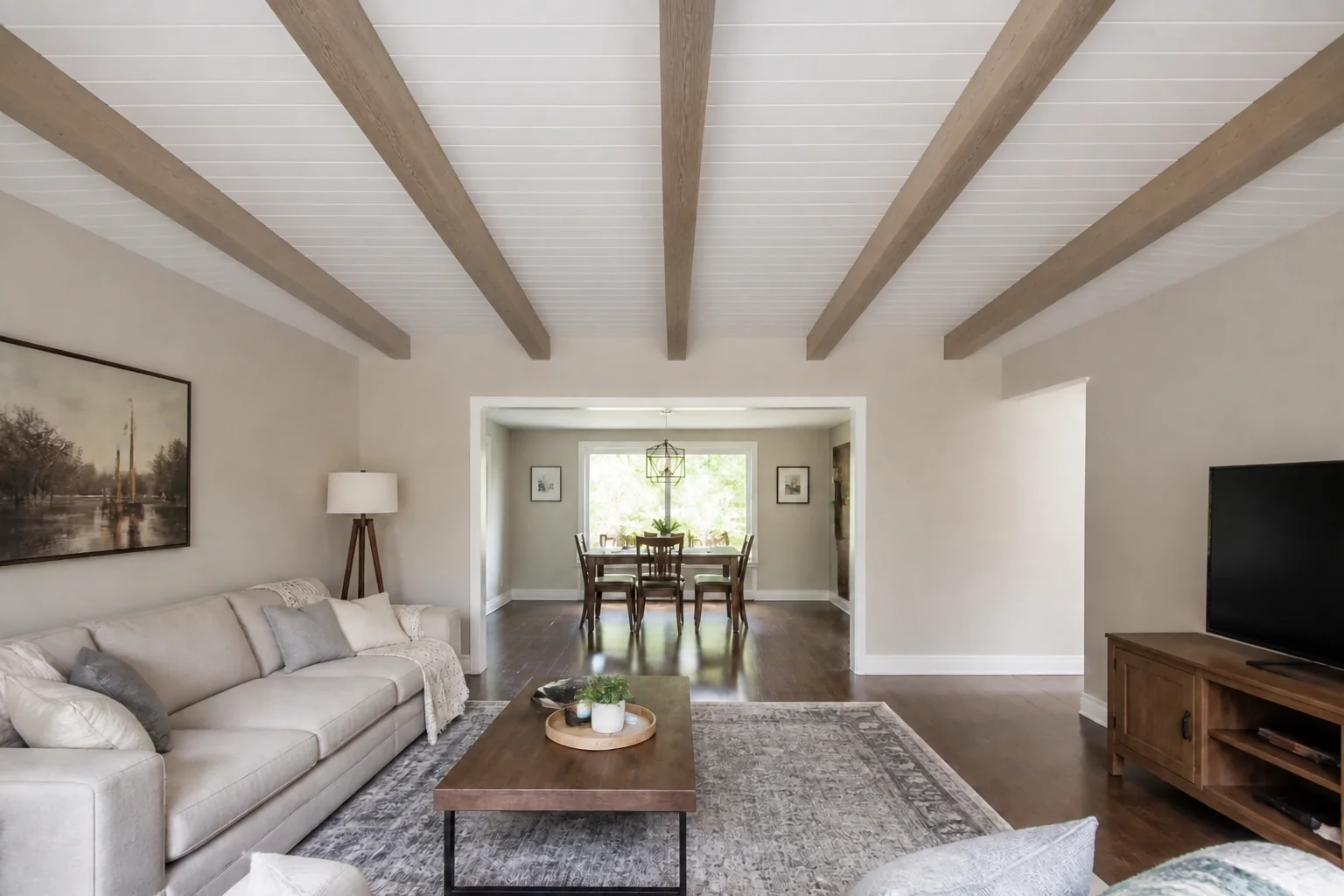
 - Change the Ceiling
 BeforeAfter
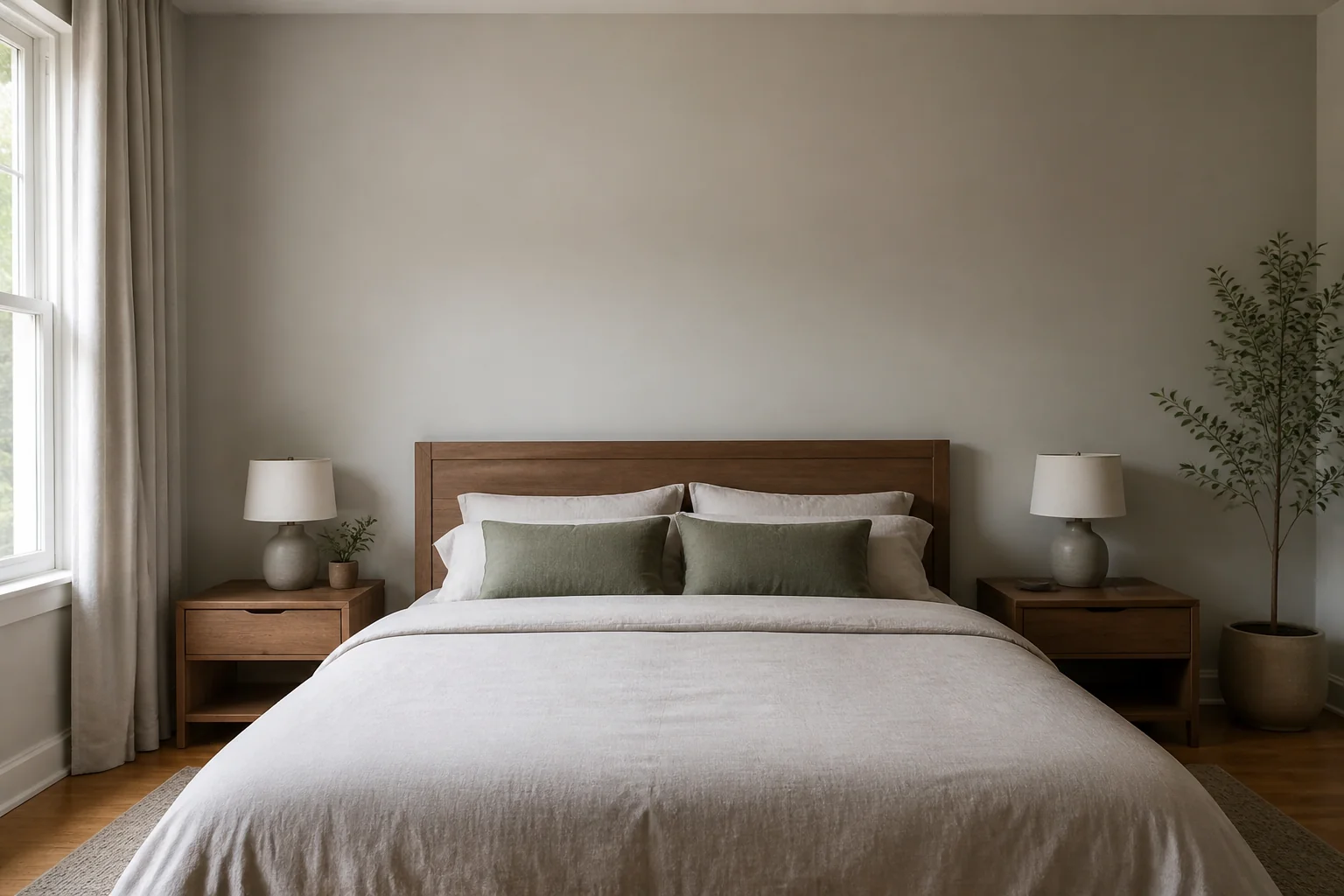
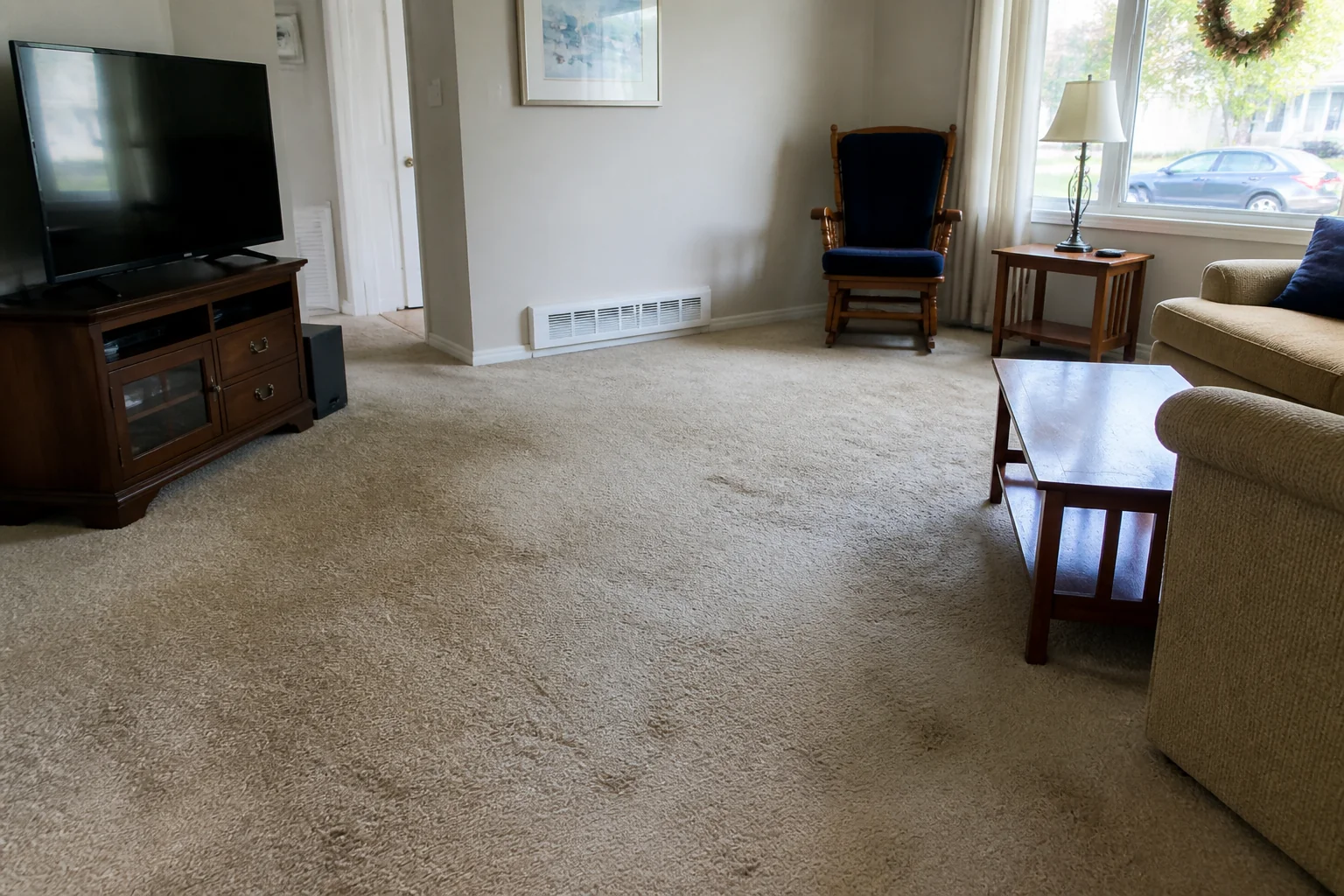
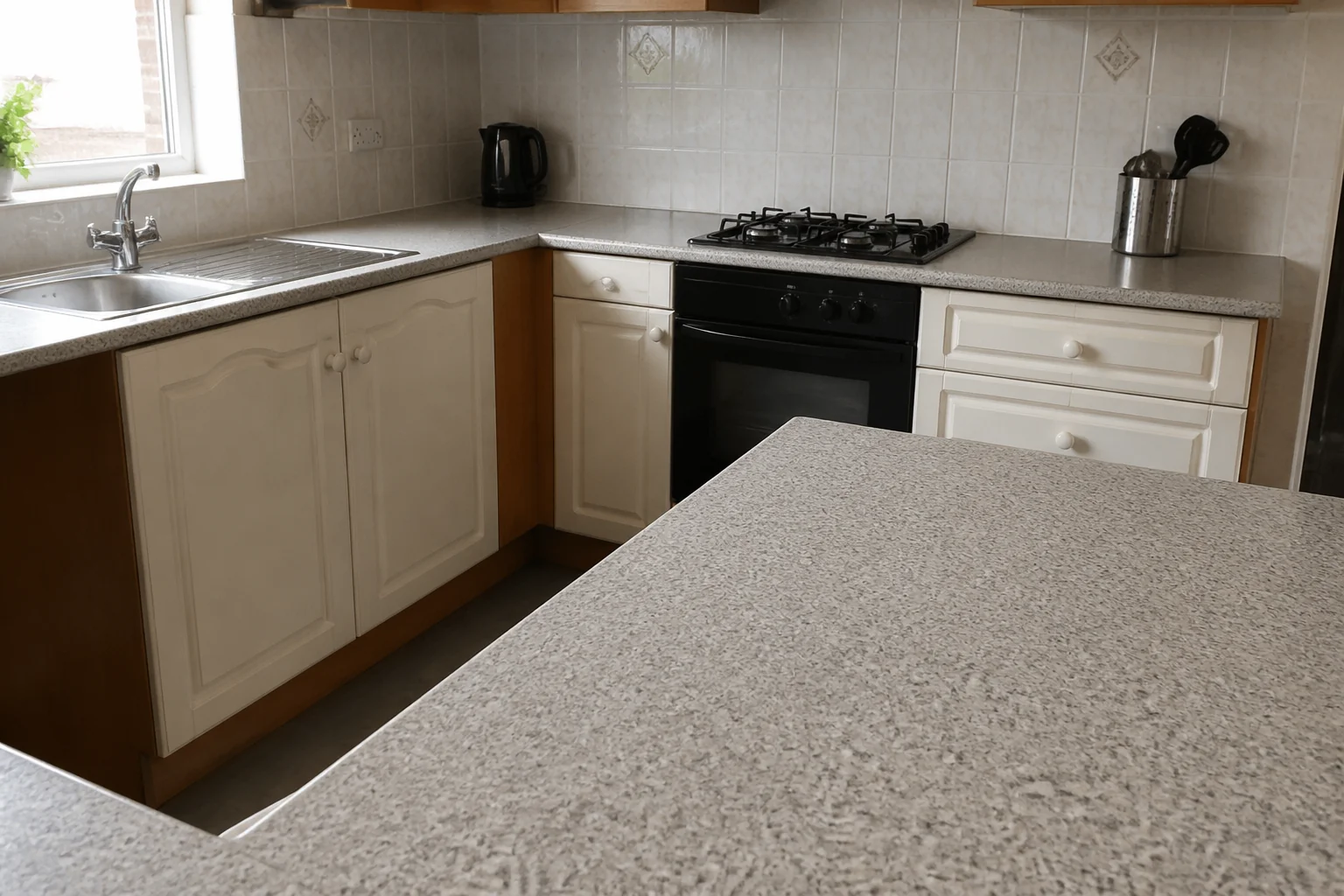
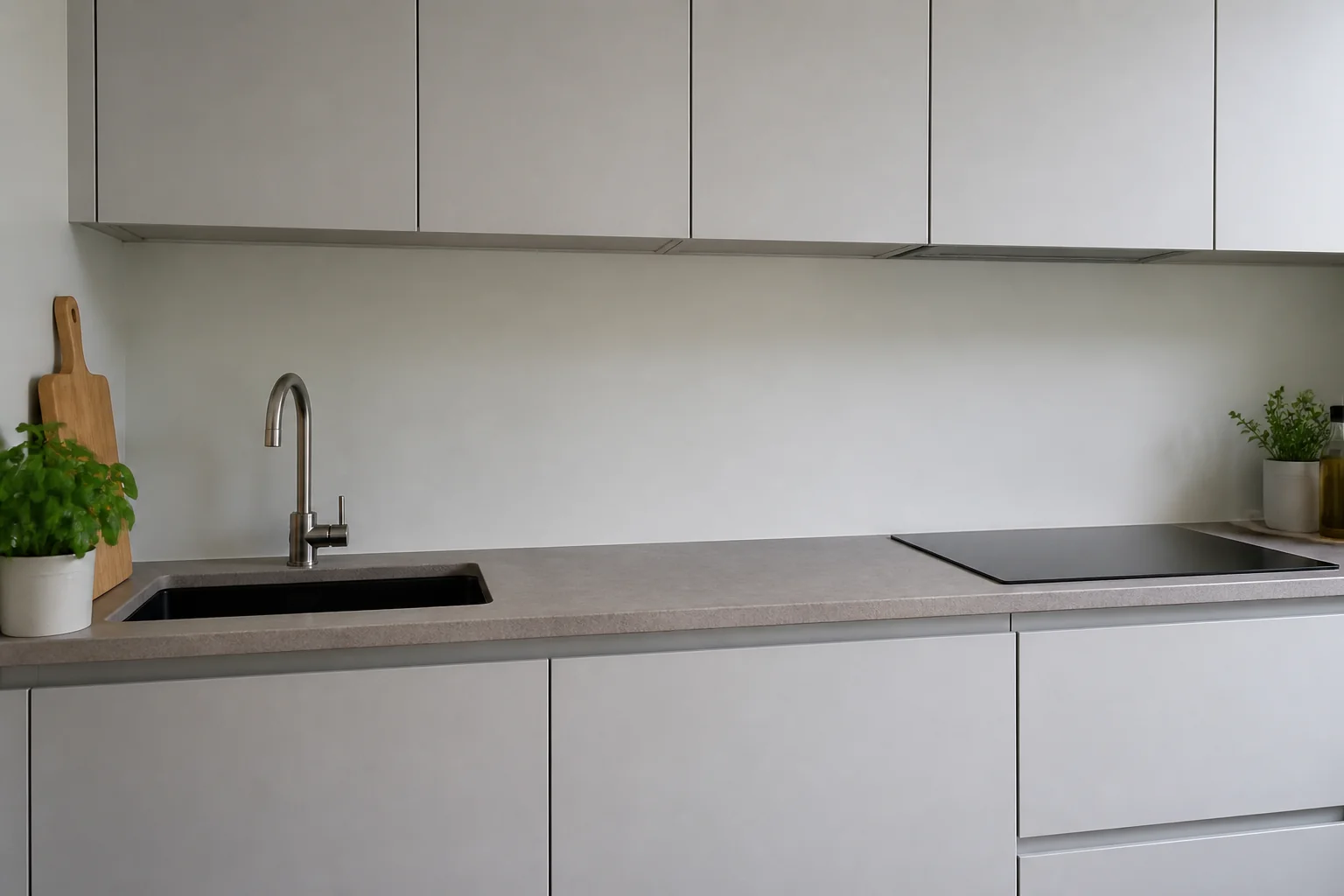
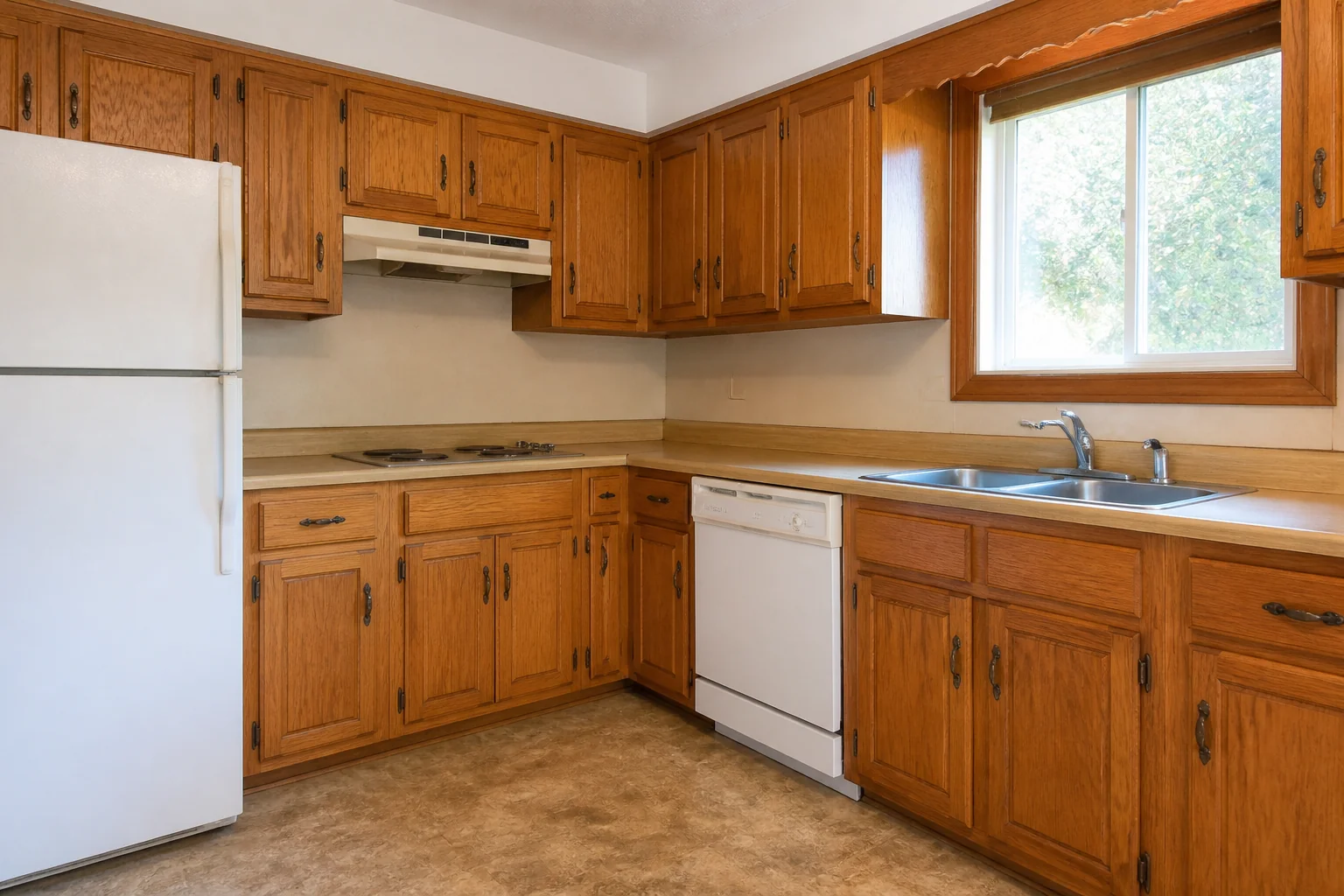
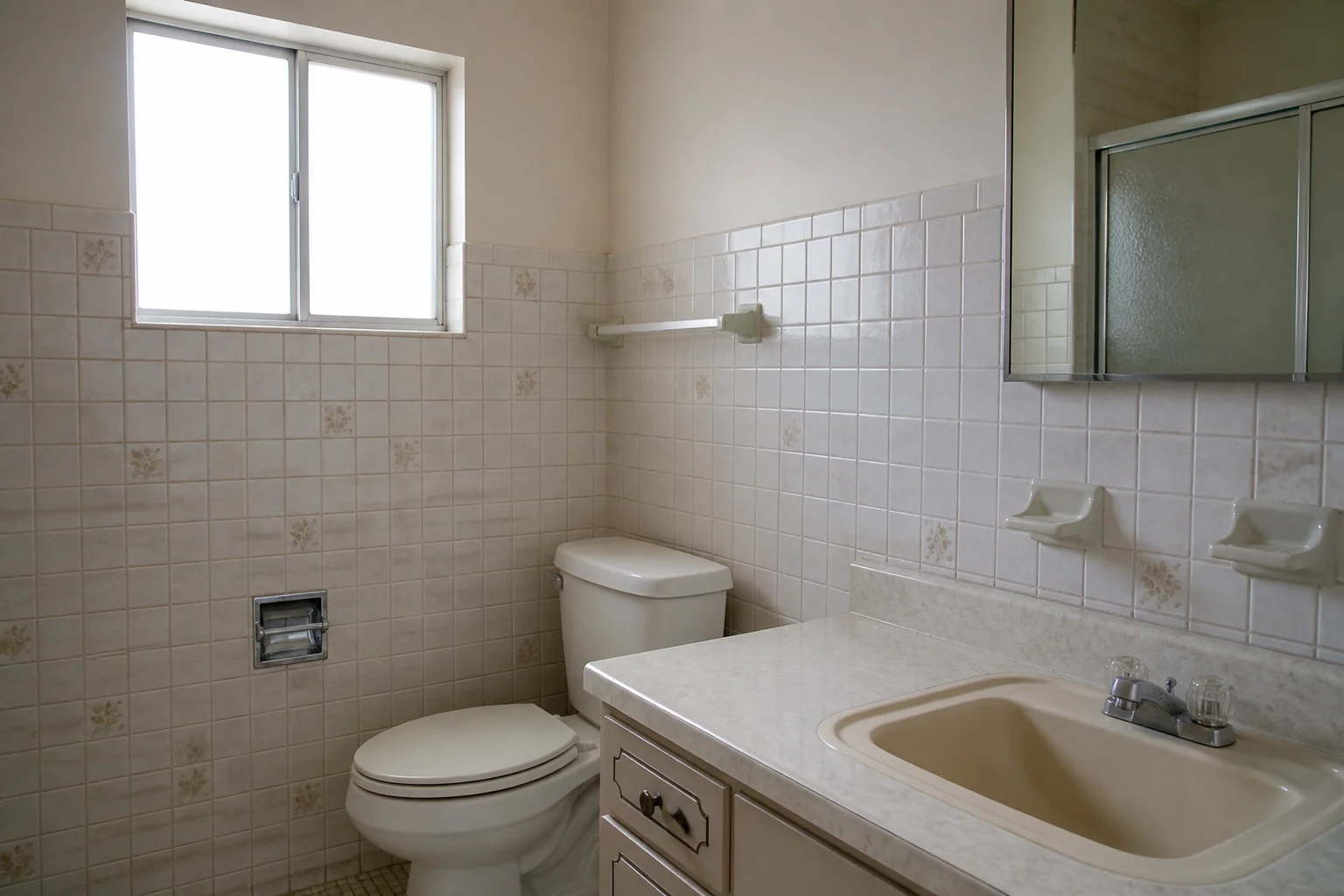
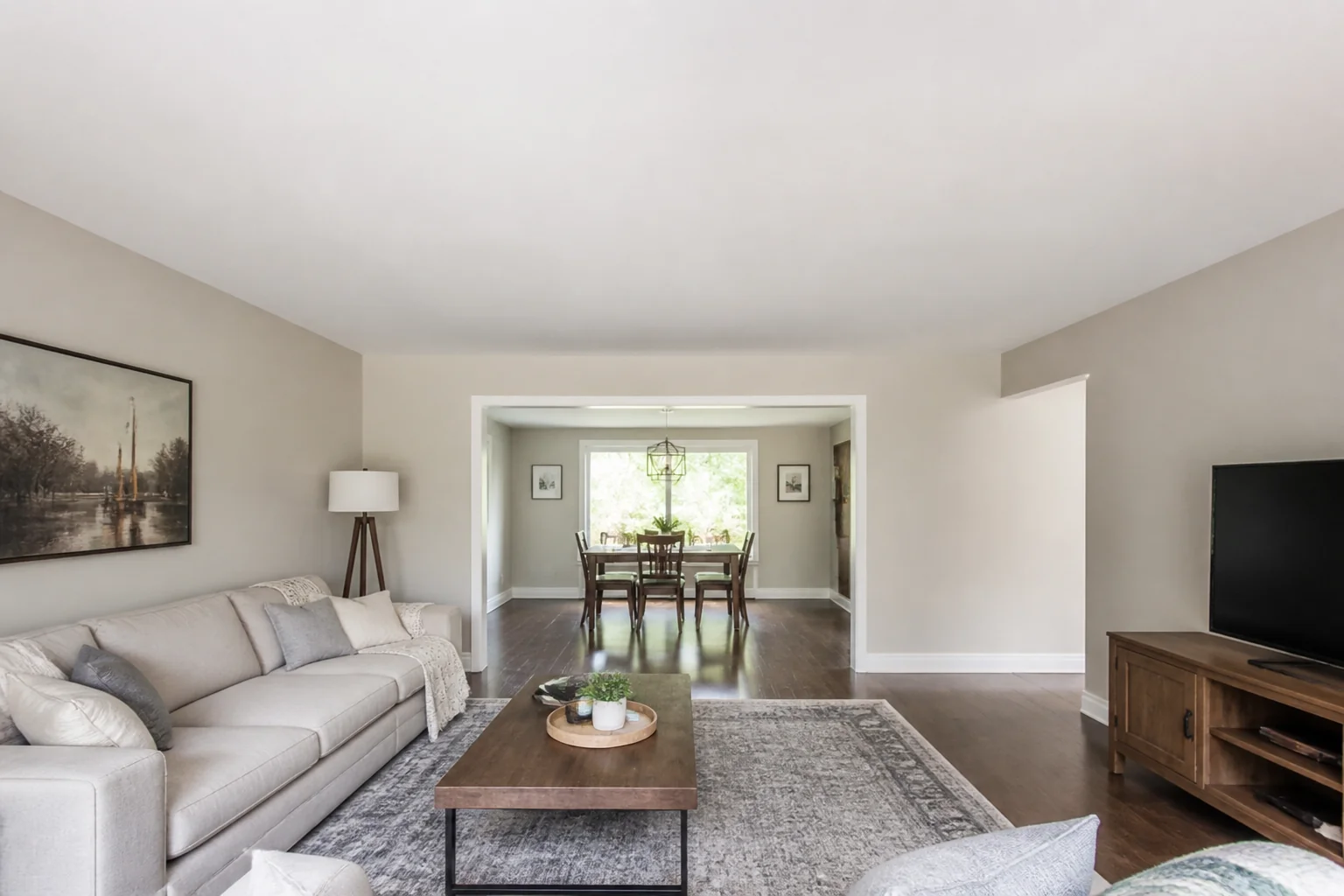
- Whole Kitchen RemodelBeforeAfter
- Whole Bathroom Remodel
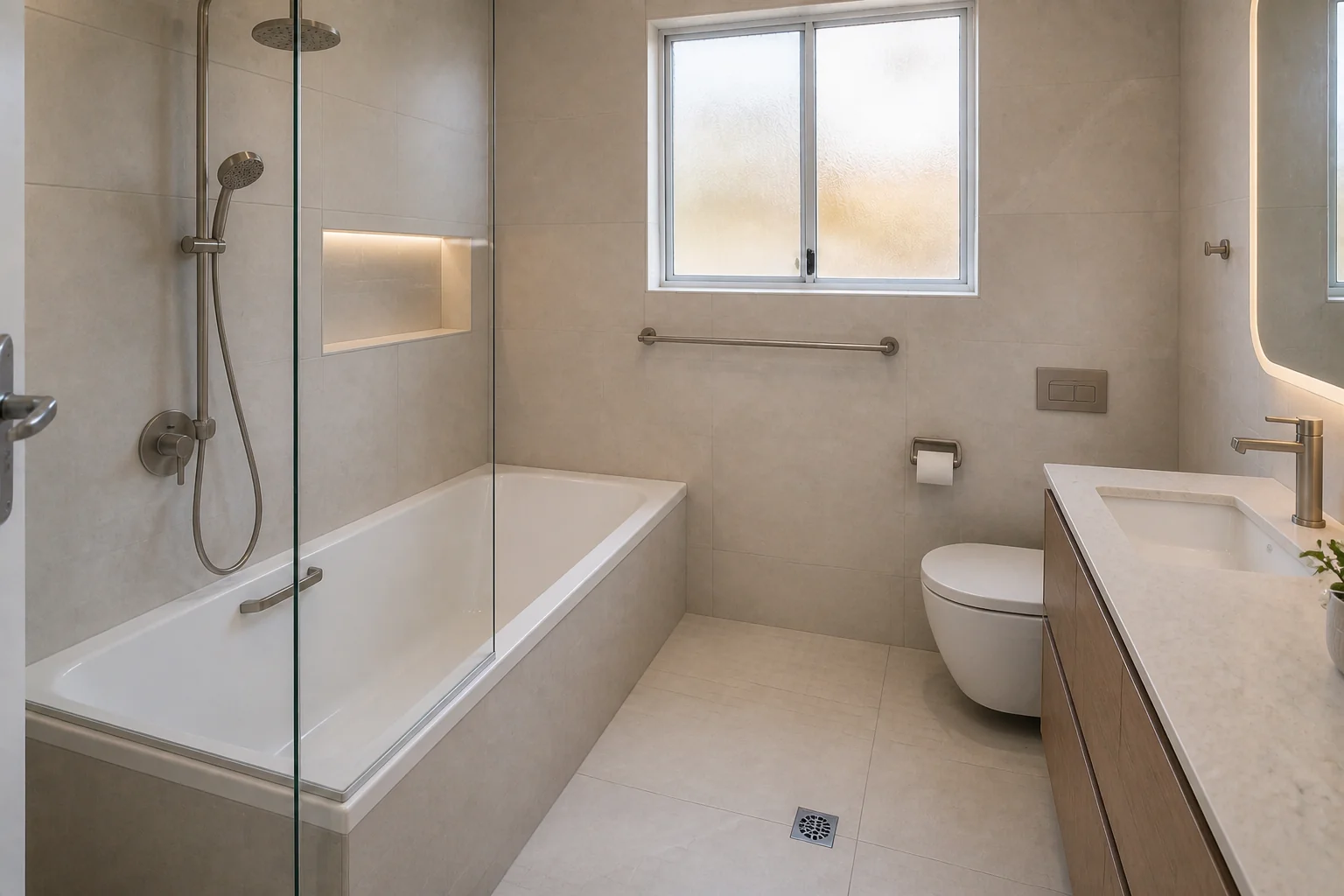 BeforeAfter
 - Finish a Basement
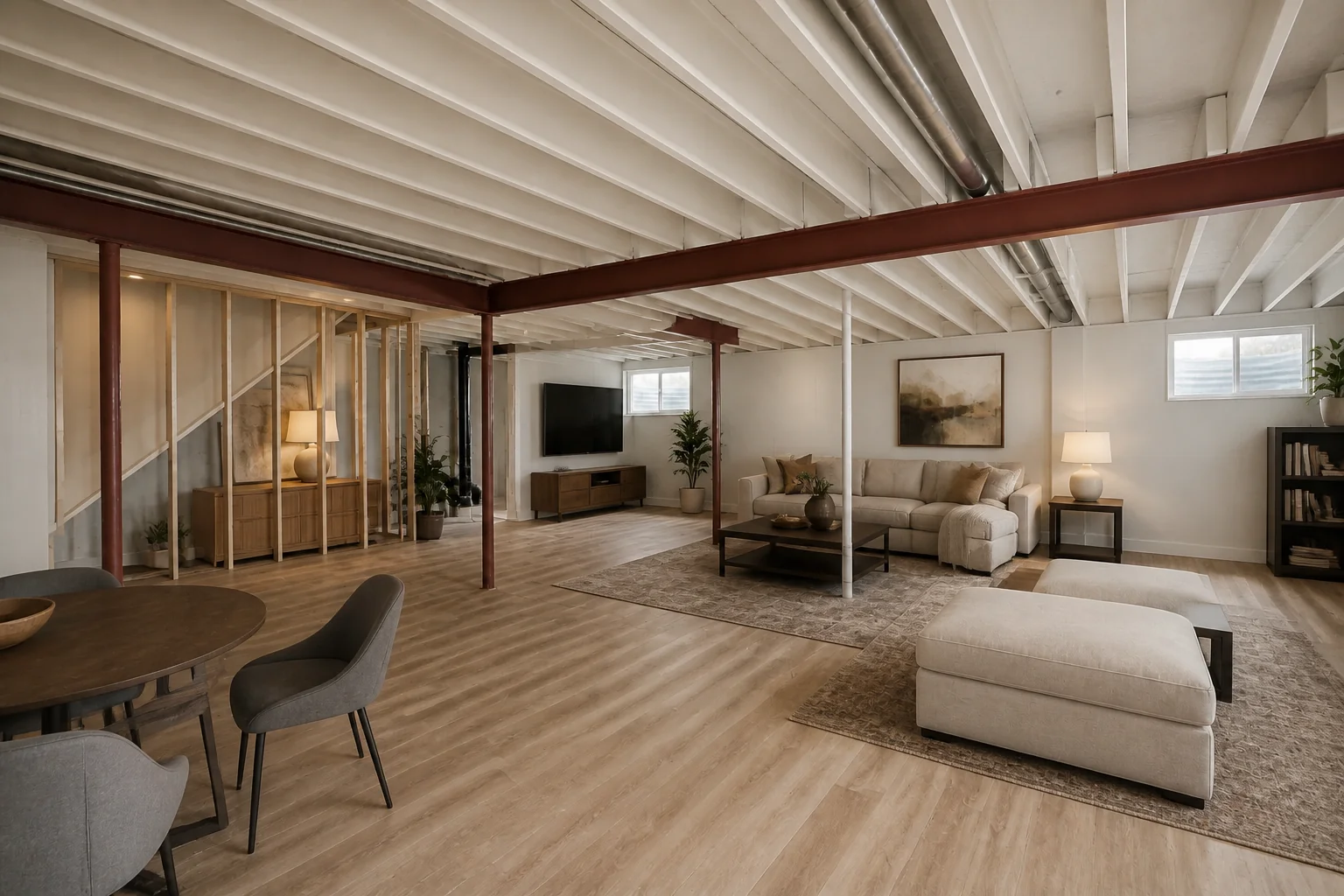 BeforeAfter
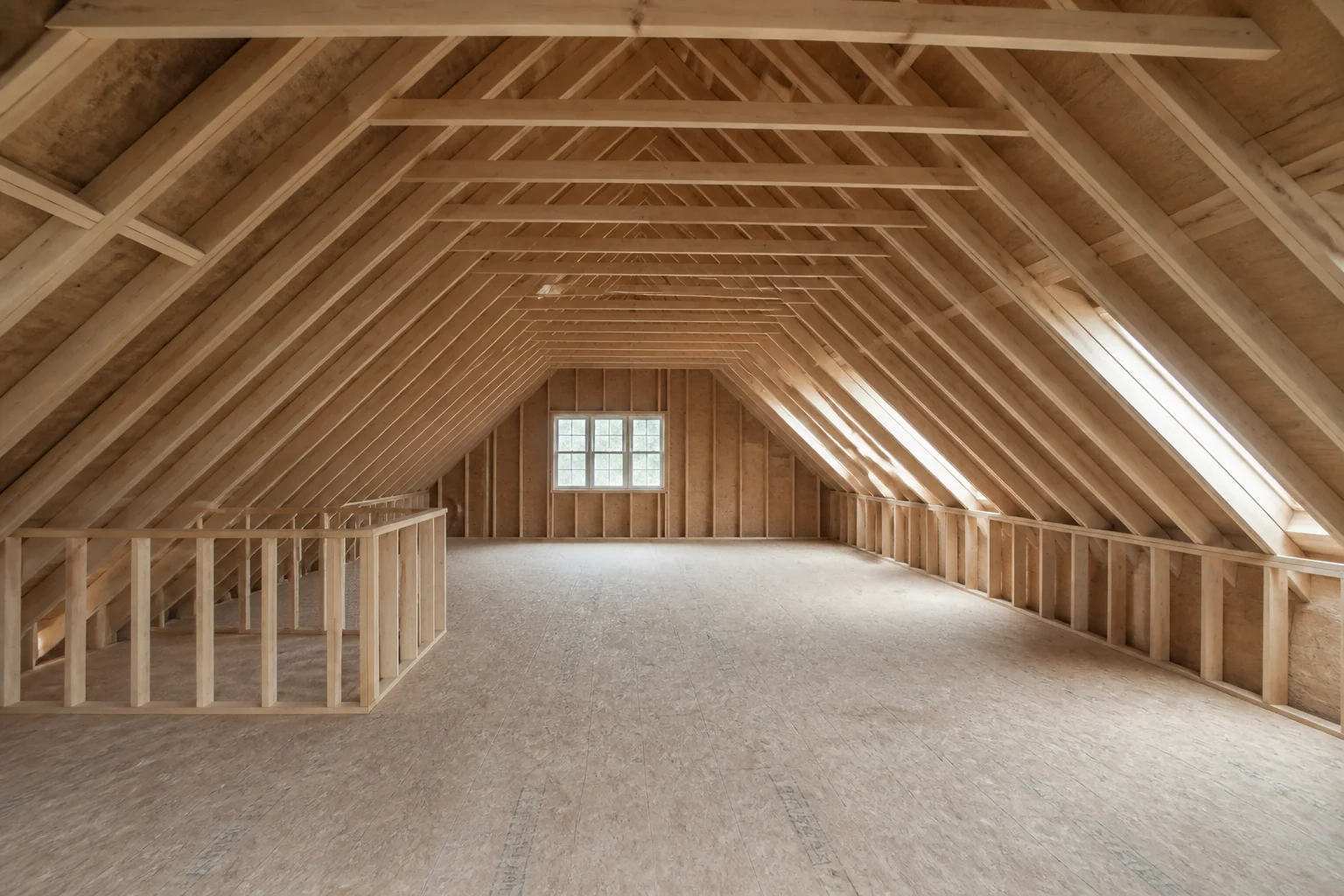
 - Convert an Attic
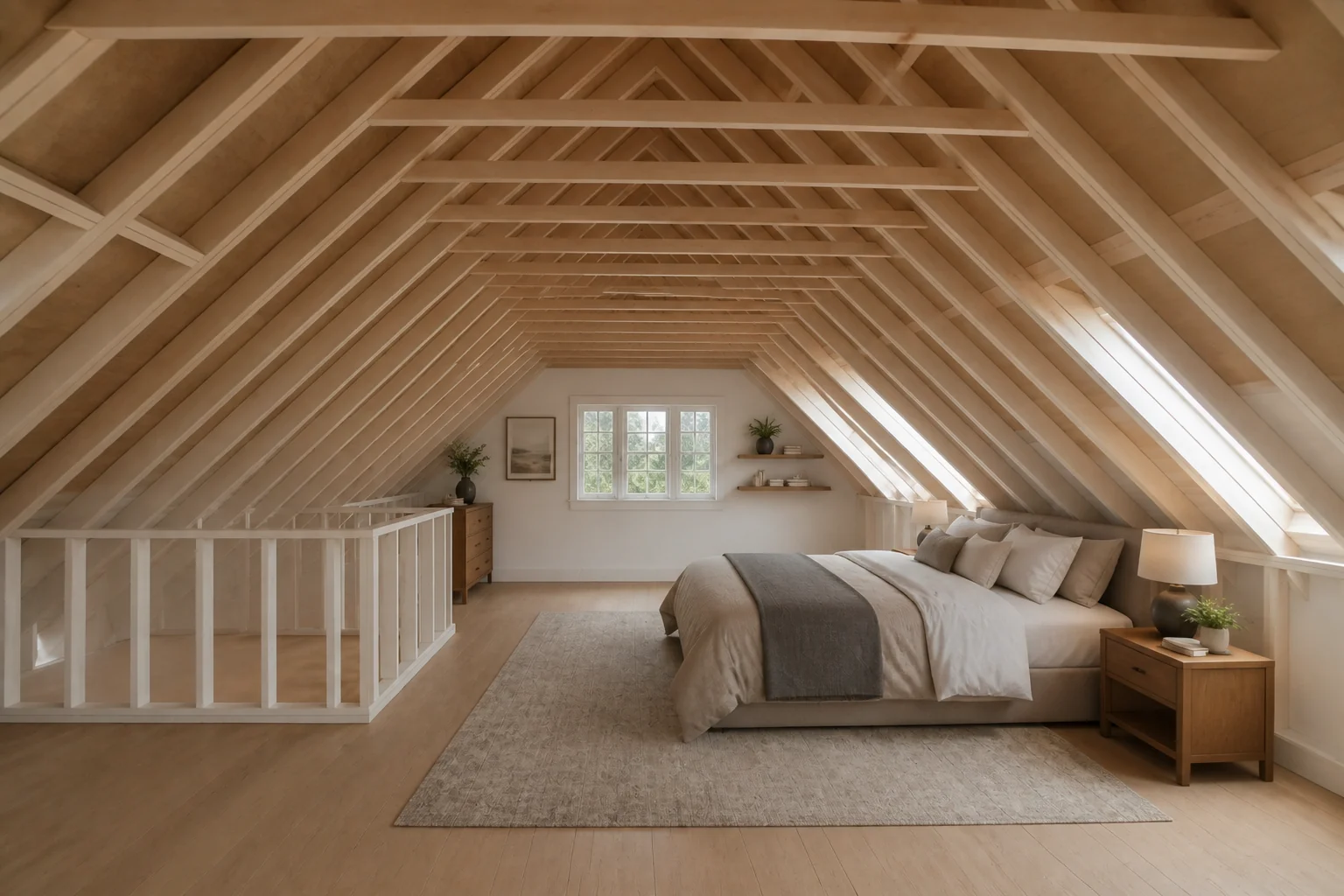 BeforeAfter
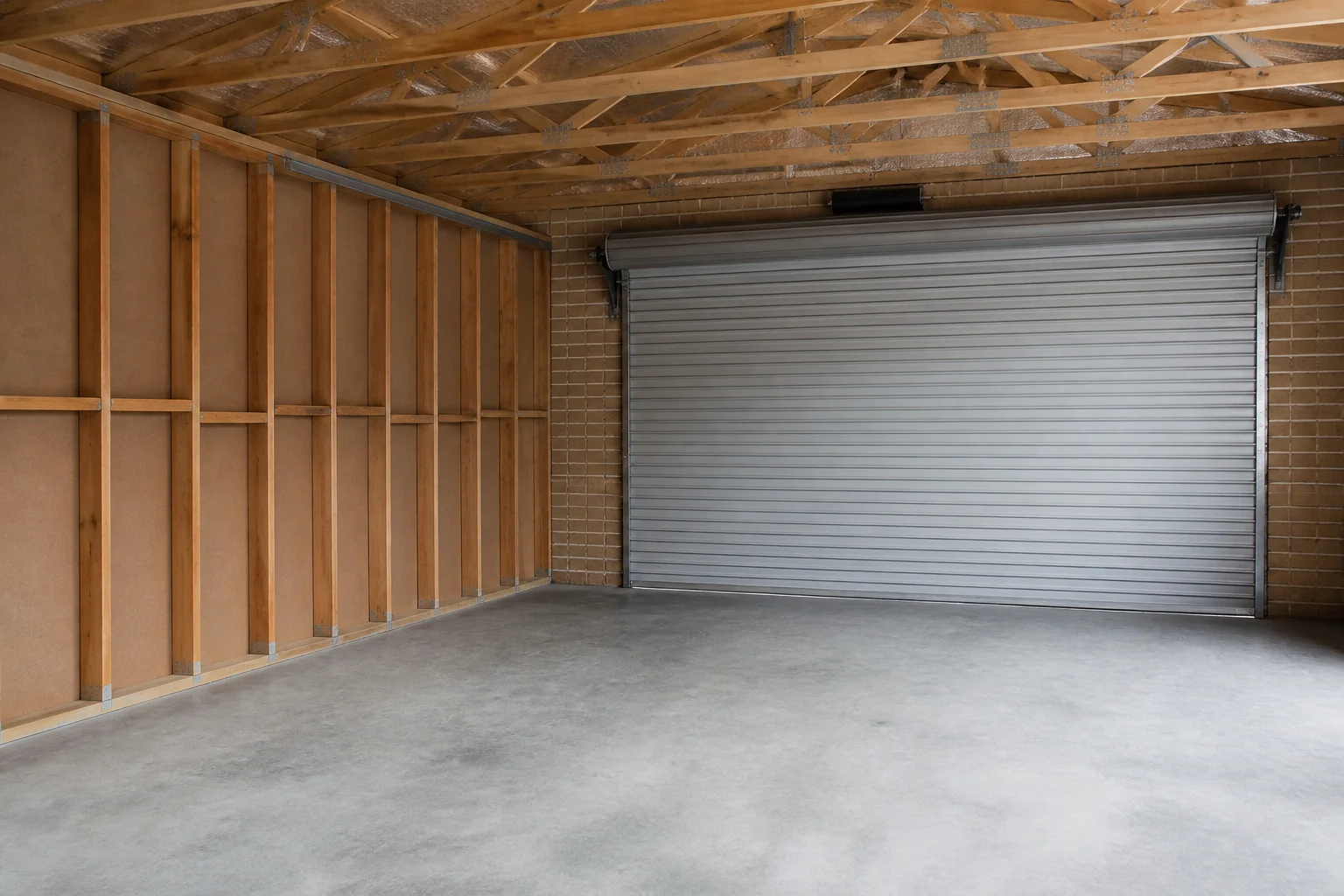
 - Convert a Garage
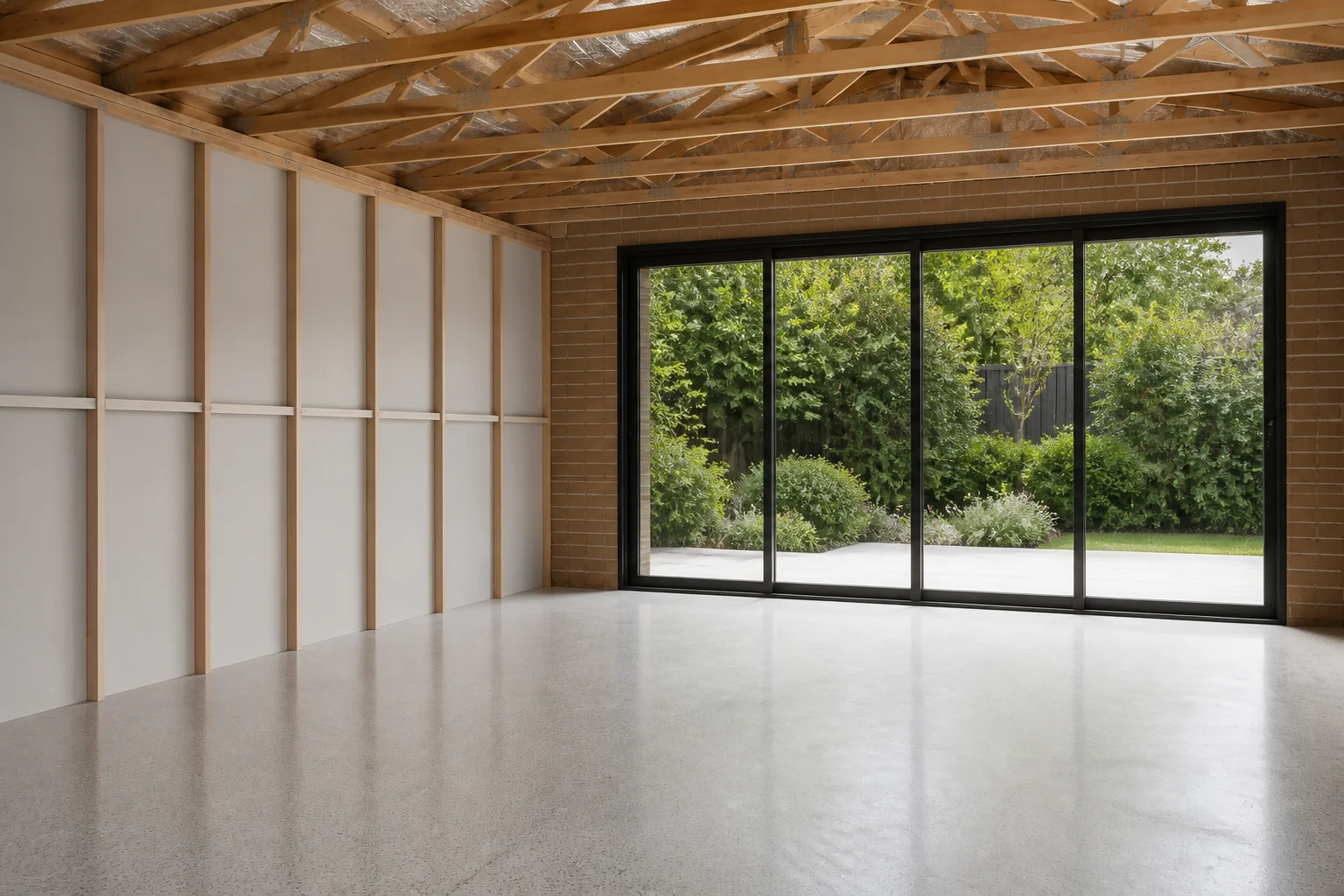 BeforeAfter
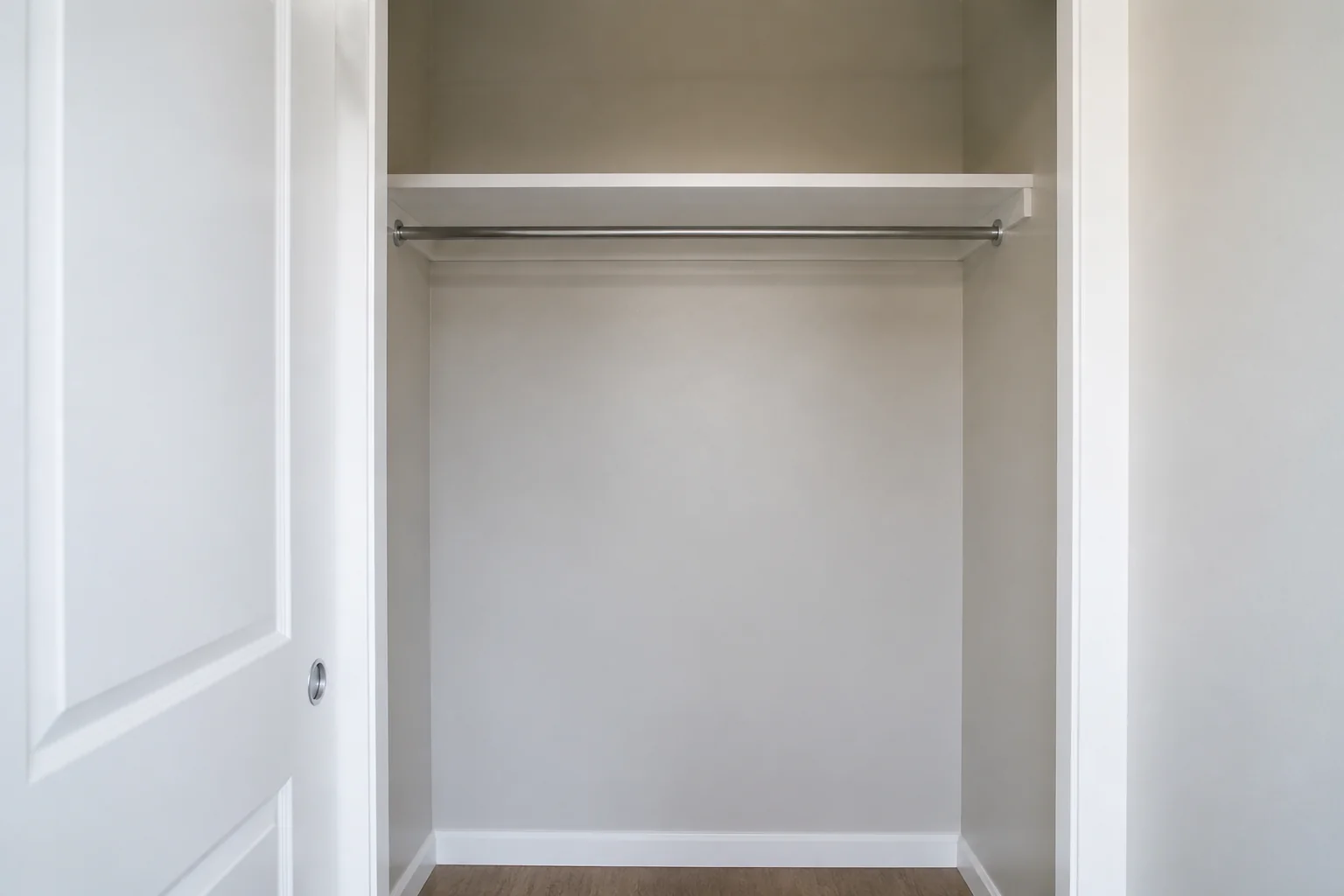
 - Design a Closet
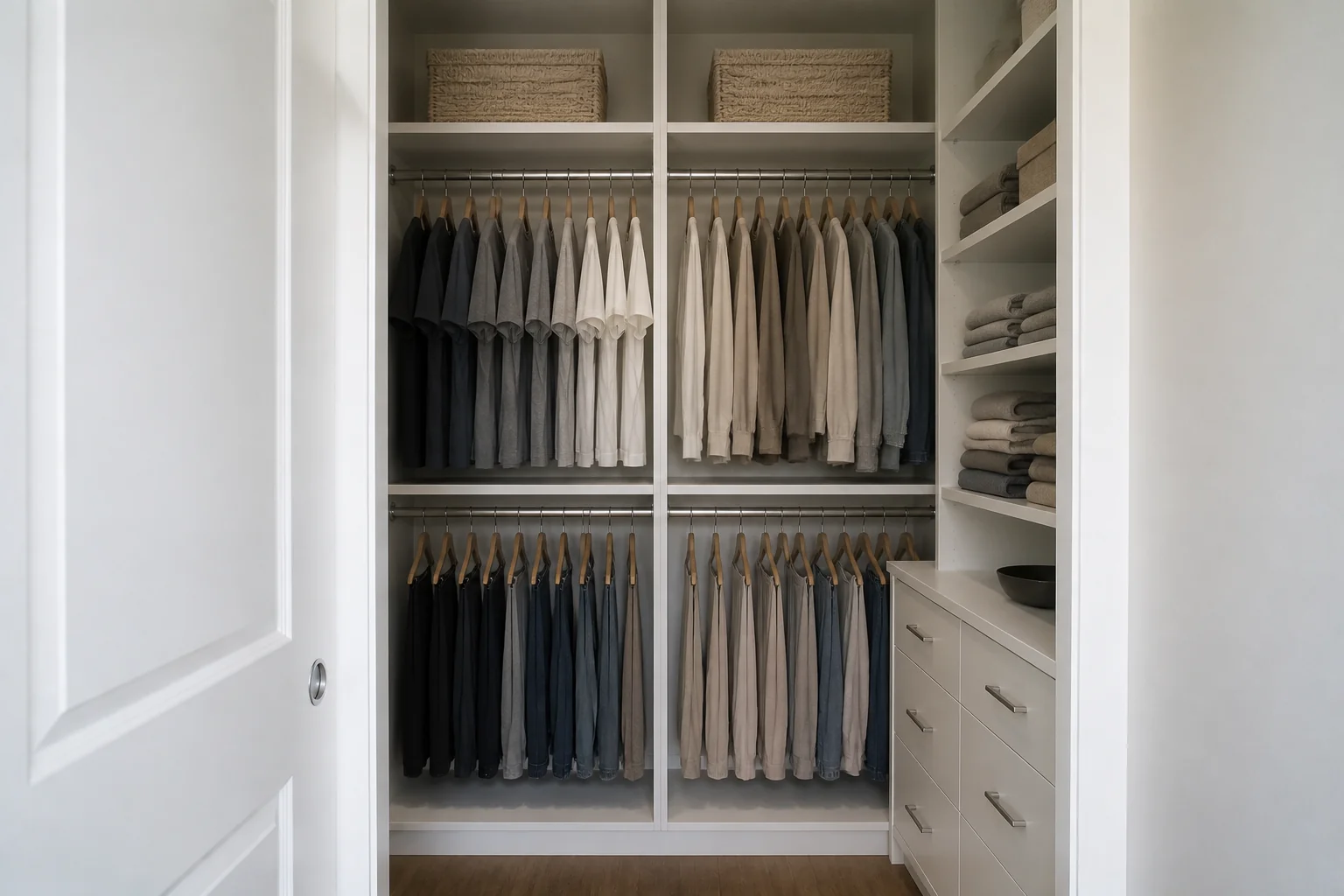 BeforeAfter
 - Set Up a Home Office
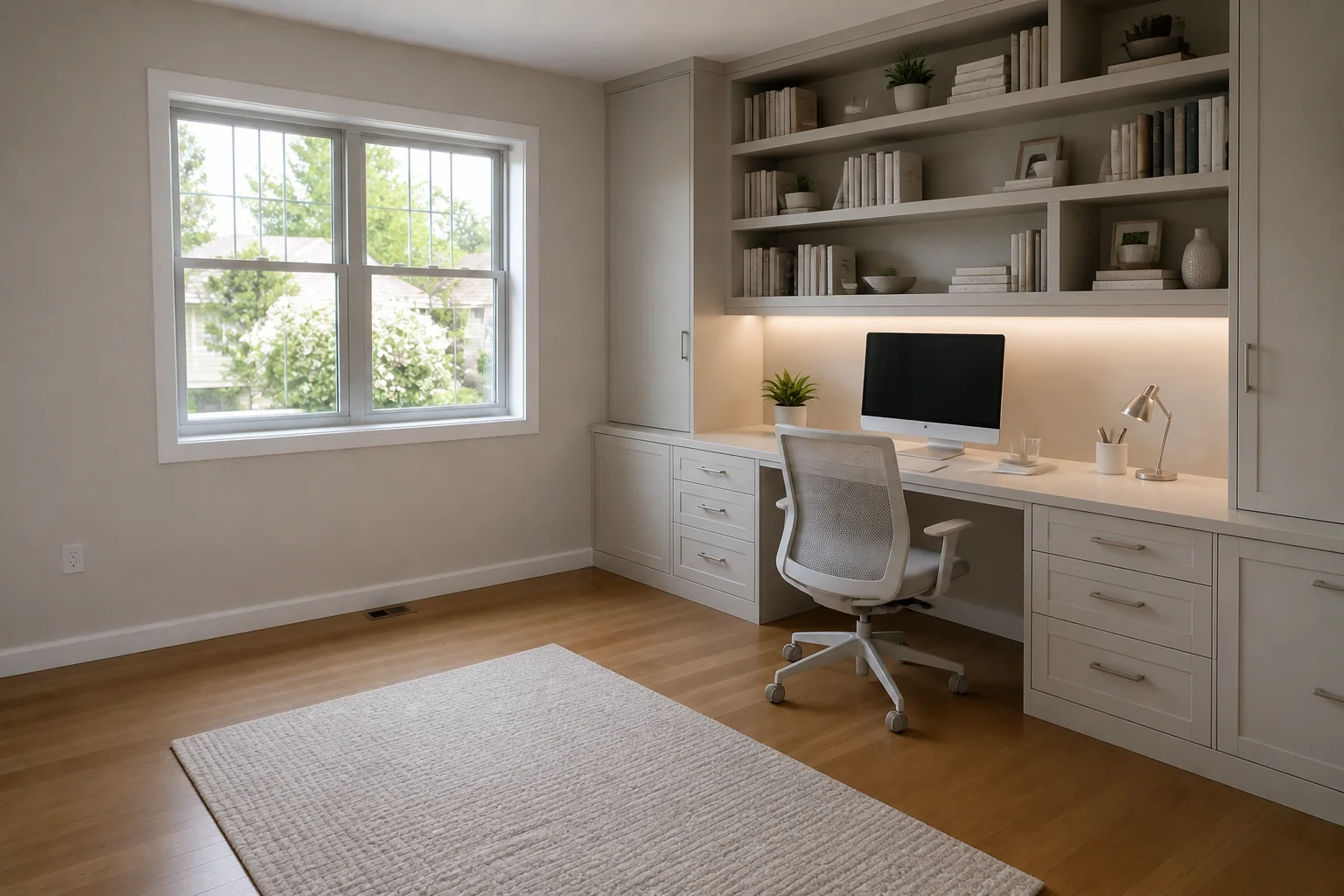 BeforeAfter
 - Design a Nursery
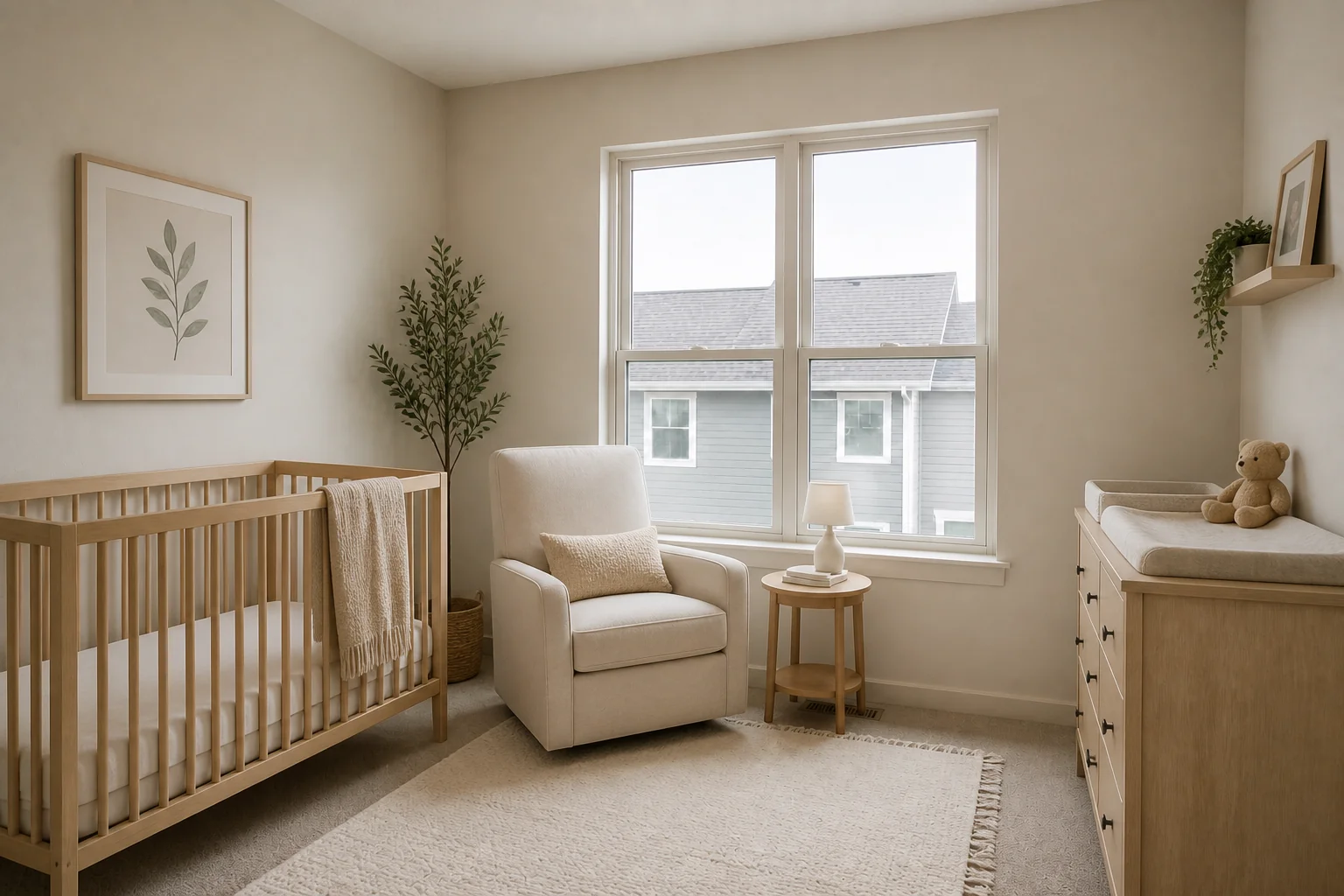 BeforeAfter
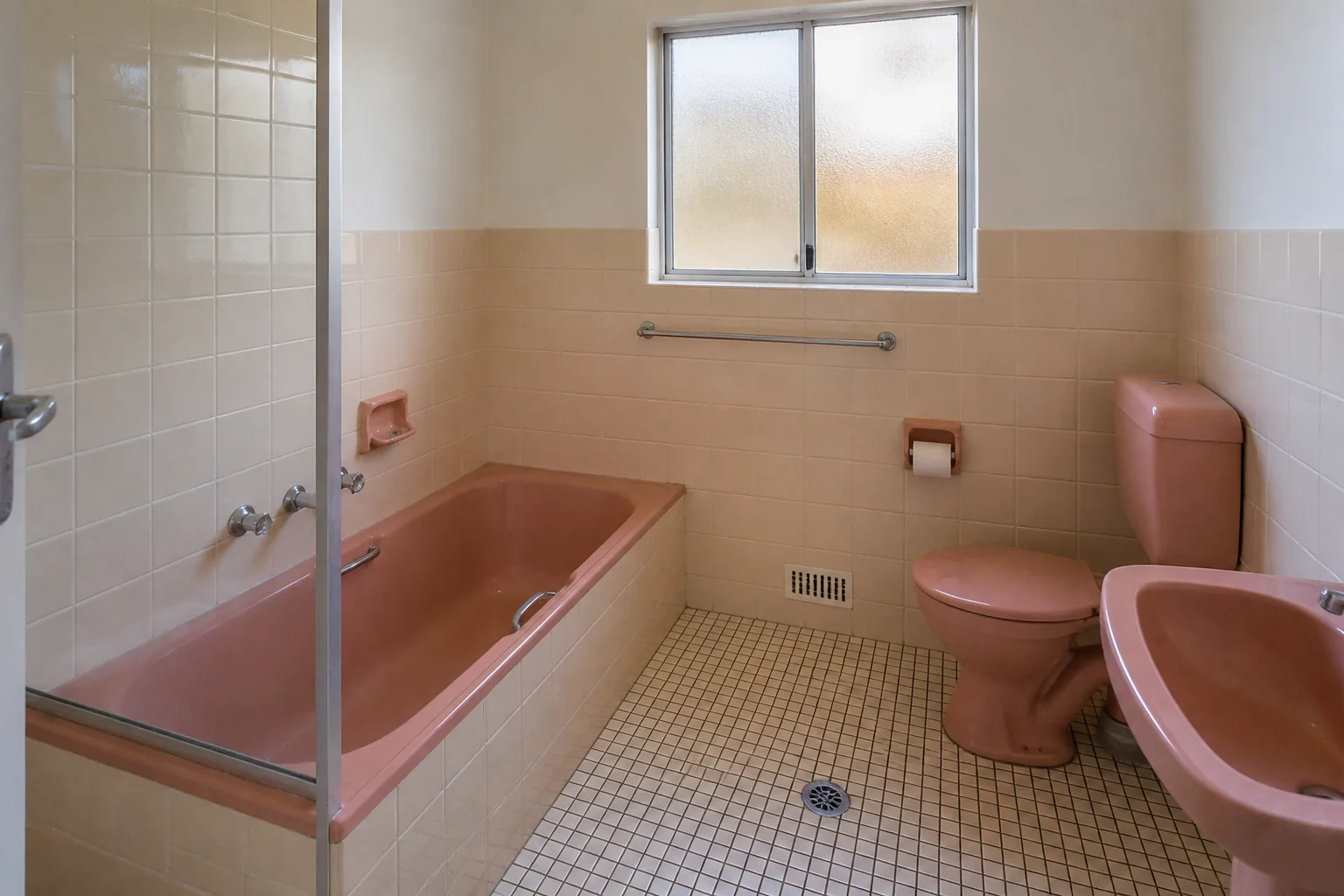
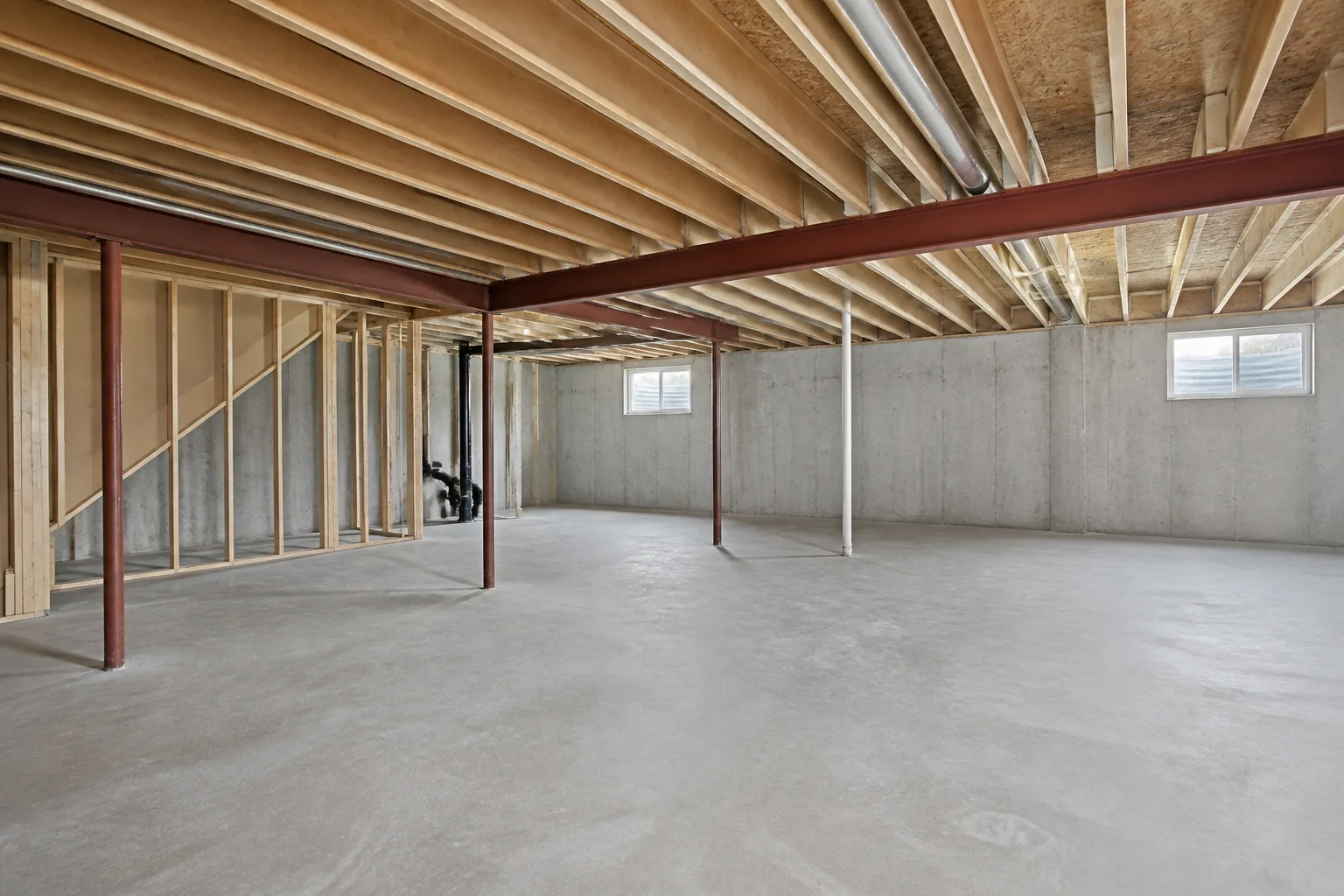
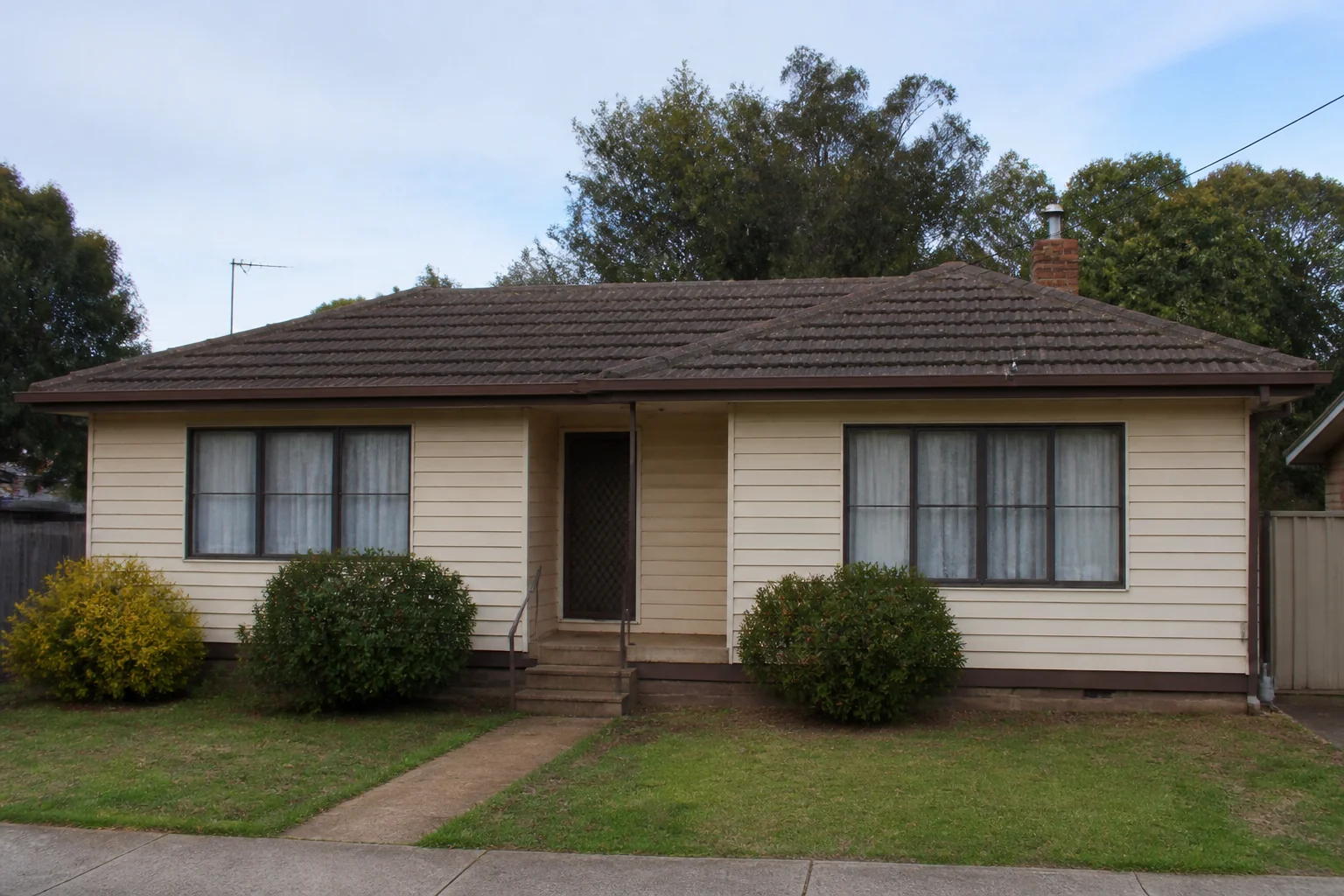
- Remodel the Exterior
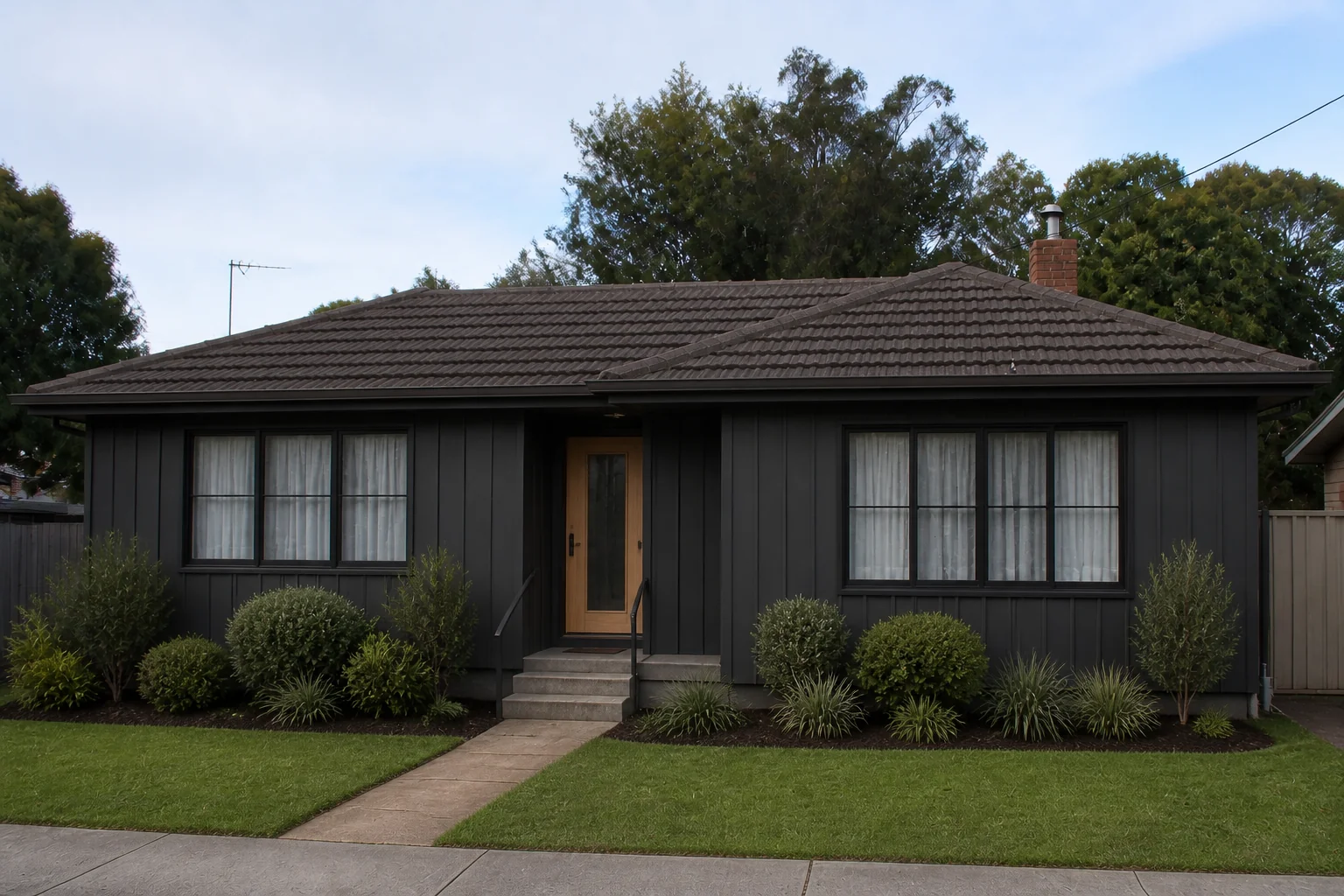 BeforeAfter
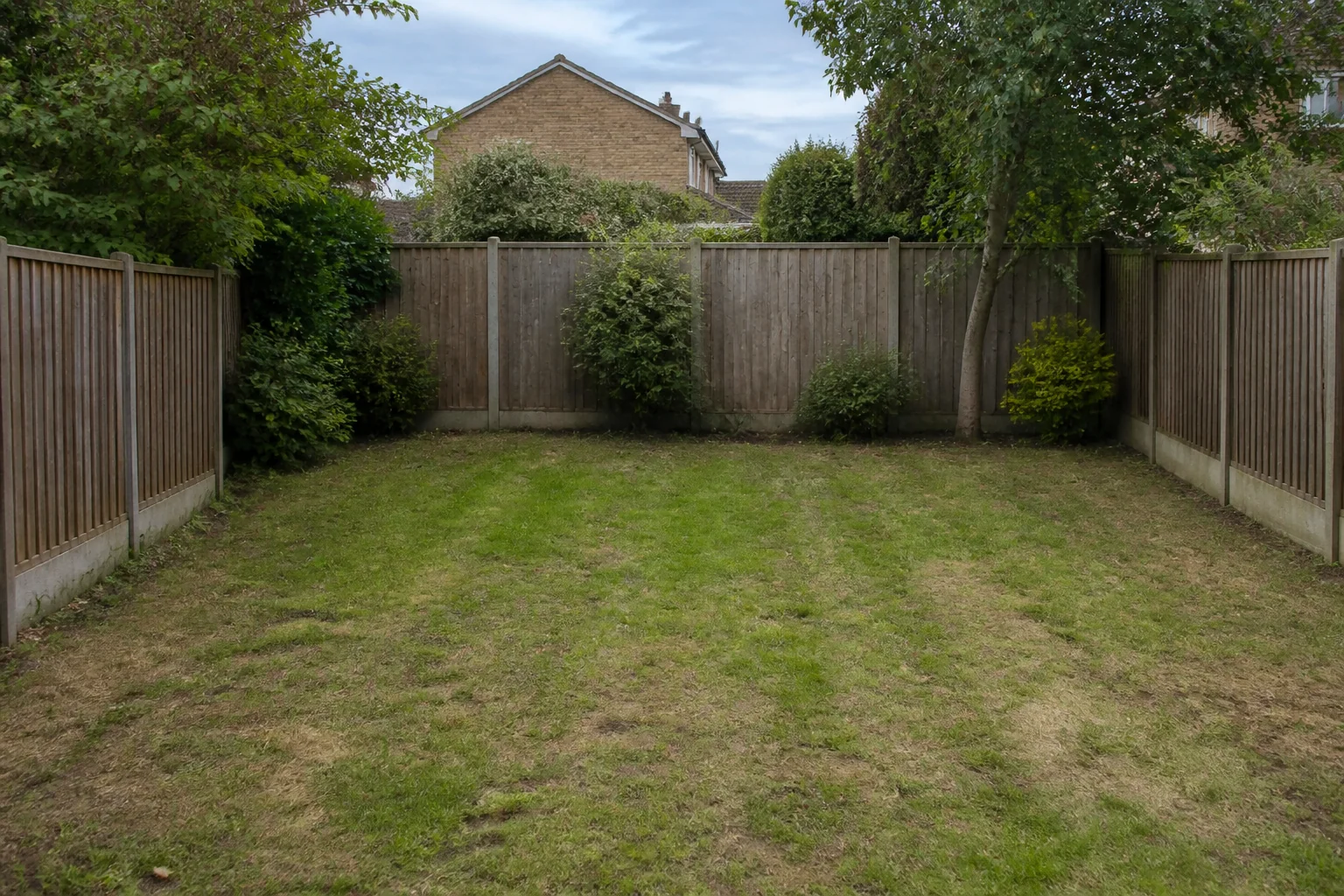
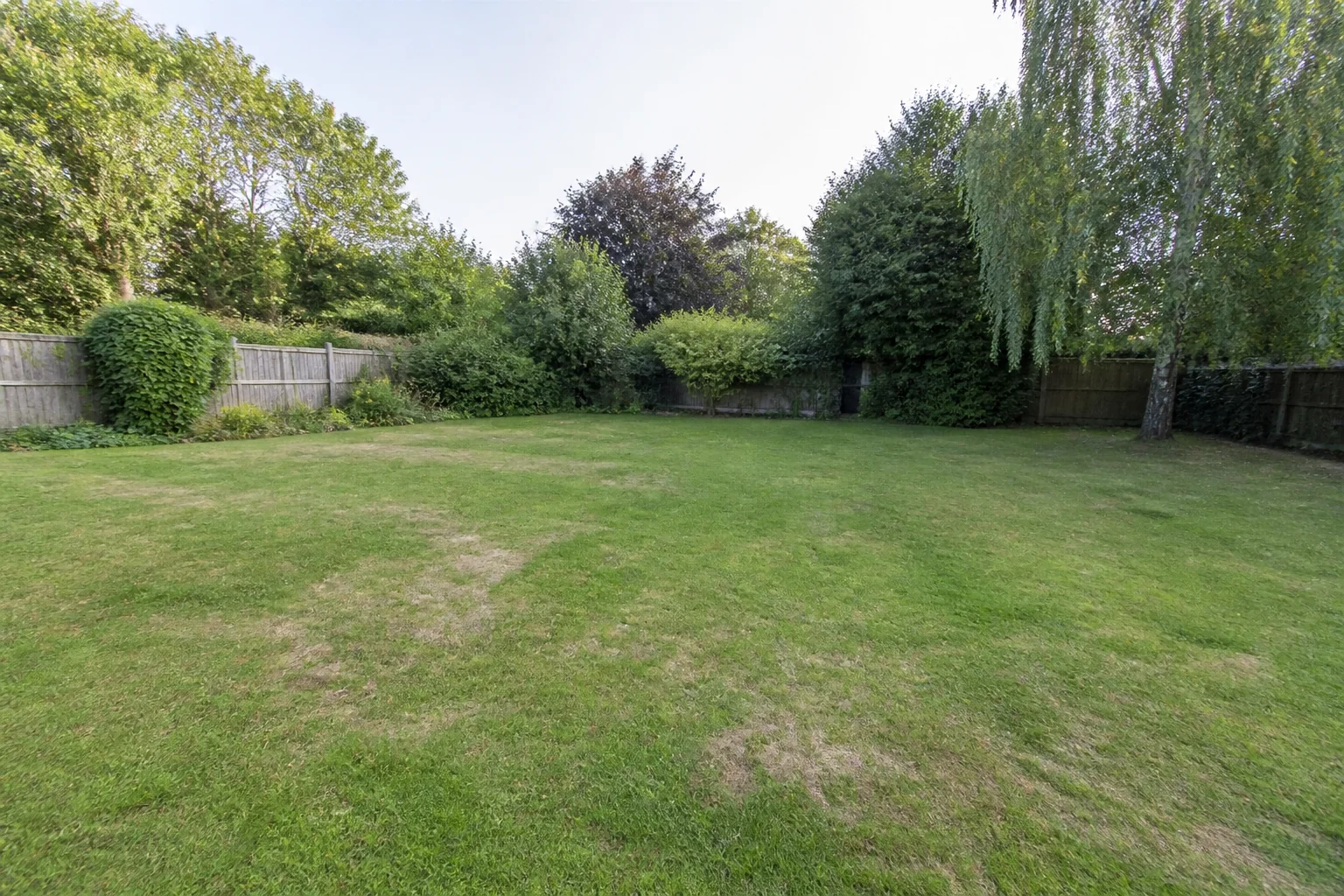
 - Design the Yard
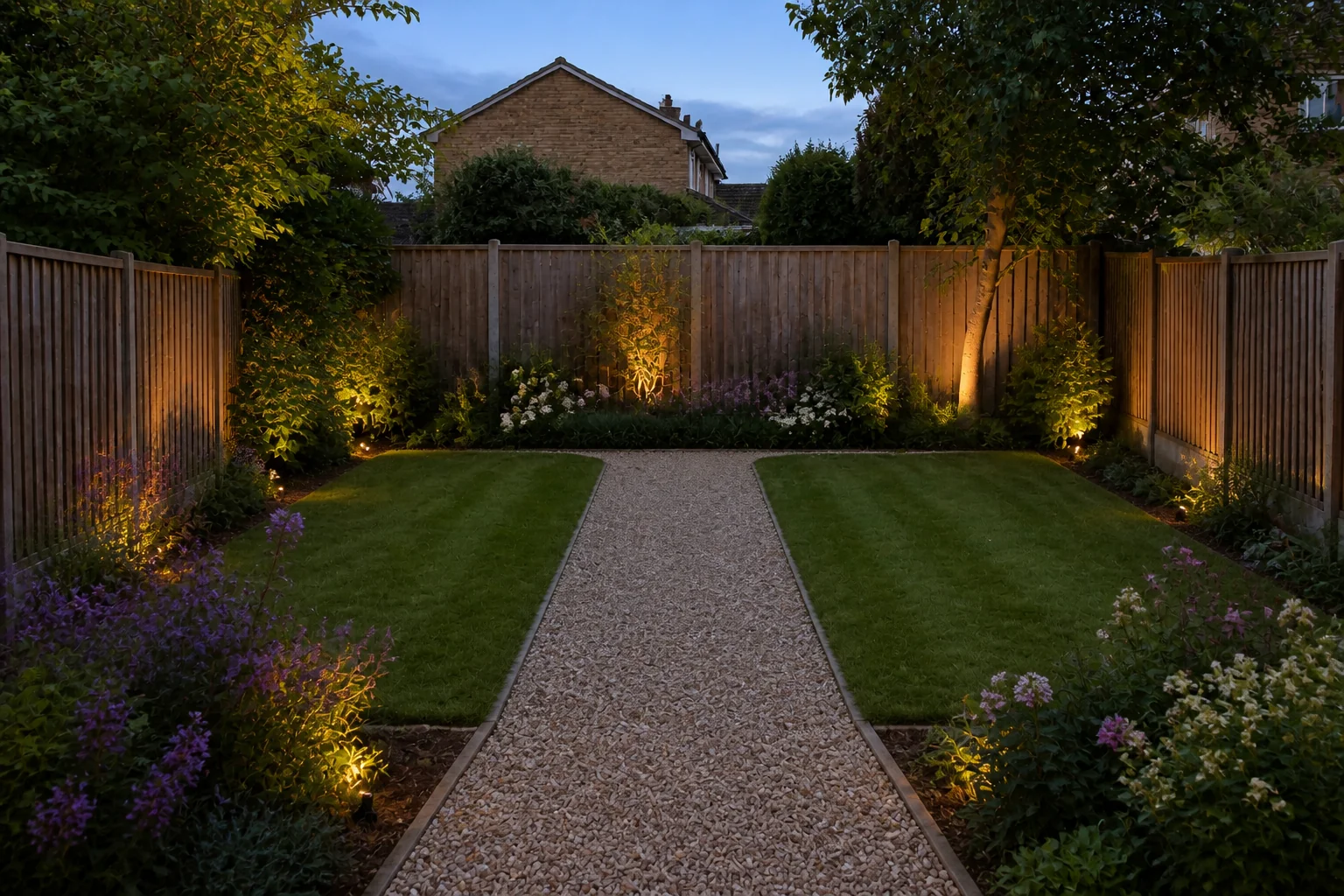 BeforeAfter
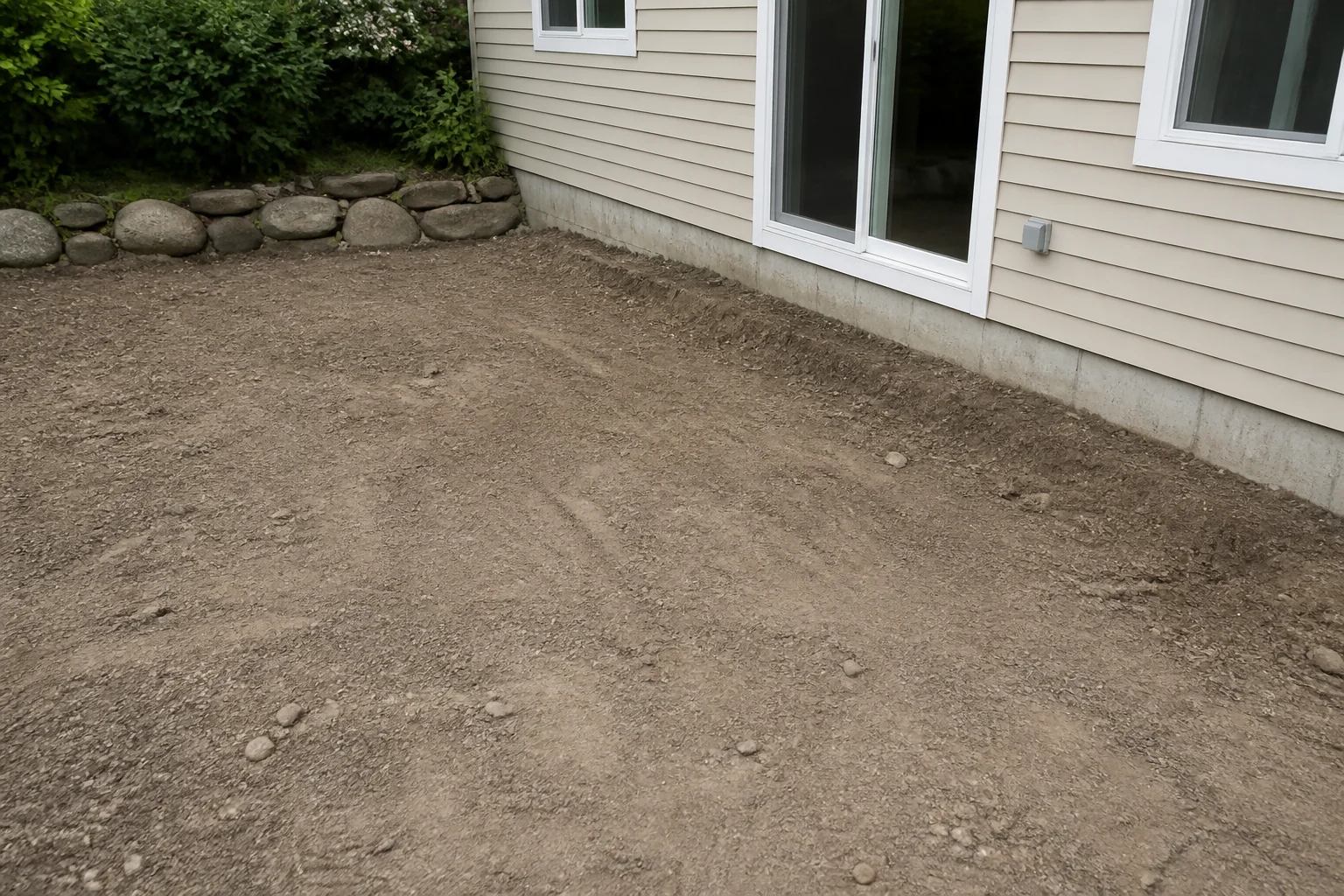
 - Design a Deck or Patio
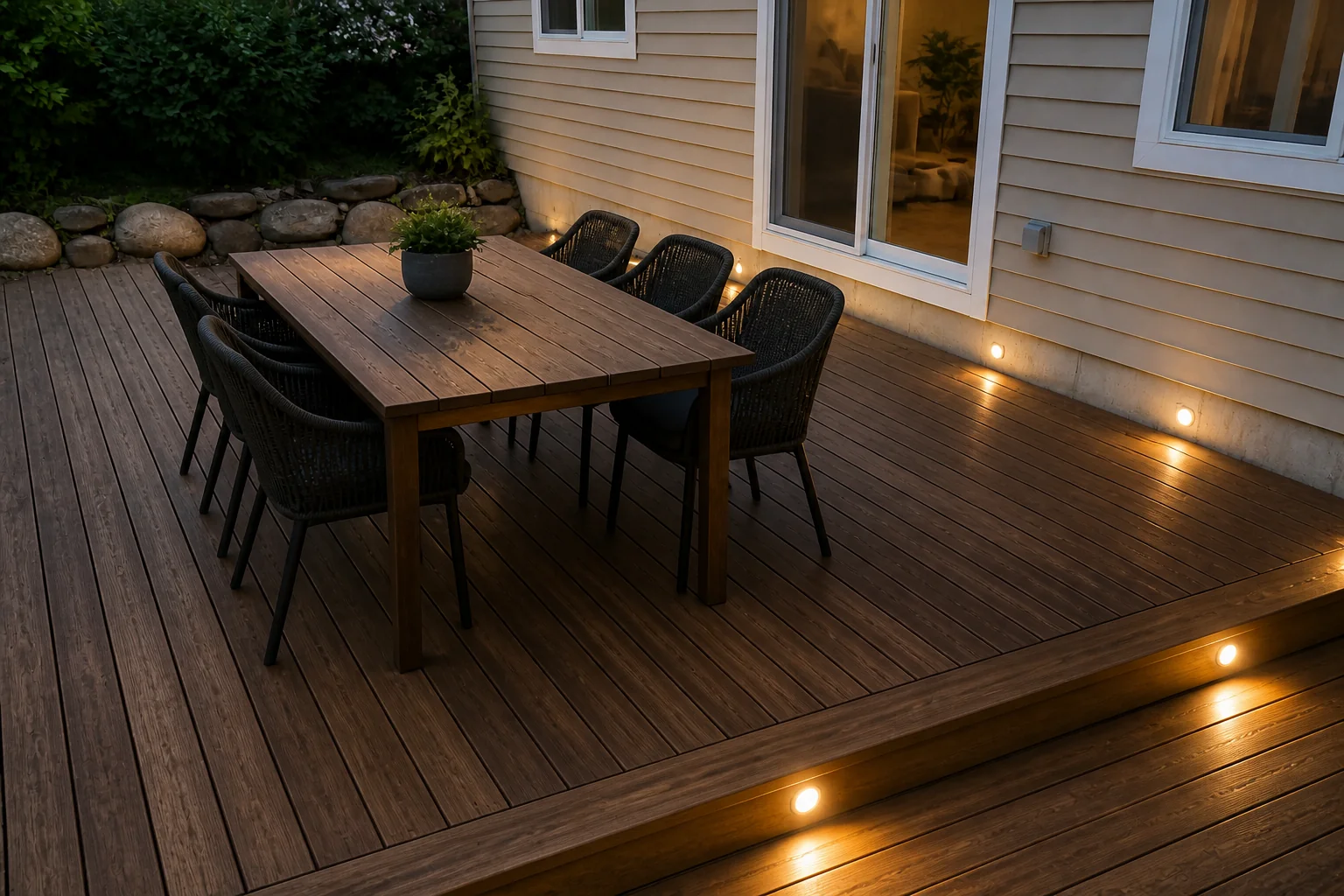 BeforeAfter
 - Design a Pool
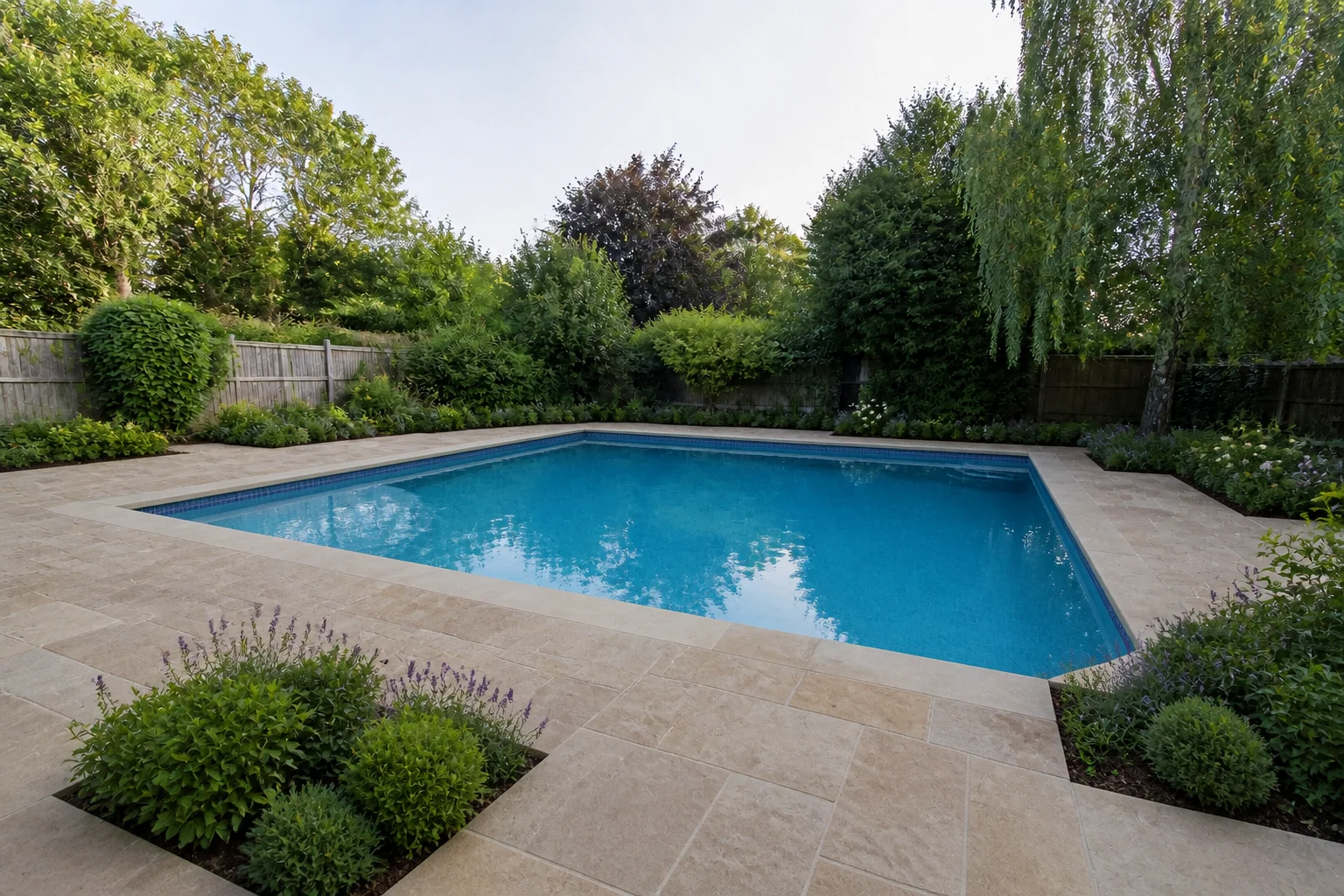 BeforeAfter
Who it is for
All 12 →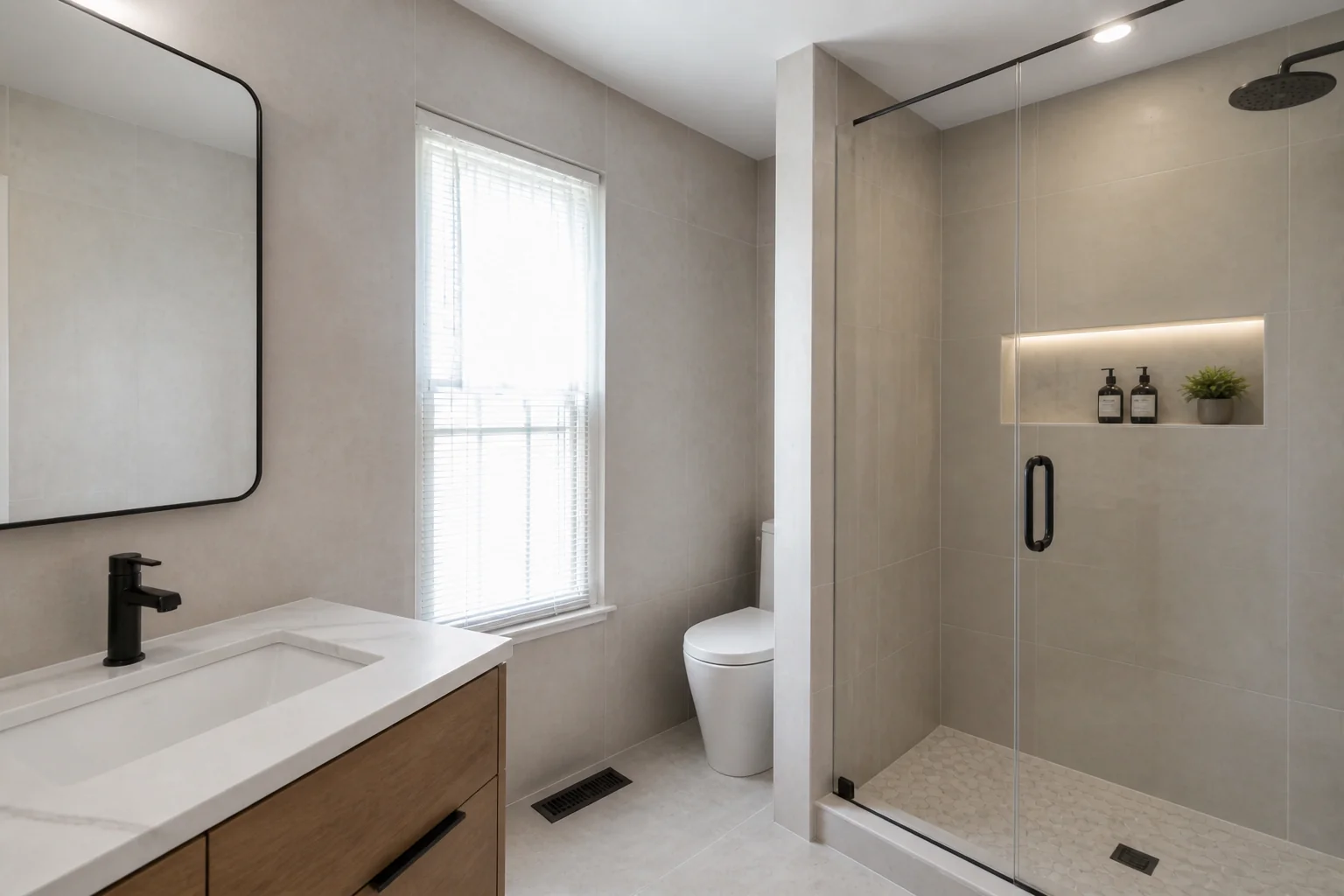 First-time remodelersThe first remodel is the one where every decision feels irreversible.
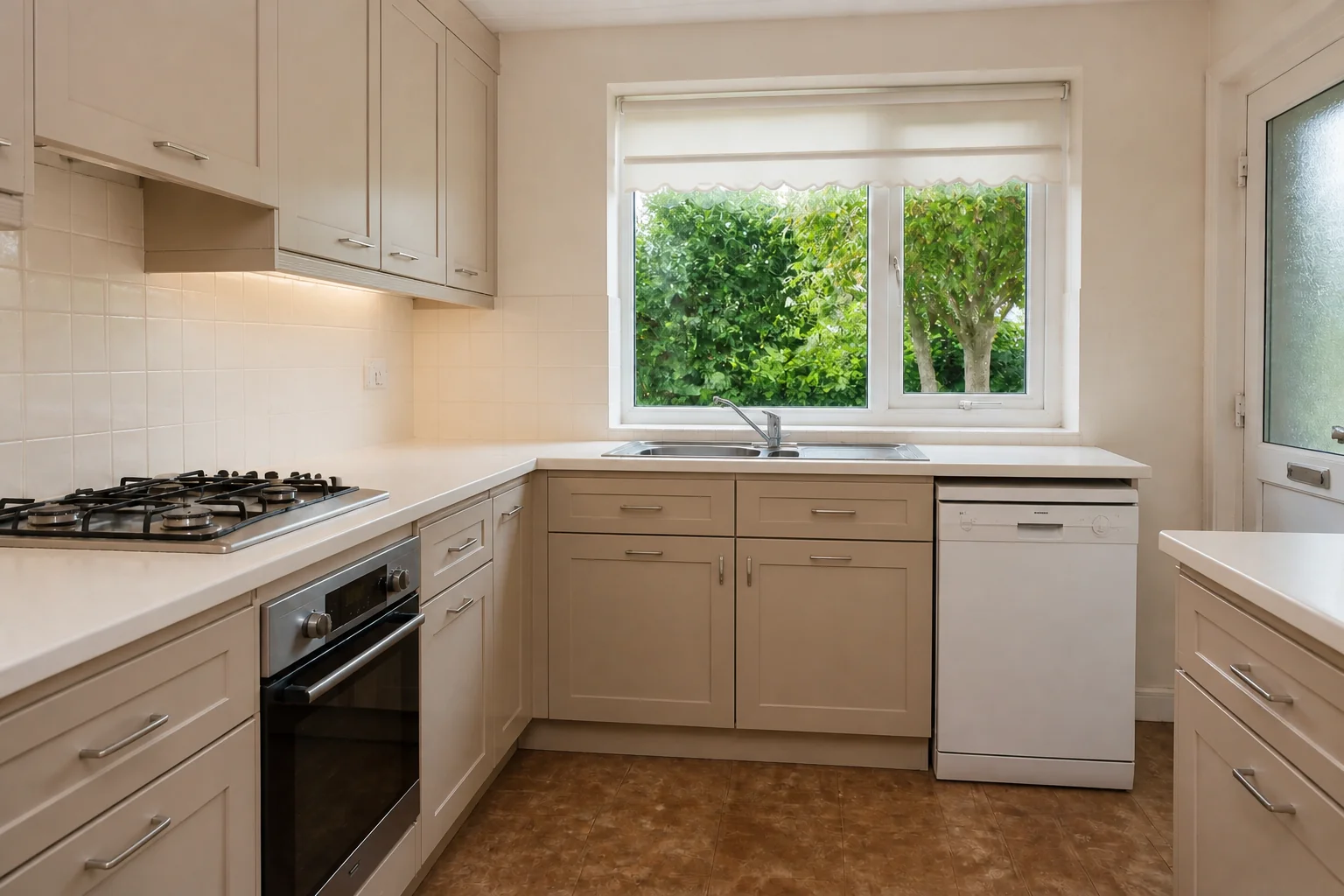 Planning a kitchenCabinets, worktop and splashback are chosen separately and seen together.
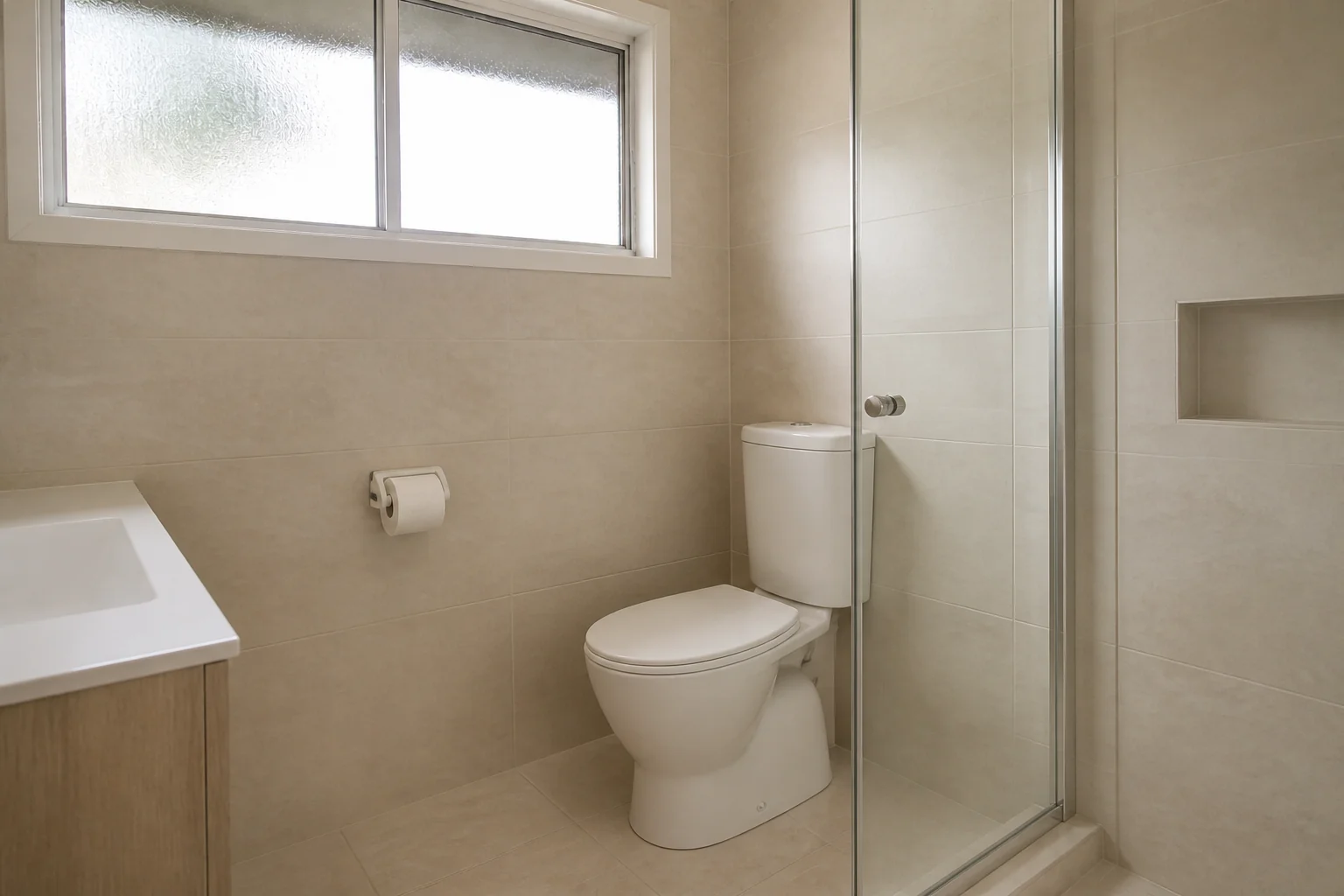 Planning a bathroomEvery surface is visible at once, so nothing hides a bad pairing.
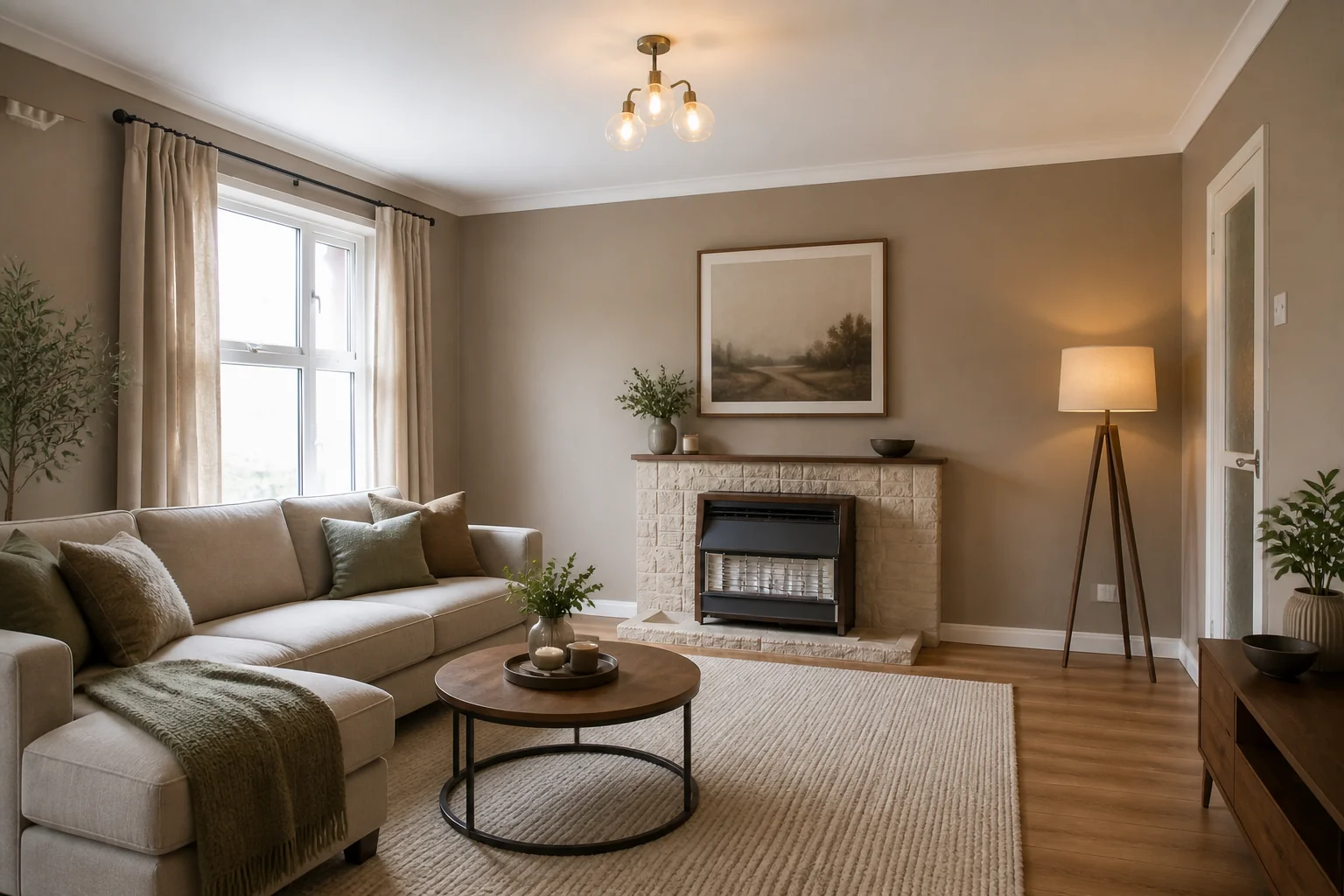 Fixer-uppersThe hardest part of a dated house is imagining it any other way.
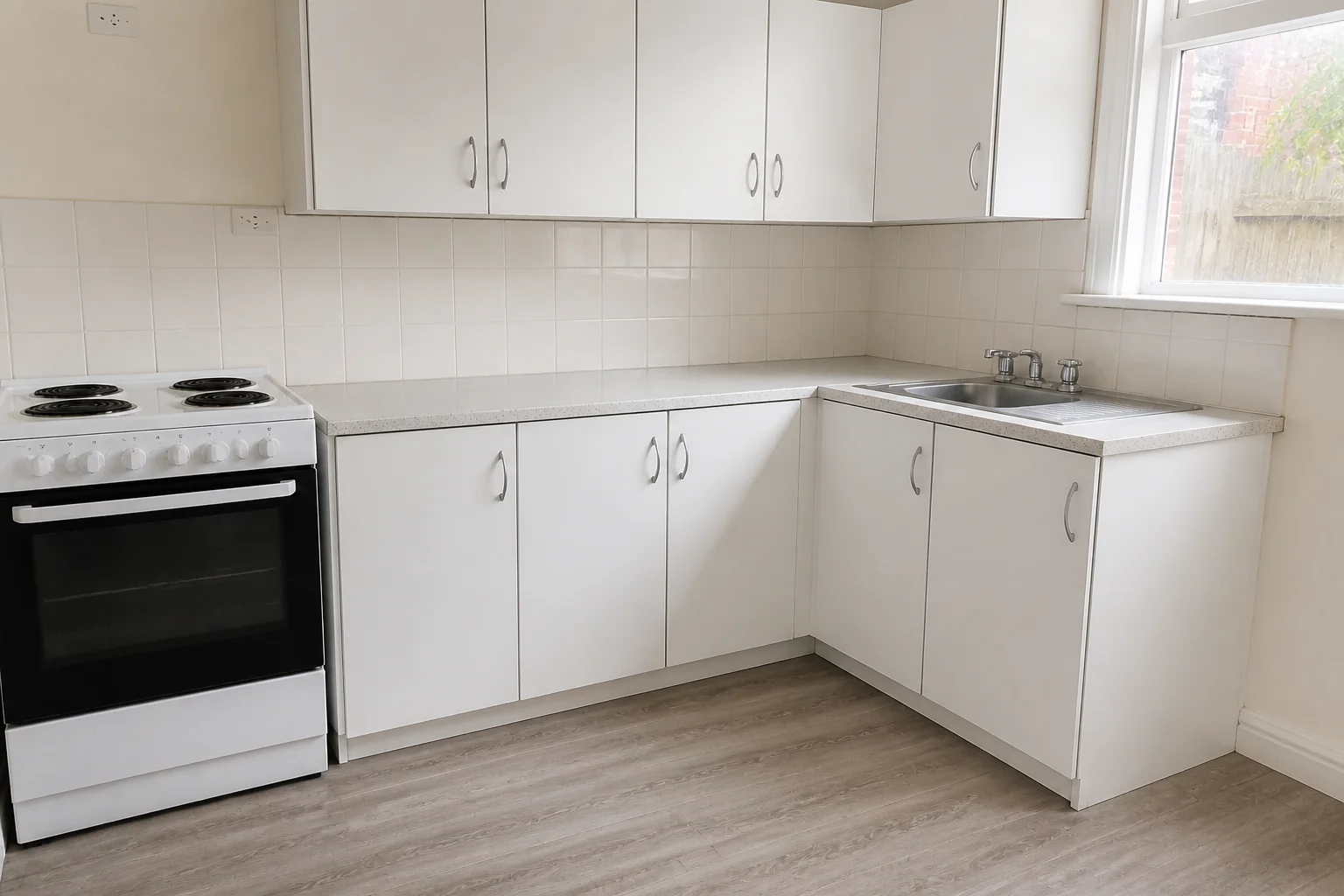 LandlordsThe question is never what looks best, it is what changes the room for the least work.
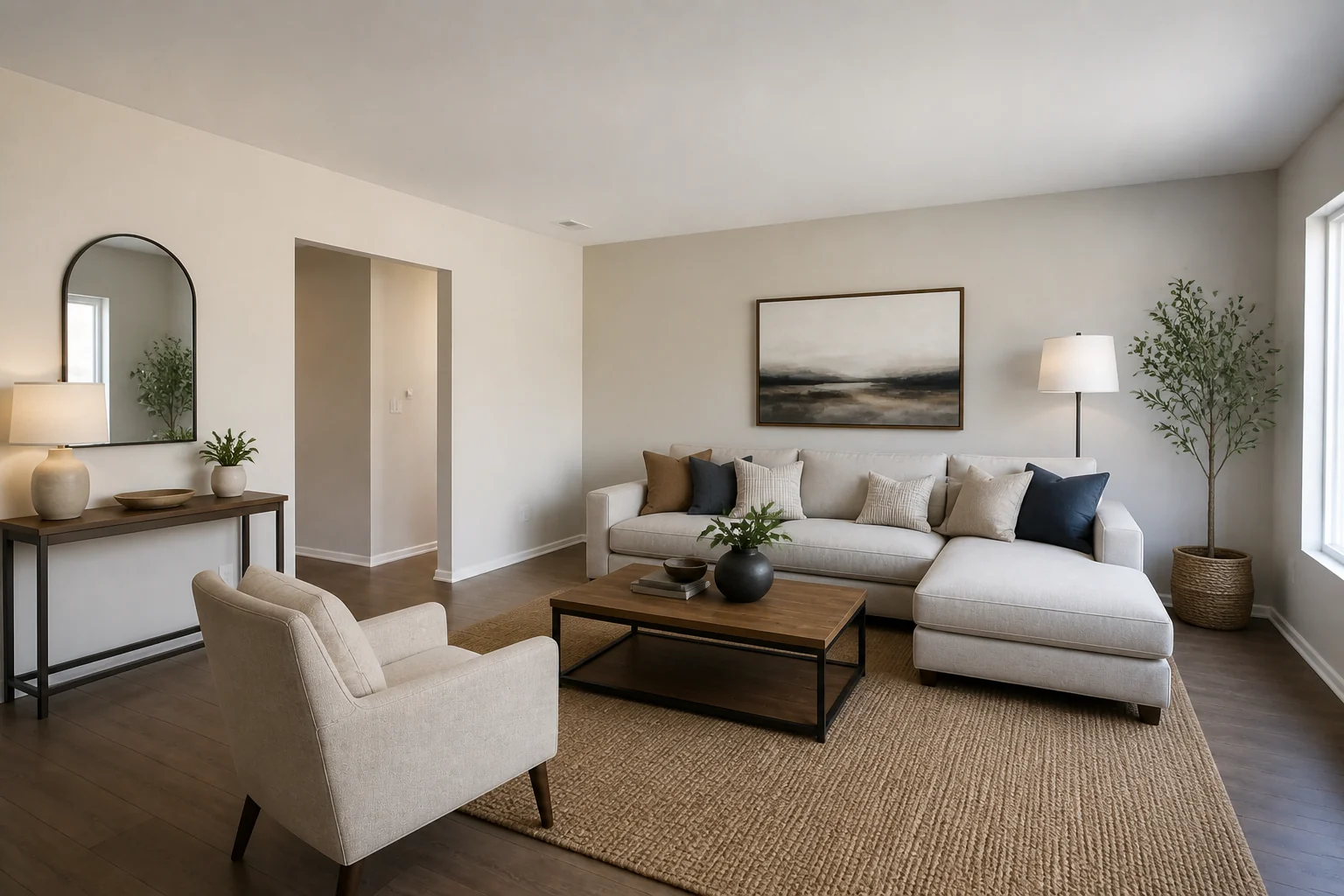 Selling a houseDecide what to fix before listing, and show buyers what the rest could be.
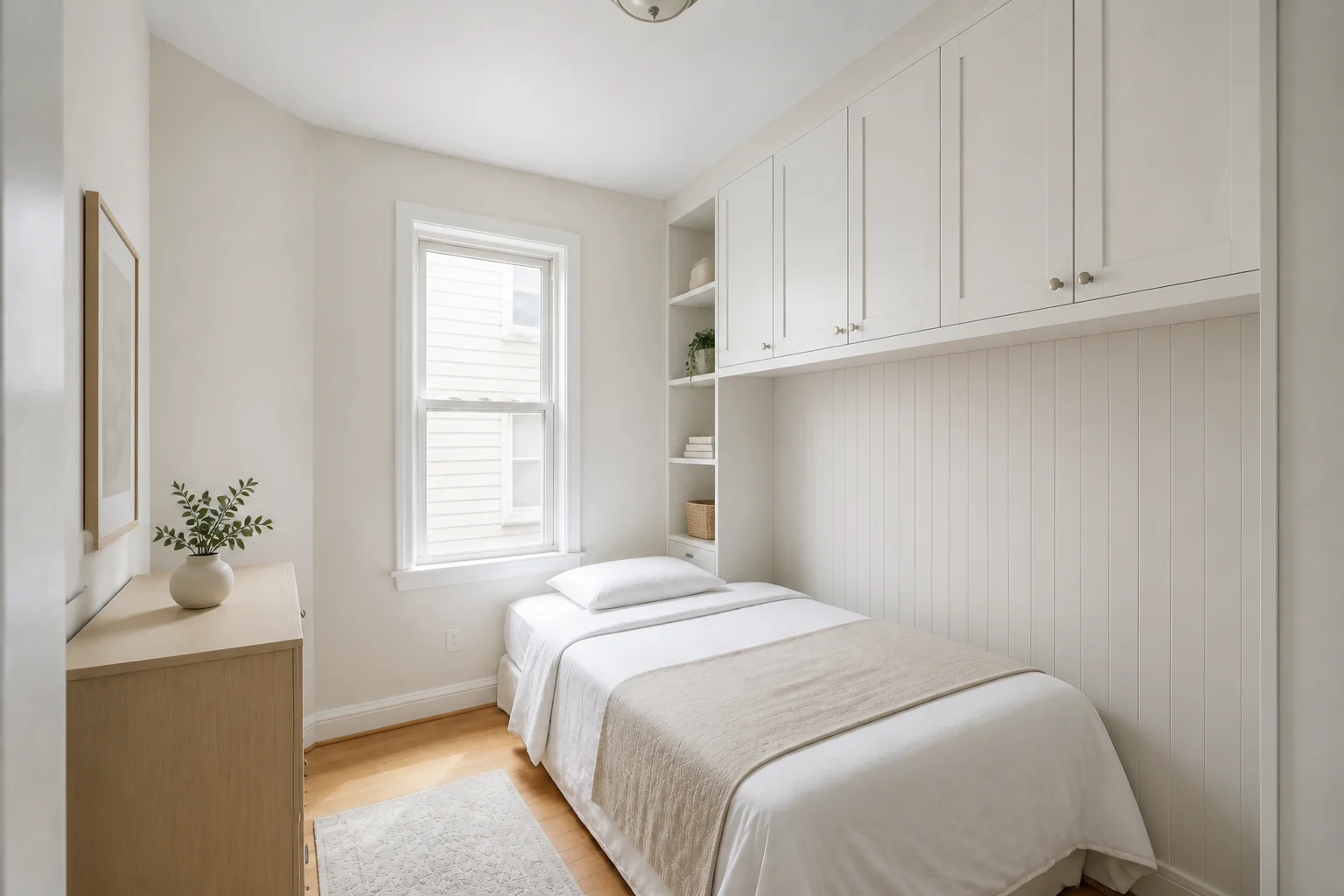 Small spacesSmall rooms punish every decision, which is why they reward testing.
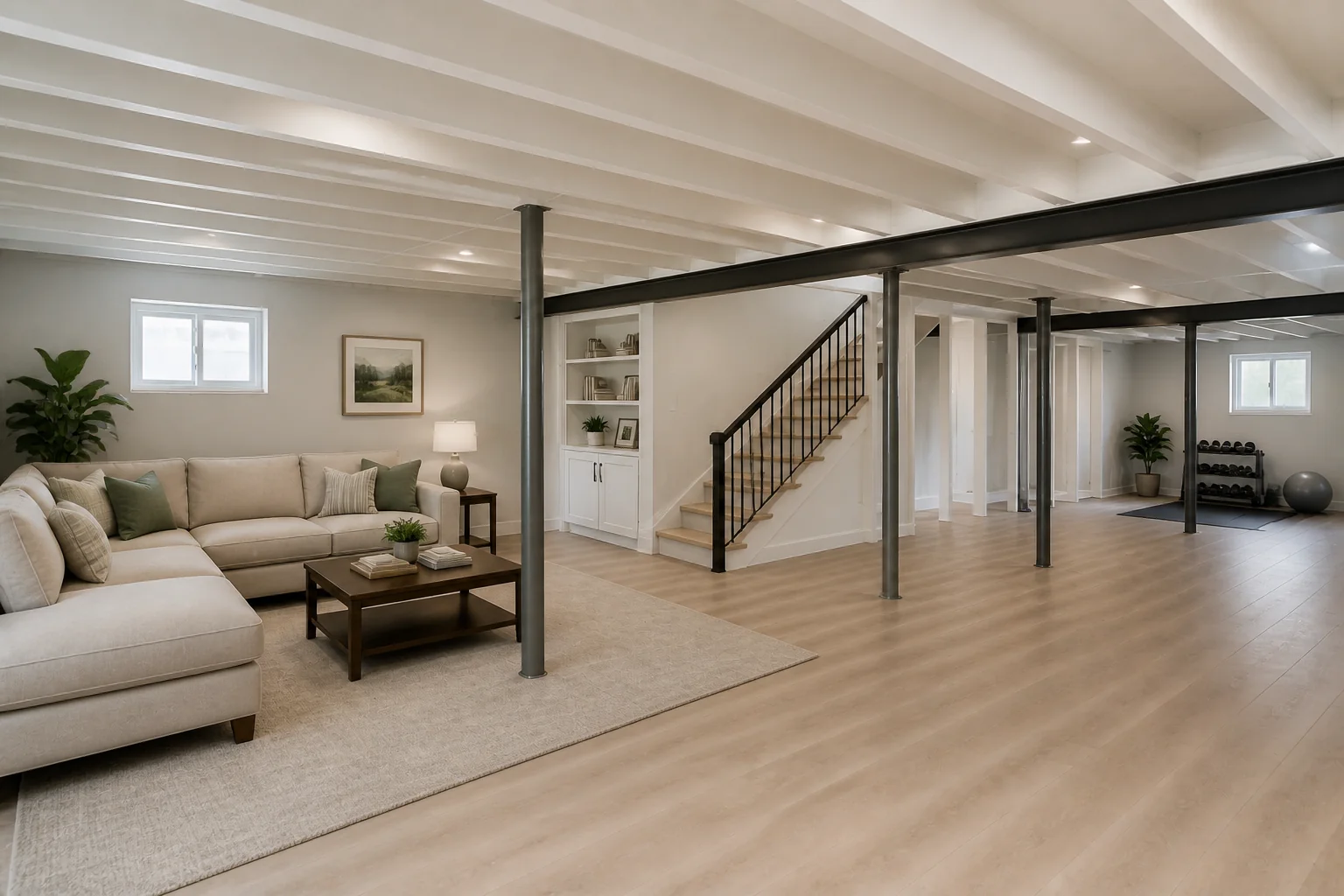 Basements and atticsThe cheapest square footage in the house, if the ceiling and the light work.
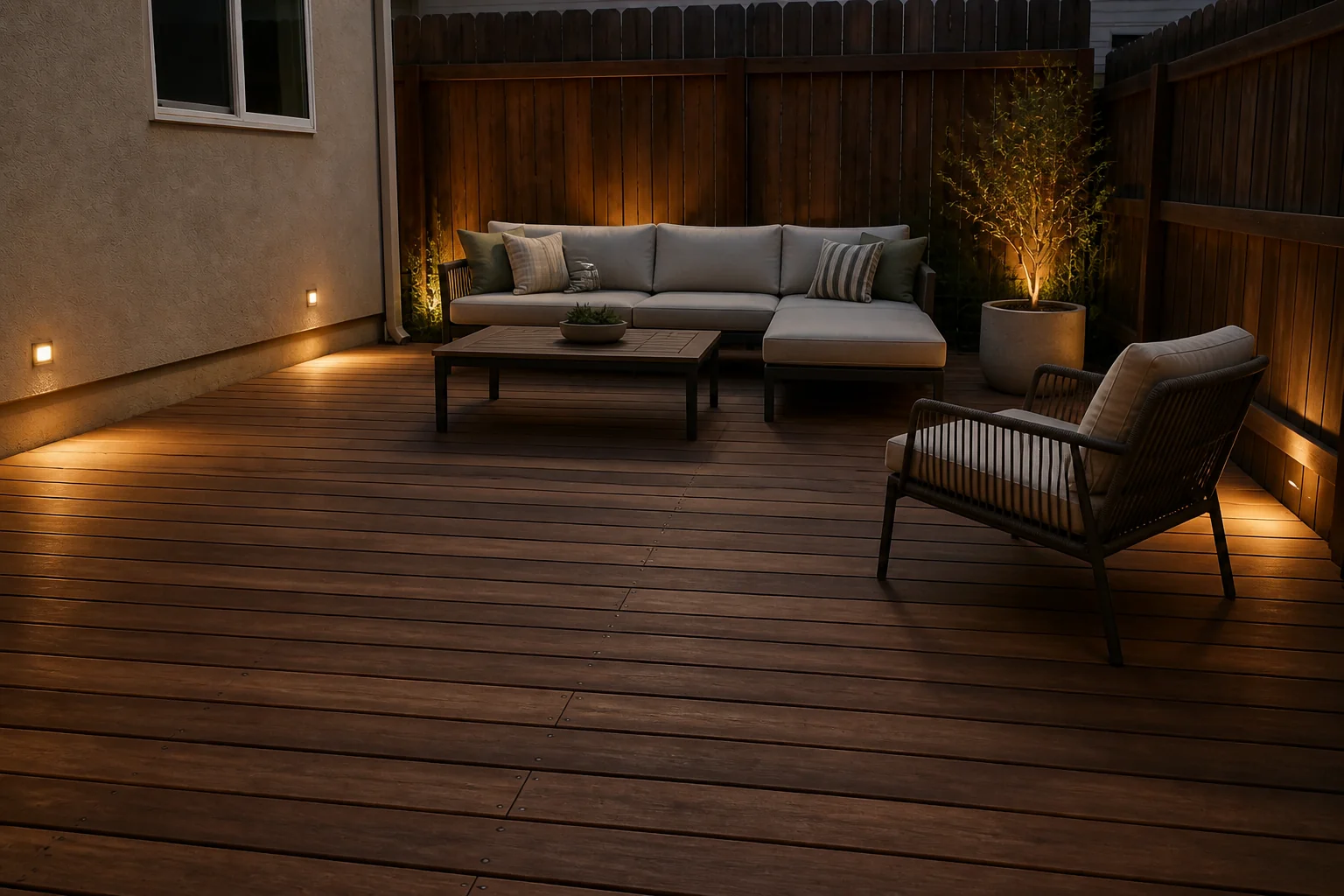 Outdoor projectsOutdoor rooms are sized wrong more often than they are styled wrong.
Pricing
Full breakdown →For one project — a room, a listing, a refit you are pricing.
Pro$30/mo2,500 credits a monthFor a whole house, or a steady flow of listings.
Studio$50/mo5,000 credits a monthFor agencies, stagers and portfolios of properties.
One balance across every tool. 4 free credits on signup.
Questions
- Will it keep my room the way it is?
- Every tool is briefed to work from the room in your photo and to change finishes, fittings and furniture rather than the shell. It is generated imagery, though, so it may not follow a brief exactly — a vent can vanish, an opening can shift. Compare the render against your photo before you rely on it, and run it again if something has moved.
- Can I try it before paying?
- Yes. A new account starts with 4 credits and a Standard run costs 4, so there is a whole remodel in there before any card is involved. After that, plans begin at $15 a month.
- What kind of photo should I take?
- Stand in a corner and get as much of the room in frame as you can, in daylight. Skip the ultra-wide lens — it bends the walls, and straight walls are what everything downstream is working from.
- Can I use these on a listing?
- People do. Most portals and real estate boards require rendered or virtually staged photos to be labelled as such, so check what applies where you are listing.